Direct answer
What is ACE Studio?
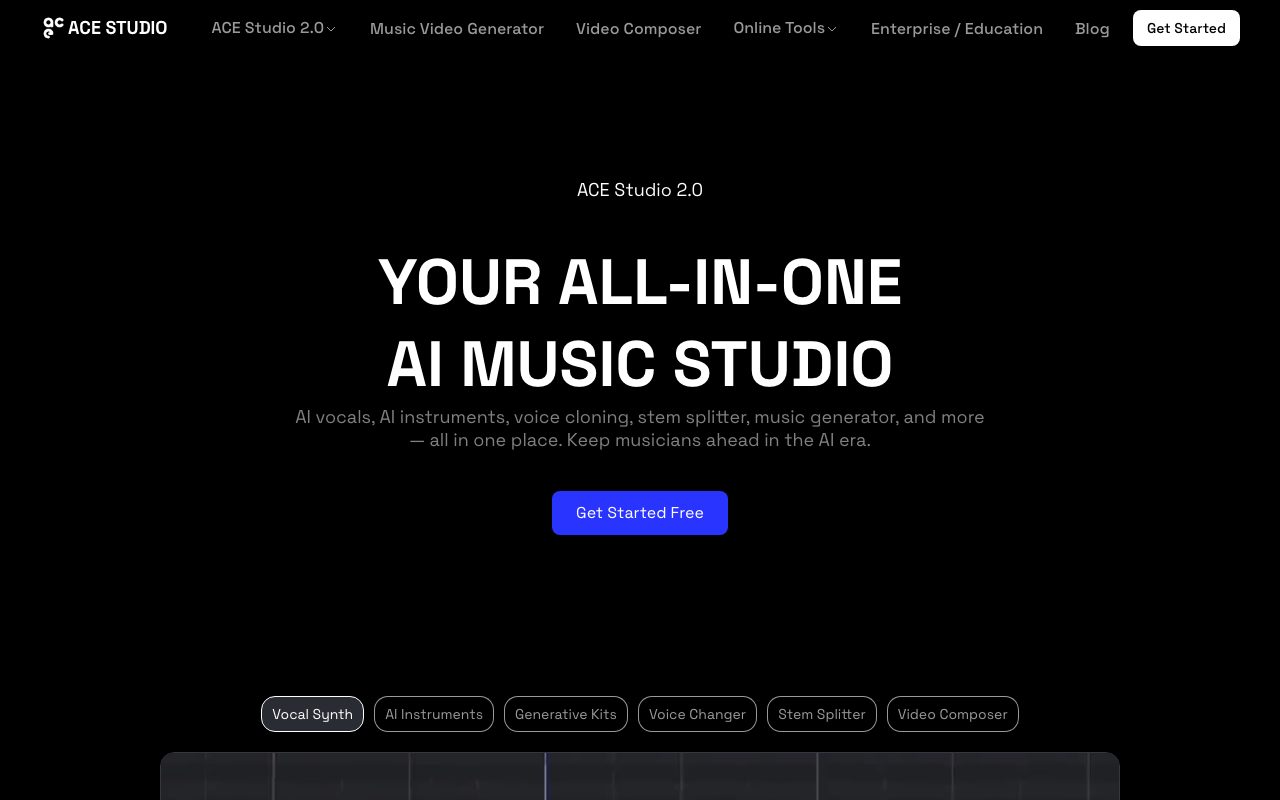
ACE Studio is an AI-powered desktop music workspace designed for music producers. It turns MIDI notes and lyrics into expressive vocal performances and realistic instrument tracks.
ACE Studio is an AI music production workstation focused on expressive execution rather than full-song, text-to-audio generation. Built around MIDI and lyrical input, it allows producers and composers to generate multi-genre singing vocals across more than 140 pre-made royalty-free voices and eight languages. Beyond vocal synthesis, the application features next-generation AI instruments such as natural-playing strings, created in collaboration with the Budapest Art Orchestra. Users can assemble choir arrangements, build custom instrument ensembles on single tracks, clone custom singing voices, and alter existing vocal timbres using a voice changer. For studio workflows, ACE Studio connects directly to digital audio workstations via the ACE Bridge plugin, providing VST3, AU, and AAX compatibility along with ARA tempo and playback synchronization. Additional utilities include an audio stem splitter, vocal-to-MIDI conversion, generative composition kits, and an AI Video Composer that matches music and sound effects to video cuts.
Unlike one-click prompt-to-song generators, ACE Studio gives music producers note-level control over pitch, phrasing, dynamics, and expression using standard MIDI and lyrics directly inside or alongside their DAW.
Product capabilities
Key features
AI Vocal Synthesis
Generates studio-quality singing vocals across multiple genres and timbres from user-supplied MIDI melodies and written lyrics.
ACE Bridge Plugin & ARA Sync
Integrates into existing DAWs using VST3, AU, and AAX formats, featuring ARA link mode for real-time playback and tempo synchronization.
AI Virtual Instruments & Ensembles
Produces natural, auto-expressive instrumental performances, including Budapest Art Orchestra string sections, layered across single tracks.
Voice Cloning & Voice Changer
Allows musicians to train custom singing models from audio recordings and transform vocal recordings into alternative character voices.
Stem Splitter & Audio to MIDI
Extracts stems from mixed audio tracks and converts existing vocal lines into editable MIDI notes and lyrics.
Choir Mode
Enables drag-and-drop assembly of multi-voice arrangements including pop, gospel, opera, and children's choirs.
Video Composer
Analyzes video scenes and timeline cuts to automatically compose matching background music and synchronized sound effects.
Practical fit
Who should use ACE Studio?
Producing Lead and Backing Vocals
Arranging vocal harmonies, choirs, and solo singing lines from scratch using MIDI patterns and custom lyrics without hiring session vocalists.
Expressive Orchestral Mockups
Drafting cinematic string sections and layered acoustic ensemble parts directly in a DAW using MIDI.
Audio-to-MIDI Vocal Replacement
Splitting a guide vocal track, converting it into editable MIDI notes, and re-rendering it with an alternative AI voice model.
Scoring Video Content
Using Video Composer to analyze video scene transitions and place mood-aligned music and sound effects automatically.
Editorial assessment
Pros and limitations
Where it is strong
- Precise note-by-note control over pitch bend, vibrato, phrasing, and timing via MIDI and lyric editors.
- Seamless integration with major DAWs via VST3, AU, AAX, and ARA tempo sync.
- Catalog of over 140 royalty-free pre-made voices and expressive instruments like string sections.
- Rent-to-own subscription structure converts to a permanent desktop license after two years of payments.
Where to be careful
- Requires an active internet connection for core AI rendering and cloud processing.
- Custom voice model slots are limited per tier and temporarily lock if an active subscription lapses before reaching perpetual status.
Commercial context
ACE Studio pricing
At the review date, pricing was available through annual rent-to-own tiers: Artist at $16.58/month ($20.73 without discount, billed yearly) and Artist Pro at $22/month ($27.50 without discount, billed yearly). Subscribing for two years converts to a permanent desktop license. Check the official pricing page for updates.
Pricing, limits, taxes, model access, and regional availability can change. Verify the purchase-critical details on the official pricing page linked under Sources.
Transparent ranking
Why ACE Studio scores 78.8
Each factor is scored on a 100-point scale, then combined using the public ToolsRank weights. Engagement and momentum stay at a neutral baseline until measured signals exist, so no tool can gain or lose position from numbers nobody recorded.
Compatibility
Languages, platforms, and integrations
Languages
- English
Platforms
- Desktop (macOS / Windows via VST3, AU, AAX plugins)
- Web
Integrations & surfaces
- VST3
- AU
- AAX
- ARA
Community
Reviews and questions
No approved member reviews yet. Editorial factors above are the only rating on this page.
Reviews and questions come from Google-signed members and are checked by an editor before they appear.
Frequently asked
ACE Studio FAQ
Can I use vocals and instruments from ACE Studio commercially?+
Yes. Pre-made ACE Studio voices and instruments are royalty-free for commercial projects, including monetization on streaming platforms, video advertising, and games. For custom voice cloning, rights depend on your own recordings.
How does ACE Studio integrate with digital audio workstations?+
ACE Studio connects through the ACE Bridge plugin, compatible with VST3, AU, and AAX formats. It supports ARA link mode to keep playback and tempo synchronized with your DAW timeline.
Can ACE Studio run completely offline?+
No. While some basic project editing functions work offline, AI rendering and generative toolkits operate in the cloud and require an active internet connection.
What is the rent-to-own licensing model?+
Subscribers who maintain their plan for two consecutive years receive a perpetual license to the desktop software without additional license fees. Note that generative cloud credits only refresh while a membership is active.
Is user audio data private and protected?+
According to the vendor, audio files, lyrics, and custom vocal models are encrypted and private. The vendor states that user data is never shared, sold, or used to train unrelated models.