
Direct answer
What is Beautiful.ai?
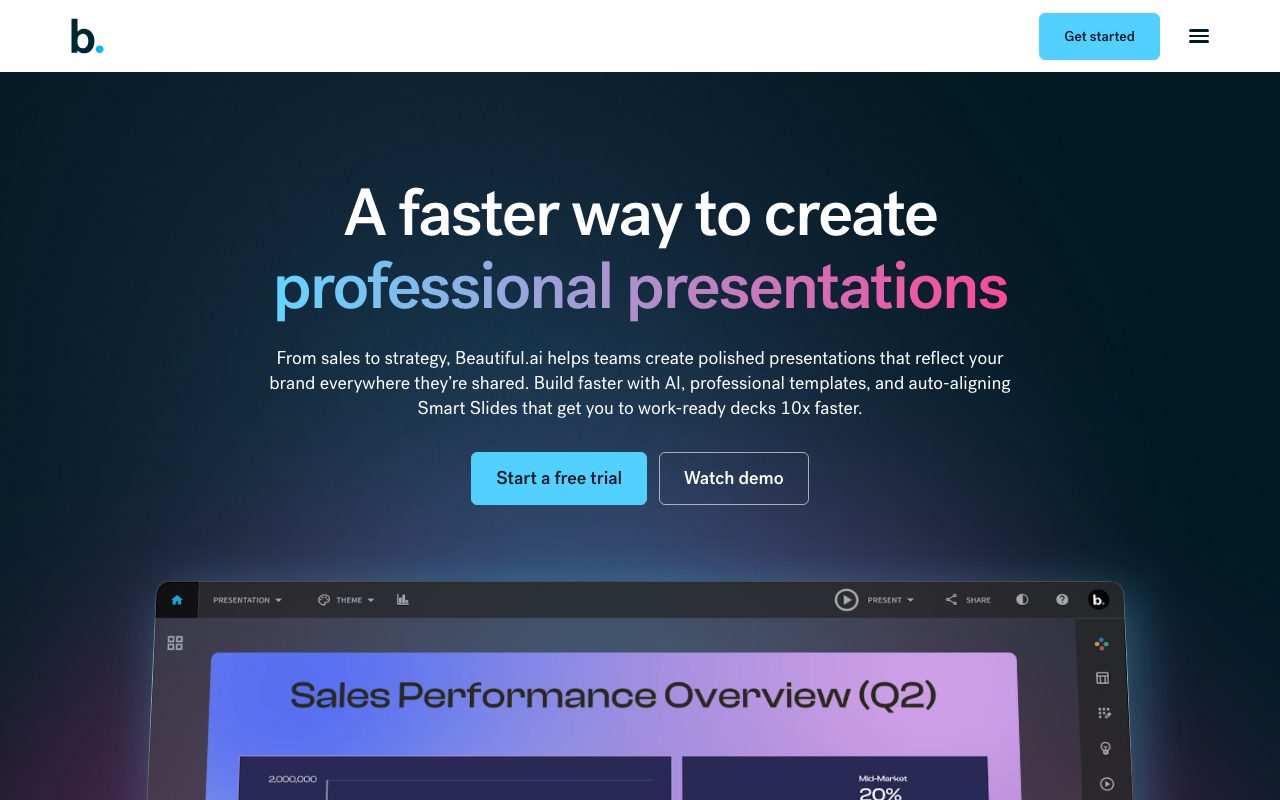
Beautiful.ai enforces design rules through smart slide templates that rearrange themselves as you add content, and its DesignerBot generates full decks from prompts.
The product's core idea predates generative AI: templates that keep spacing, alignment, and hierarchy correct automatically. AI now drafts complete presentations, suggests slides, and generates images, while team features provide shared themes, brand controls, and analytics, with export to PowerPoint.
Design-rule enforcement that keeps decks professional regardless of who edits them, with AI drafting on top.
Product capabilities
Key features
Smart templates
Slides auto-adjust layout as content changes.
DesignerBot
Generate decks and slides from prompts.
Team branding
Shared themes, libraries, and controls.
Export
PowerPoint and PDF export for compatibility.
Practical fit
Who should use Beautiful.ai?
Client proposals
Produce polished decks fast.
Sales enablement
Keep team presentations on brand.
Executive updates
Clean data slides without fiddling.
Editorial assessment
Pros and limitations
Where it is strong
- Consistently professional design
- Team controls
- PowerPoint export
- AI drafting
Where to be careful
- No free plan
- Constrained layouts
- Per-user cost
Commercial context
Beautiful.ai pricing
Beautiful.ai offers a free trial and Pro, Team, and Enterprise plans priced per user at the review date. Confirm current prices on the official pricing page.
Pricing, limits, taxes, model access, and regional availability can change. Verify the purchase-critical details on the official pricing page linked under Sources.
Transparent ranking
Why Beautiful.ai scores 71.7
Each factor is scored on a 100-point scale, then combined using the public ToolsRank weights. Engagement and momentum stay at a neutral baseline until measured signals exist, so no tool can gain or lose position from numbers nobody recorded.
Compatibility
Languages, platforms, and integrations
Languages
- Multilingual generation
Platforms
- Web
Integrations & surfaces
- PowerPoint export
- Slack
- Dropbox
- Google Drive
Community
Reviews and questions
No approved member reviews yet. Editorial factors above are the only rating on this page.
Reviews and questions come from Google-signed members and are checked by an editor before they appear.
Frequently asked
Beautiful.ai FAQ
What is Beautiful.ai best for?+
Beautiful.ai is best for business teams that want polished, on-brand decks with automatic layout rules and AI drafting.
Is Beautiful.ai free?+
No permanent free plan; a trial and paid per-user plans are available at the review date. Check the official pricing page.
How does ToolsRank score Beautiful.ai?+
ToolsRank combines editorial quality, practical utility, trust and transparency, freshness, engagement quality, and momentum. Paid placement never changes the organic score.