
Direct answer
What is Brisk Teaching?
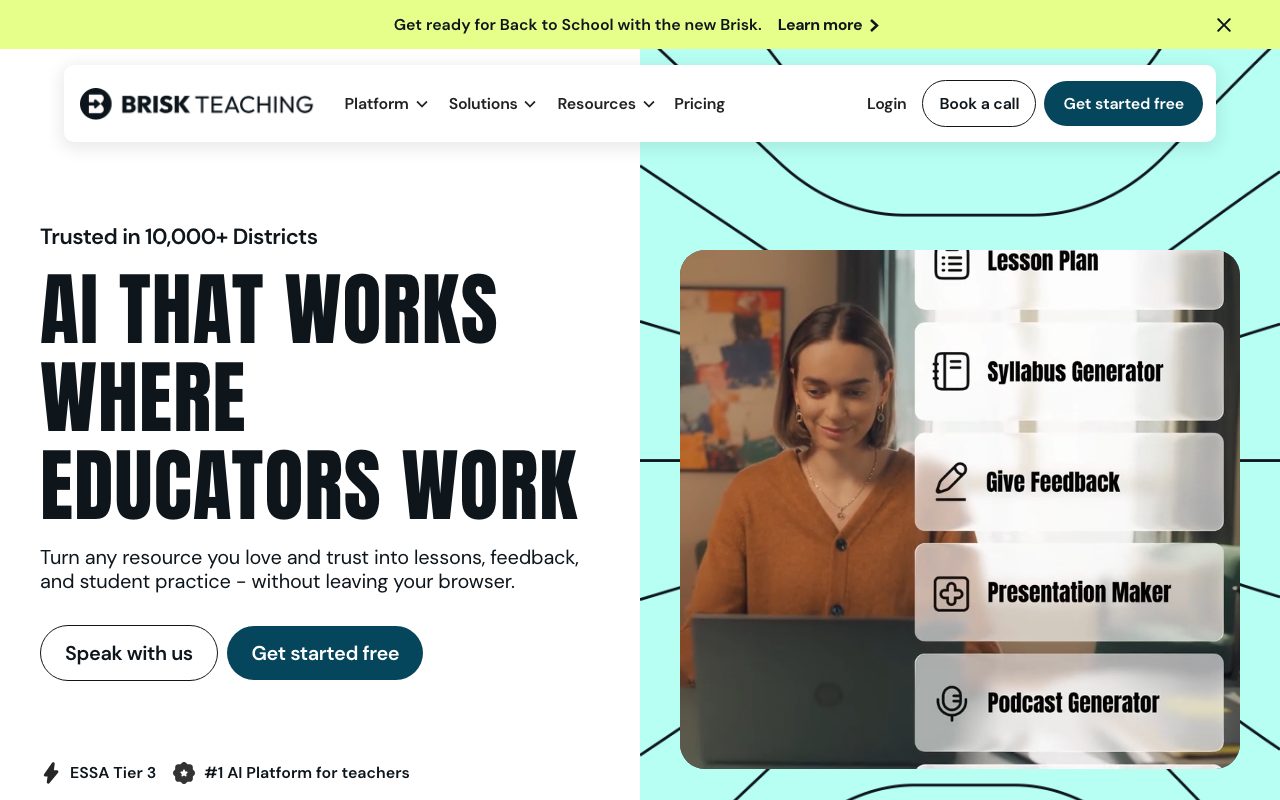
Brisk Teaching is an education-focused AI browser extension that embeds lesson planning, differentiated reading levels, automated writing inspection, and student feedback directly into Google Docs, Slides, and web browsers.
Brisk Teaching functions as an embedded AI layer directly within Chrome and Microsoft Edge browsers. Designed specifically for educational environments, it allows teachers to generate classroom content, differentiate existing texts across reading levels, inspect student writing processes, and offer feedback without leaving their everyday tools such as Google Docs, Google Slides, YouTube, or learning management systems. Beyond basic teacher assistance, the platform includes specialized tools like 'Glow & Grow' feedback, rubric-aligned grading, inquiry worksheet generation, and Google Slides presentation creation. For student engagement, Brisk Boost provides teacher-guided interactive activities and writing support with administrative controls over school-hour usage. For institutional adoption, Brisk provides administrative dashboards, custom data privacy agreements (DPAs), and curriculum alignment features via its Intelligence tier, mapping AI outputs to district pacing, standards, and scope-and-sequence documents.
Unlike standalone chatbots that require copying and pasting text into external tabs, Brisk operates directly on top of web pages, Google Workspace documents, and LMS platforms via a browser extension, integrating educational pedagogical templates and writing revision inspection alongside K-12 privacy certifications.
Product capabilities
Key features
Embedded Browser Extension
Operates directly inside Google Docs, Google Slides, web pages, YouTube, and learning management systems like Canvas and Schoology.
Instructional Content Generation
Produces lesson plans, quizzes, presentation decks, rubrics, and inquiry worksheets using pedagogical prompts.
Reading Level Adaptation & Translation
Adjusts reading levels and translates web articles, documents, and classroom resources across more than 50 languages.
Writing Inspection & Revision History
Analyzes student writing submissions for structural integrity, depth of thought, originality, and step-by-step revision history.
Targeted & Batch Feedback
Provides rubric-aligned criteria feedback, 'Glow & Grow' recommendations, and batch feedback summaries across class sets.
Brisk Boost for Students
Facilitates teacher-guided student activities, interactive comprehension checks, and instant writing feedback with admin-controlled access windows.
Curriculum Intelligence
Aligns AI generations to adopted district curricula, pacing guides, state standards, and local pedagogical priorities.
Practical fit
Who should use Brisk Teaching?
Differentiating Classroom Reading Materials
Teachers can open any online article or document and adjust its reading level or translate it into 50+ languages for ELL or differentiated reading groups.
Streamlining Student Essay Feedback
Educators evaluate student writing in Google Docs to deliver targeted 'Glow & Grow' comments aligned with specific rubric criteria.
Verifying Student Writing Authenticity
Teachers inspect document edit history and revision behaviors to evaluate how a student constructed and revised their text.
Building Standards-Aligned Lesson Materials
Curriculum teams and teachers generate inquiry worksheets, slide decks, and quiz assessments directly from web articles or YouTube videos.
Editorial assessment
Pros and limitations
Where it is strong
- Operates directly on top of web pages, Google Docs, and Slides without requiring tool-switching.
- Comprehensive privacy controls, including FERPA and COPPA compliance and a 95% Common Sense Privacy rating.
- Student and teacher data are explicitly excluded from model training and fine-tuning.
- Offers a fully functional free tier for individual classroom teachers.
Where to be careful
- District-level features like advanced curriculum alignment and admin dashboards require custom quote-based purchasing.
- Depends primarily on Chrome or Microsoft Edge browser extension environments.
- Requires active teacher oversight to check and evaluate AI outputs for hallucinations.
Commercial context
Brisk Teaching pricing
At the review date in September 2026, individual educators can install Brisk for free ($0). School and district deployments (Premium and Intelligence) use custom per-student pricing models with optional consortium rates; readers should check the official pricing page or contact sales for current quotes.
Pricing, limits, taxes, model access, and regional availability can change. Verify the purchase-critical details on the official pricing page linked under Sources.
Transparent ranking
Why Brisk Teaching scores 73
Each factor is scored on a 100-point scale, then combined using the public ToolsRank weights. Engagement and momentum stay at a neutral baseline until measured signals exist, so no tool can gain or lose position from numbers nobody recorded.
Compatibility
Languages, platforms, and integrations
Languages
- English
- Spanish
- French
- Korean
- Arabic
- Italian
Integrations & surfaces
- Google Docs
- Google Slides
- Google Classroom
- Canvas
- Schoology
- Microsoft Edge
- Google Chrome
- YouTube
Community
Reviews and questions
No approved member reviews yet. Editorial factors above are the only rating on this page.
Reviews and questions come from Google-signed members and are checked by an editor before they appear.
Frequently asked
Brisk Teaching FAQ
Is Brisk Teaching free for individual teachers?+
Yes. Brisk provides a free plan for teachers that includes core browser extension capabilities, 20+ teaching tools, feedback generators, and basic content adaptation.
Does Brisk use student or teacher inputs to train AI models?+
No. According to Brisk's privacy documentation, student and teacher inputs are never used to train, fine-tune, or improve underlying AI models.
How does district pricing work?+
District and school plans (Premium and Intelligence) are priced on a per-student allocation model rather than per-teacher seats, providing unlimited teacher access across participating buildings.
Which browsers and platforms support Brisk?+
Brisk functions as an extension on Google Chrome and Microsoft Edge, working over Google Docs, Google Slides, YouTube, Canvas, Schoology, PDFs, and standard web pages.
What is Brisk Boost?+
Brisk Boost is a student-facing experience that offers safe, teacher-guided AI activities, comprehension checks, vocabulary lists, and instant writing coaching with administrative time controls.