Direct answer
What is Buffer?
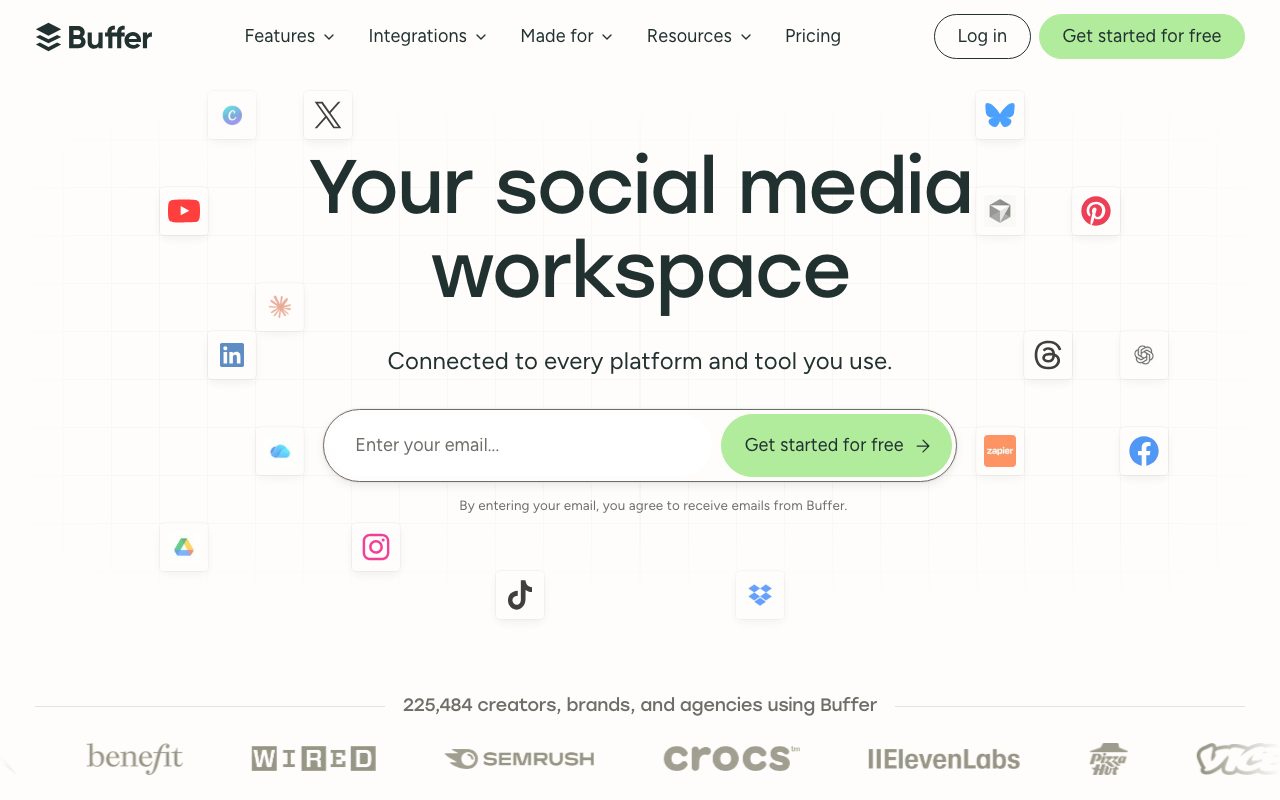
Buffer schedules posts to major social networks and includes an AI assistant that drafts, rephrases, and adapts content for each platform.
Buffer remains a straightforward scheduler with a content calendar, engagement inbox, and analytics. Its AI assistant generates post ideas, rewrites for tone and length, and repurposes one idea into platform-specific variants. The free plan makes it a common starting point for creators and small teams.
A simple, trusted scheduler where AI drafting is a helper inside the publishing workflow rather than a separate content factory.
Product capabilities
Key features
AI assistant
Draft, rephrase, and adapt posts for each network.
Scheduling and calendar
Plan and queue posts across channels.
Engagement inbox
Reply to comments from one place on eligible plans.
Analytics
Track performance and best posting times.
Practical fit
Who should use Buffer?
Weekly content batch
Draft and schedule a week of posts in one sitting.
Repurposing
Turn a blog post into variants for each channel.
Small agency
Manage several client accounts with approvals.
Editorial assessment
Pros and limitations
Where it is strong
- Free plan
- Simple, reliable scheduling
- Helpful AI rewriting
- Broad channel support
Where to be careful
- Limited listening features
- Analytics lighter than enterprise suites
- AI ideas need brand editing
Commercial context
Buffer pricing
A free plan covers a few channels with limited scheduling; Essentials, Team, and Agency plans add channels, analytics, and collaboration at the review date. Verify current limits on the official pricing page.
Pricing, limits, taxes, model access, and regional availability can change. Verify the purchase-critical details on the official pricing page linked under Sources.
Transparent ranking
Why Buffer scores 73.4
Each factor is scored on a 100-point scale, then combined using the public ToolsRank weights. Engagement and momentum stay at a neutral baseline until measured signals exist, so no tool can gain or lose position from numbers nobody recorded.
Compatibility
Languages, platforms, and integrations
Languages
- Multilingual drafting
Platforms
- Web
- iOS
- Android
- Browser extension
Integrations & surfaces
- X
- TikTok
- YouTube
- Threads
- Bluesky
- Canva
Community
Reviews and questions
No approved member reviews yet. Editorial factors above are the only rating on this page.
Reviews and questions come from Google-signed members and are checked by an editor before they appear.
Frequently asked
Buffer FAQ
What is Buffer best for?+
Buffer is best for creators and small teams that want dependable scheduling across networks with an AI assistant for drafting and repurposing.
Is Buffer free?+
A free plan covers limited channels and scheduling; paid plans add more at the review date. Check the official pricing page for current limits.
How does ToolsRank score Buffer?+
ToolsRank combines editorial quality, practical utility, trust and transparency, freshness, engagement quality, and momentum. Paid placement never changes the organic score.