
Direct answer
What is Claude Code?
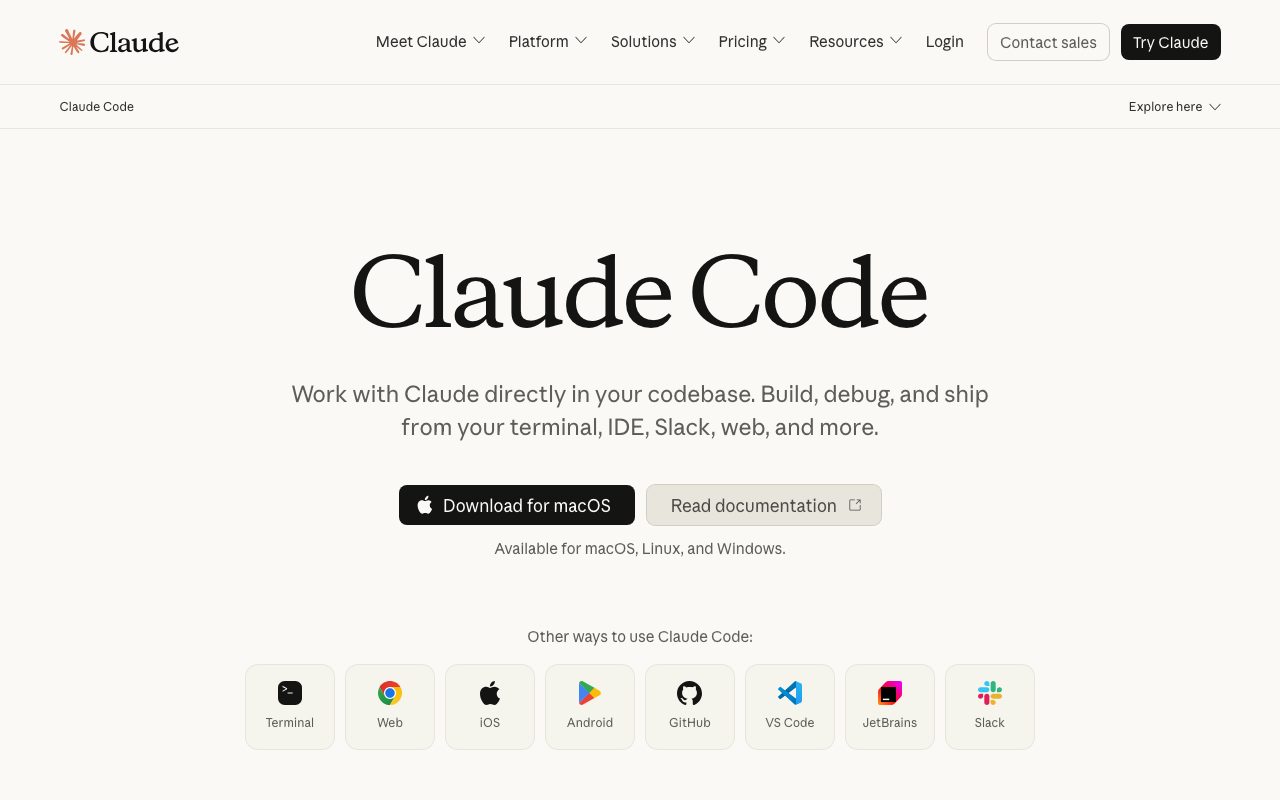
Claude Code reads a codebase, plans changes, edits files, runs tests and commands, and manages git, with hooks, subagents, and MCP integrations for team workflows.
Claude Code operates as an agent on your machine or in the cloud: it explores repositories, proposes plans, makes multi-file edits, runs builds and tests, and opens pull requests. Teams customise it with project instructions, skills, hooks, and Model Context Protocol servers, and the SDK lets developers build their own agents on the same harness.
A terminal-first agent with deep customisation for teams, including hooks, subagents, skills, and MCP, backed by Anthropic's models.
Product capabilities
Key features
Agentic edits
Plan and implement changes across many files, run tests, and commit.
Customisation
Project instructions, skills, hooks, and subagents.
MCP integrations
Connect to tools and data via the Model Context Protocol.
IDE, desktop, and web
Use from the terminal, editors, a desktop app, or the browser.
Practical fit
Who should use Claude Code?
Feature implementation
Turn a spec into a working, tested change.
Refactors and migrations
Apply consistent changes across large codebases.
Automation
Script agent runs in CI or from the SDK.
Editorial assessment
Pros and limitations
Where it is strong
- Strong multi-step reasoning
- Deep team customisation
- Runs where developers work
- SDK for custom agents
Where to be careful
- Usage limits on subscriptions
- Requires review discipline for autonomous changes
- Learning curve for advanced configuration
Commercial context
Claude Code pricing
Claude Code is included with Claude Pro and Max subscriptions and Team and Enterprise plans at the review date, and can also run on pay-as-you-go API usage. Verify current terms on the official pricing page.
Pricing, limits, taxes, model access, and regional availability can change. Verify the purchase-critical details on the official pricing page linked under Sources.
Transparent ranking
Why Claude Code scores 81.3
Each factor is scored on a 100-point scale, then combined using the public ToolsRank weights. Engagement and momentum stay at a neutral baseline until measured signals exist, so no tool can gain or lose position from numbers nobody recorded.
Compatibility
Languages, platforms, and integrations
Languages
- Most programming languages
Platforms
- macOS
- Linux
- Windows
- VS Code
- JetBrains
- Web
- Desktop app
Integrations & surfaces
- GitHub
- GitLab
- VS Code
- JetBrains
- Slack
- MCP servers
- CI systems
Community
Reviews and questions
No approved member reviews yet. Editorial factors above are the only rating on this page.
Reviews and questions come from Google-signed members and are checked by an editor before they appear.
Frequently asked
Claude Code FAQ
What is Claude Code best for?+
Claude Code is best for engineers who want an agent to plan and execute multi-step changes across a codebase with strong customisation for team workflows.
Is Claude Code free?+
Claude Code is included with Claude Pro, Max, Team, and Enterprise plans or billed via API usage at the review date; check the official pricing page for current terms.
How does ToolsRank score Claude Code?+
ToolsRank combines editorial quality, practical utility, trust and transparency, freshness, engagement quality, and momentum. Paid placement never changes the organic score.


