
Direct answer
What is Diffit?
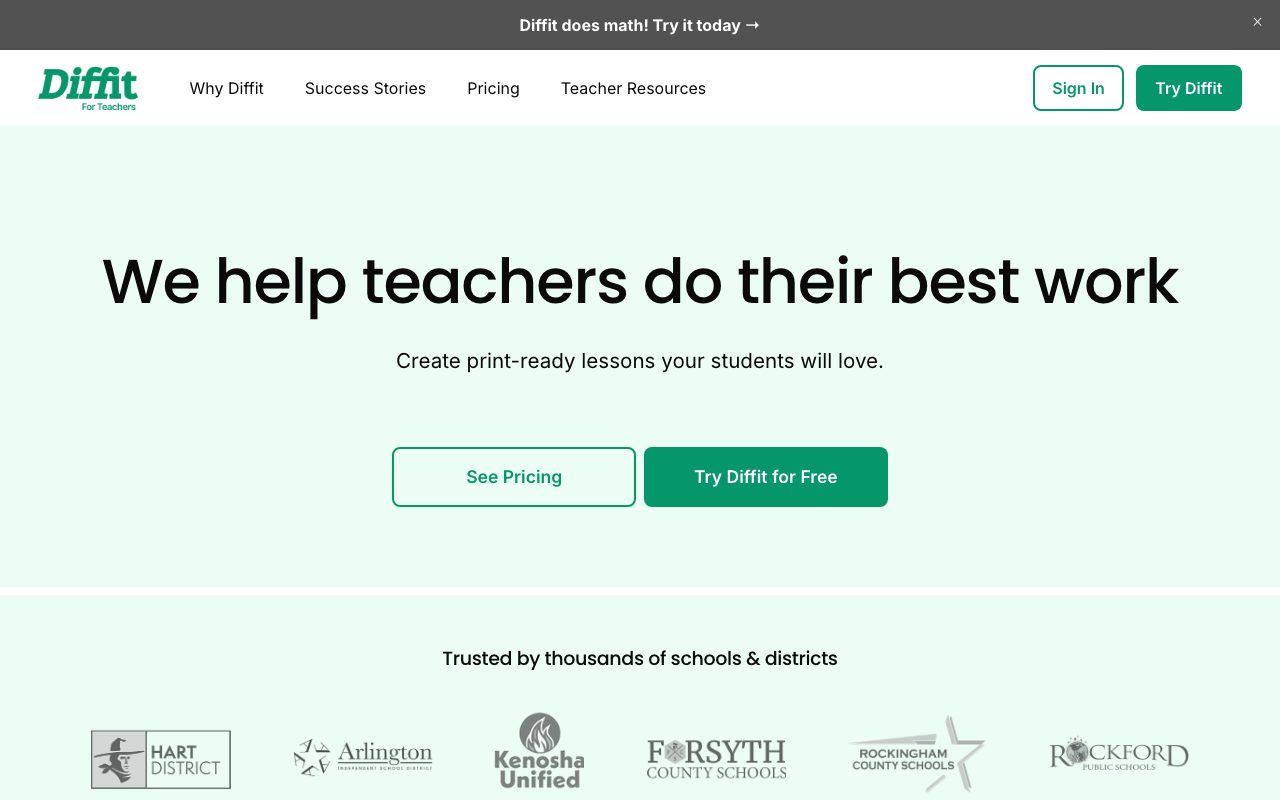
Diffit helps educators adapt reading materials, generate scaffolded activities, and create standards-aligned lesson resources across multiple reading levels and languages.
Diffit is an instructional planning and content differentiation platform created for classroom educators. Teachers can begin with any topic, paste raw text, or reference existing materials, and Diffit generates leveled readings, vocabulary lists, comprehension checks, open-ended questions, and graphic organizers aligned with specified grade levels and educational standards. The tool is designed around Multi-Tiered System of Supports (MTSS) and universal design principles, enabling teachers to scaffold or extend assignments for diverse learners, including multilingual students and students receiving special education services. Output content can be adjusted directly within the web editor and exported into classroom formats like Google Docs, Google Slides, Google Forms, Google Classroom, and Microsoft 365, or printed directly. From a data governance standpoint, Diffit adheres to FERPA and COPPA standards and does not collect any student data. The service operates on teacher logins using standard encryption and authentication protocols.
Diffit focuses strictly on classroom differentiation and teacher workflows, generating ready-to-print or LMS-exportable student materials leveled by grade and MTSS tier without collecting student data.
Product capabilities
Key features
Instructional Scaffolding & Tiering
Adapts materials and reading levels to match specific MTSS tiers, Depth of Knowledge (DOK) levels, and student readiness.
Flexible Material Generation
Generates student-ready activities, station rotation packs, intervention worksheets, substitute plans, and presentation slides from prompts or existing texts.
Multilingual Support
Translates and scaffolds texts to support English language learners (ELL/MLL) across multiple subjects.
Direct LMS and Office Exports
Exports generated resources directly to Google Docs, Google Slides, Google Forms, Google Classroom, and Microsoft 365 formats.
In-Browser Content Editor
Allows teachers to modify texts, adjust question rigor, and rearrange graphic organizers prior to printing or distribution.
Print-Ready Layouts
Formats reading passages and companion questions into printer-friendly PDFs and handouts.
Workflow
How Diffit works
- Input a topic, URL, standard, or raw text into Diffit.
- Select the target grade level, language, scaffolds, and MTSS tier.
- Review generated passages, vocabulary lists, and assessment questions.
- Edit content directly in the browser editor.
- Export to Google Docs, Slides, Forms, Classroom, Microsoft 365, or print to PDF.
Practical fit
Who should use Diffit?
Reading Level Adaptation
Adjusting complex articles and informational passages so mixed-readiness classrooms can access the same core curriculum concepts.
ELL and Multilingual Scaffolding
Creating translated summaries, bilingual vocabulary guides, and structured discussion prompts for language learners.
Intervention and Station Rotation Planning
Building targeted worksheets, graphic organizers, and sub plans for small-group intervention sessions.
Editorial assessment
Pros and limitations
Where it is strong
- Zero student data collection, ensuring FERPA and COPPA compliance
- Direct export to common classroom software including Google Workspace and Microsoft 365
- Substantial free tier for individual classroom teachers
- Intuitive controls for adjusting grade levels, MTSS tiers, and DOK depth
Where to be careful
- Free plan limits resource history retention to the last 90 days
- School-wide standards alignment and graphic organizer libraries require a paid license
- Specific school pricing figures are not displayed publicly without registration or inquiry
Commercial context
Diffit pricing
As of September 2026, Diffit provides a free Basic tier alongside flat-rate annual site licenses for schools and districts tiered by student enrollment. Individual teacher upgrades and custom district pricing require contacting sales or logging into the school pricing portal.
| Plan | Price | What it includes |
|---|---|---|
| Basic | Free / ongoing free tier access with 90-day history retention limit | |
| Diffit for Schools | Custom annual flat rate tiered by enrollment / annual subscription based on school size |
Pricing, limits, taxes, model access, and regional availability can change. Verify the purchase-critical details on the official pricing page linked under Sources.
Transparent ranking
Why Diffit scores 76.1
Each factor is scored on a 100-point scale, then combined using the public ToolsRank weights. Engagement and momentum stay at a neutral baseline until measured signals exist, so no tool can gain or lose position from numbers nobody recorded.
Compatibility
Languages, platforms, and integrations
Languages
- English
Platforms
- Web
Integrations & surfaces
- Google Docs
- Google Slides
- Google Forms
- Google Classroom
- Microsoft 365
Community
Reviews and questions
No approved member reviews yet. Editorial factors above are the only rating on this page.
Reviews and questions come from Google-signed members and are checked by an editor before they appear.
Frequently asked
Diffit FAQ
Does Diffit collect student personal data?+
No. Diffit does not collect any student data. The platform only collects teacher account information such as name, email, and IP address for operational and security purposes, and complies with FERPA and COPPA regulations.
What is included in the free Basic plan?+
The Basic free plan allows teachers to generate classroom-ready content, edit resources, download PDFs, print handouts, and access content created within the previous 90 days.
What features are exclusive to the Diffit for Schools plan?+
The school plan adds full exports to Google Workspace and Microsoft formats, standards and MTSS alignment tools, permanent access to all historical resources, an expanded graphic organizer library, an administrative dashboard, and professional development support.
How can teachers try the premium features?+
Teachers who register an account receive automatic access to all premium features for a temporary trial period.