
Direct answer
What is Figma Make?
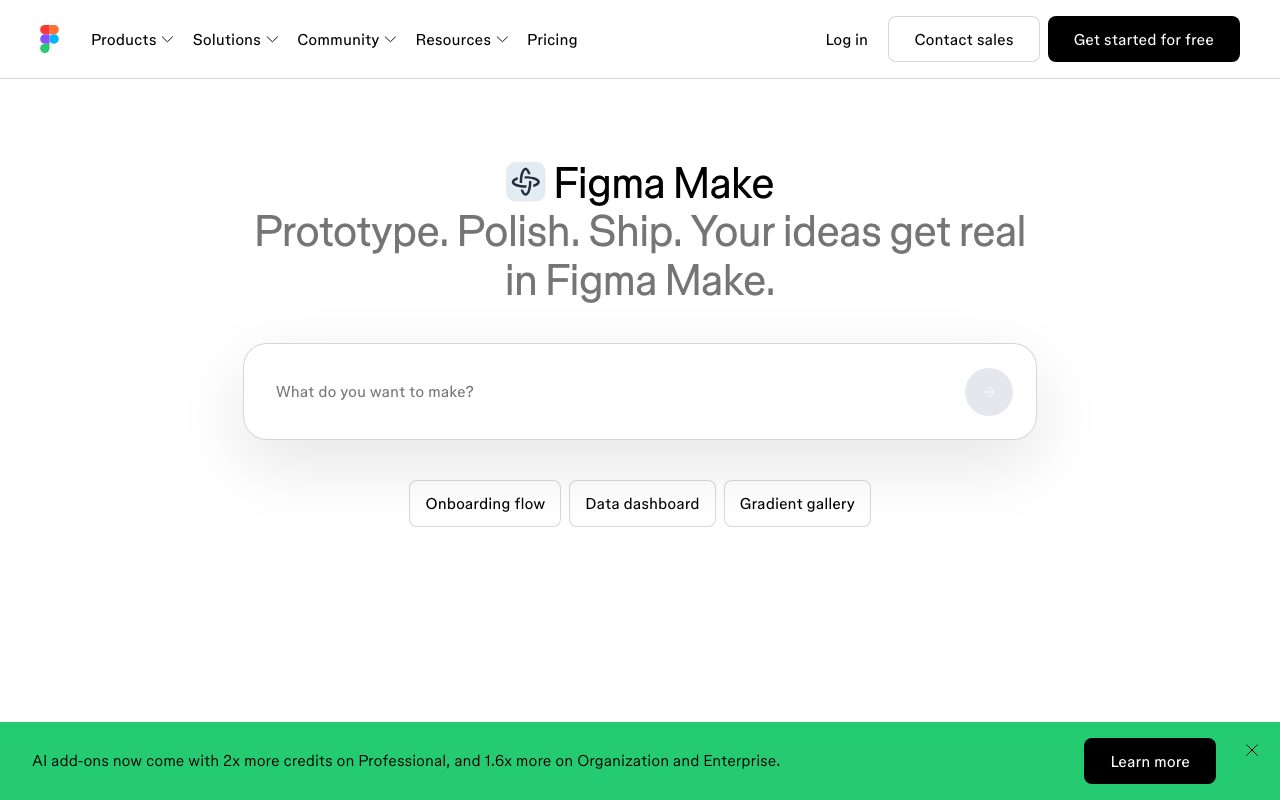
Figma Make is a prompt-to-code tool within Figma that generates functional, code-backed prototypes and web apps using existing design context, libraries, and Model Context Protocol integrations.
Figma Make turns prompts, sketches, and design assets into interactive, code-backed applications and prototypes. Unlike traditional screen mockup generators, Make builds functional prototypes that run real code, while remaining visually editable and directly linked to Figma design context. The system incorporates existing design systems via Make kits and npm packages, allowing users to import component styling, library variables, and design tokens directly into generated applications. Users can attach Figma frames, PDFs, images, videos, audio, and documents to prompts to give the AI accurate visual and technical context. With Plan mode, users can structure and clarify intent before code generation begins, reducing iterative guessing. Figma Make includes interactive point-and-edit capabilities in the preview, voice-to-text prompting, multi-element annotations, and comment threads for team review. Teams can connect external tools like PRDs and issue trackers using Model Context Protocol (MCP) connectors, or integrate Supabase for backend needs such as authentication, data storage, and private API connections. Generated prototypes can also be copied directly back to the Figma Design canvas as editable design layers or published as web apps.
Figma Make generates code-backed, functional applications grounded directly in your Figma canvas context, design system libraries, and npm packages, allowing two-way transfer between design layers and code.
Product capabilities
Key features
Prompt to Code and Canvas
Generates functional prototypes and web apps from text prompts and design attachments, with the ability to copy results back to the canvas as editable design layers.
Make Kits and npm Sync
Syncs library styles, design guidelines, and npm packages directly with Make to generate prototypes consistent with team design systems.
Plan Mode
Lets users clarify intent and establish a structured, editable implementation plan before AI generation begins.
MCP Connectors
Connects external tools via Model Context Protocol to incorporate documentation, tasks, PRDs, and external context into prompts.
Point and Edit
Allows visual editing of prototype previews by clicking elements to restyle, swap, or prompt targeted changes directly.
Backend Support with Supabase
Integrates with Supabase to add user authentication, persist user data, and connect private APIs directly within prototypes.
Make on Local Codebase (Beta)
An upcoming visual software editing capability that allows building in any local codebase and shipping localized assets directly to production.
Make Mobile
Enables previewing, testing native interactions, and responding to comments on Make prototypes directly from a mobile device.
Practical fit
Who should use Figma Make?
High-Fidelity Product Prototyping
Create interactive prototypes running real code and backend logic to test complex user flows before full engineering implementation.
Design System-Grounded App Scaffolding
Generate application screens that strictly adhere to synced brand guidelines, tokens, and npm components from existing Figma libraries.
Design-to-Code Iteration
Draft code-backed interfaces, tweak visual layers on the canvas, and use point-and-edit controls to refine features collaboratively.
Editorial assessment
Pros and limitations
Where it is strong
- Native grounding in Figma design context, styles, and team component libraries
- Generates functional, code-backed web apps rather than just static image mockups
- Allows two-way workflows by copying generated elements back as canvas design layers
- Model Context Protocol (MCP) connectivity to external docs and tracking tools
- Native Supabase integration for backend authentication and storage
Where to be careful
- Requires access to Figma plan seats and shared platform AI credit quotas
- Local codebase editing and export features remain in beta or upcoming status
- Cannot be purchased as a standalone application outside the Figma environment
Commercial context
Figma Make pricing
At the review date (September 2026), Figma Make access is tied to Figma's plans and shared AI credits. The free Starter tier provides 150 AI credits/day up to 500 credits/month. Paid Full seats start at $16/month on Professional ($55/month on Organization, $90/month on Enterprise billed annually) and include higher monthly AI credit pools. Standalone subscriptions are not offered; check figma.com/pricing for current seat rules.
Pricing, limits, taxes, model access, and regional availability can change. Verify the purchase-critical details on the official pricing page linked under Sources.
Transparent ranking
Why Figma Make scores 75.6
Each factor is scored on a 100-point scale, then combined using the public ToolsRank weights. Engagement and momentum stay at a neutral baseline until measured signals exist, so no tool can gain or lose position from numbers nobody recorded.
Compatibility
Languages, platforms, and integrations
Languages
- English
Integrations & surfaces
- Supabase
- Slack
- Notion
- Jira
- Google Workspace
- npm
- VS Code
Community
Reviews and questions
No approved member reviews yet. Editorial factors above are the only rating on this page.
Reviews and questions come from Google-signed members and are checked by an editor before they appear.
Frequently asked
Figma Make FAQ
What is Figma Make?+
Figma Make is a prompt-to-code creation tool inside the Figma platform. It lets teams generate interactive prototypes and functional web applications using prompts, attached design context, and design system libraries.
Can I convert Figma Make outputs back into Figma Design?+
Yes. Figma Make includes a 'Copy as design layers' feature, allowing you to turn the preview into editable design layers that can be pasted directly onto your Figma Design canvas.
Can Figma Make connect to backend databases or authentication?+
Yes. Figma Make supports backend connections to Supabase, enabling user authentication, data storage, and integration with private APIs inside your functional prototypes.
How is Figma Make priced?+
Figma Make is included within Figma's seat structure rather than sold as a separate product. Access requires a compatible seat (such as a Full seat) and consumes Figma AI credits, which are pooled per plan and seat tier.
What are Make kits?+
Make kits allow teams to package design systems, npm packages, library styles, and guidelines into reusable context for Figma Make, ensuring generated prototypes align with brand rules.
Can I test Figma Make prototypes on mobile?+
Yes. With Make mobile, you can open a Make prototype on your phone, test interactions natively, and view or respond to comments in context.