
Direct answer
What is Ginger?
Ginger is an AI-powered writing assistant that checks grammar, fixes spelling in sentence context, rephrases wordy text, and suggests synonyms across desktop, mobile, and web applications.
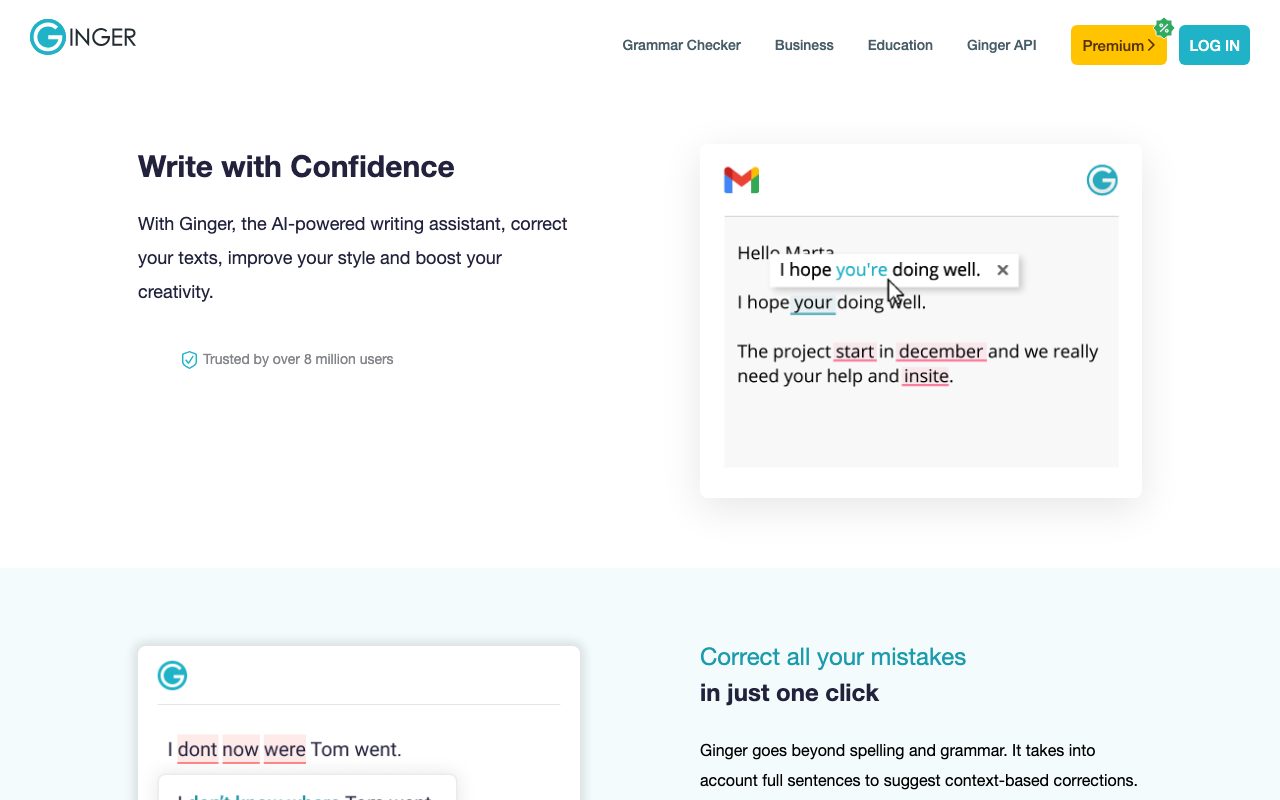
Ginger is an English grammar and writing assistant designed to correct mistakes and polish text in real time. Rather than evaluating words in isolation, its engine reviews complete sentences to offer context-based corrections for grammar, spelling, and punctuation. Beyond basic proofreading, the application includes a sentence rephraser to help streamline wordy passages and explore alternative expressions. Users can also look up AI-based synonyms by tapping or double-clicking words across supported interfaces. Ginger is accessible across multiple environments, offering desktop applications for Windows and macOS, browser extensions for Google Chrome and Microsoft Edge, mobile apps for iOS and Android, and an add-in for Microsoft Word. Specialized offerings include Ginger for Business, Ginger for Education, and a developer API.
Ginger evaluates full sentences to deliver context-based grammar and spelling corrections rather than isolated word checks, and integrates directly into desktop apps, mobile keyboards, Microsoft Word, and major browsers.
Product capabilities
Key features
Contextual Grammar and Spell Checker
Analyzes complete sentences to suggest context-based corrections for spelling, punctuation, and grammar mistakes.
Sentence Rephraser
Provides alternative phrasings to streamline wordy sentences and communicate intended messages clearly.
AI-Based Synonyms
Displays synonyms and expressions when tapping or double-clicking words on websites and documents.
Cross-Platform Ecosystem
Available via Chrome and Edge extensions, Windows and Mac desktop apps, iOS and Android apps, and a Microsoft Word add-in.
Business and Education Offerings
Provides dedicated versions for organizations and academic institutions to standardize writing quality.
Ginger API
Allows developers to integrate Ginger's grammar and correction capabilities directly into custom applications or websites.
Practical fit
Who should use Ginger?
Email and Document Proofreading
Catch grammar errors and punctuation oversights while drafting messages in Gmail, Word, or web forms.
Sentence Clarification and Editing
Use the Rephrase tool to shorten unwieldy sentences and explore alternative sentence structures.
Vocabulary Expansion
Double-click words while writing to view alternative synonyms and refine expression.
Mobile Drafting
Check error-free texts, emails, and social updates on the go with the Ginger iOS or Android apps.
Editorial assessment
Pros and limitations
Where it is strong
- Context-aware correction considers full sentences rather than isolated words
- Broad platform support across Windows, macOS, iOS, Android, Word, Chrome, and Edge
- Integrated rephrasing and synonym lookup for quick stylistic adjustments
Where to be careful
- Focused on English, without multi-language grammar evaluation highlighted on the homepage
- Specific subscription pricing details and feature tiers require visiting dedicated pricing pages
Commercial context
Ginger pricing
At the review date (September 2026), Ginger offers free downloads across browsers, desktop, and mobile, alongside paid Premium, Business, and Education plans. Specific subscription dollar figures are not stated on the homepage; check the official pricing page for current rates.
Pricing, limits, taxes, model access, and regional availability can change. Verify the purchase-critical details on the official pricing page linked under Sources.
Transparent ranking
Why Ginger scores 70.8
Each factor is scored on a 100-point scale, then combined using the public ToolsRank weights. Engagement and momentum stay at a neutral baseline until measured signals exist, so no tool can gain or lose position from numbers nobody recorded.
Compatibility
Languages, platforms, and integrations
Languages
- English
Integrations & surfaces
- Google Chrome
- Microsoft Edge
- Microsoft Word
- Gmail
- macOS
- Windows
- iOS
- Android
Community
Reviews and questions
No approved member reviews yet. Editorial factors above are the only rating on this page.
Reviews and questions come from Google-signed members and are checked by an editor before they appear.
Frequently asked
Ginger FAQ
What platforms does Ginger support?+
Ginger provides browser extensions for Chrome and Microsoft Edge, native desktop applications for Windows and macOS, mobile applications for iOS and Android (including an Android keyboard), and an add-in for Microsoft Word.
Does Ginger offer a free version?+
Yes. Ginger offers free downloads for its browser extensions, desktop applications, and mobile apps. Paid Premium, Business, and Education options are also available.
How does Ginger's grammar checking differ from standard spell checks?+
Ginger evaluates full sentences rather than isolated words, enabling it to suggest context-based corrections that catch misused words and grammatical nuances.
Can Ginger be integrated into other software?+
Yes. In addition to standard extensions and desktop apps, Ginger offers an API allowing developers to embed its grammar and correction capabilities into websites and apps.