
Direct answer
What is HyperWrite?
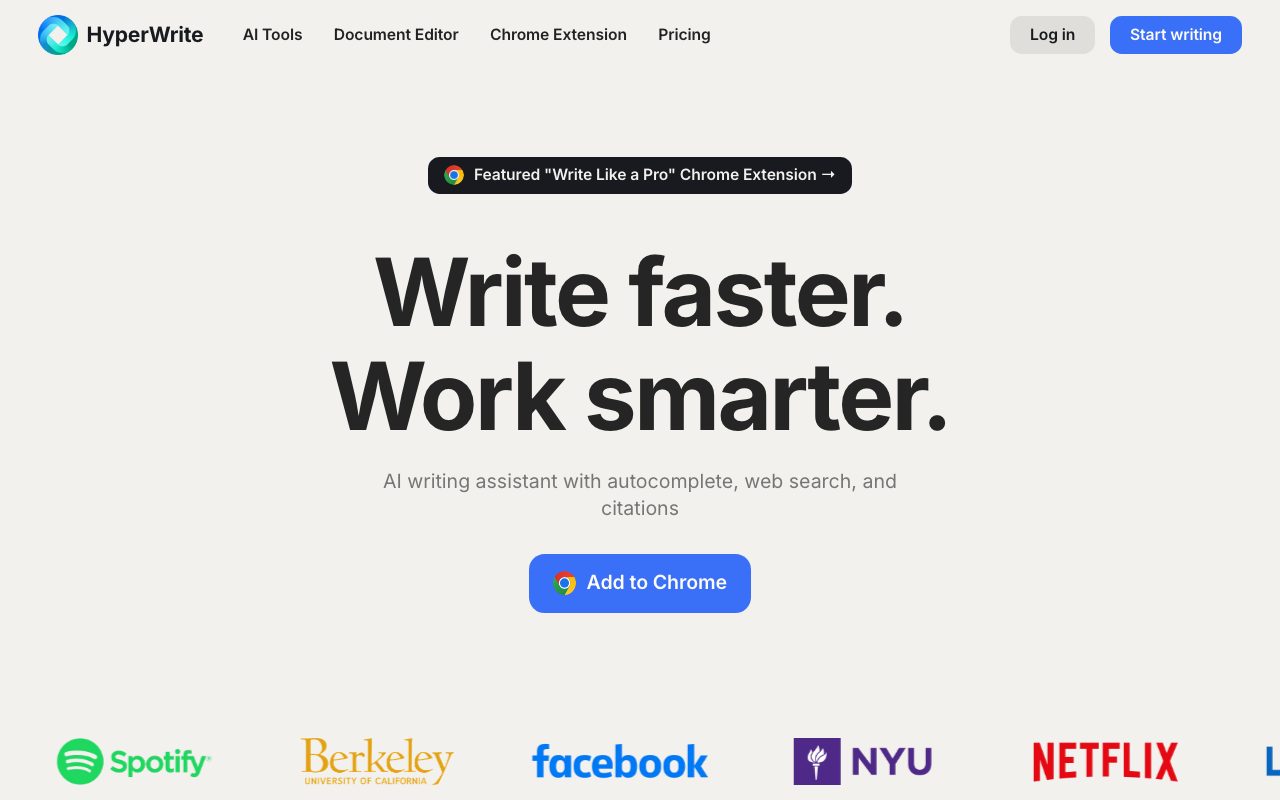
HyperWrite by OthersideAI is an AI writing copilot and Chrome extension that provides inline predictive typing, drafting templates, and citation-backed research.
HyperWrite is an AI-assisted writing platform created by OthersideAI. It is delivered both as a standalone web application—including a document editor and HyperChat conversational assistant—and as a Google Chrome browser extension. Its core value proposition focuses on contextual writing assistance across web apps such as Gmail and online text inputs. The service incorporates predictive typing (TypeAhead), which offers real-time sentence completions as the user types to reduce typing effort and overcome writer's block. For content creation, tools like AutoWrite, Rewriter, and Summarizer produce new text or refine existing drafts based on user prompts. HyperWrite also includes custom personas to align model tone with specific user styles. For research-heavy workflows, the platform provides Scholar AI, which searches academic databases and scholarly papers to surface factual information accompanied by citations. HyperWrite also lets users create custom AI tools to automate repetitive drafting and content transformation tasks.
Unlike generic chat interfaces, HyperWrite pairs inline predictive autocomplete (TypeAhead) across browser tabs with an academic search tool (Scholar AI) that injects verified citations into drafts.
Product capabilities
Key features
TypeAhead Autocomplete
Provides real-time, context-aware sentence completions and suggestions as you type across websites via the Chrome extension.
Scholar AI and Research Citations
Searches millions of peer-reviewed articles and scholarly papers to provide citation-backed factual information for research writing.
Custom Personas
Allows users to configure 3 to 10 distinct voice profiles so generated outputs align with their personal or brand writing style.
HyperChat & AutoWrite
Enables interactive conversation for brainstorming or immediate paragraph generation on any topic using natural language instructions.
Email Responder
Integrates into Gmail to turn brief notes or bullet points into complete, contextually appropriate email replies.
Custom AI Tools
Lets users design and configure personalized AI workflows and templates for recurring document types or repetitive copy needs.
Workflow
How HyperWrite works
- Install the HyperWrite Chrome extension or access the online document editor.
- Type directly in web text areas like Gmail to receive real-time predictive TypeAhead suggestions.
- Use AutoWrite or Scholar AI to generate text, rephrase paragraphs, or pull cited research.
- Set up custom personas to train the system on your personal writing tone.
Practical fit
Who should use HyperWrite?
Inbox Management and Email Replies
Accelerating email responses directly within Gmail using predictive text completions and automated response generation.
Academic and Research Drafting
Gathering peer-reviewed literature and integrating sourced citations directly into academic drafts using Scholar AI.
Long-Form and Marketing Copywriting
Drafting articles, outlines, and social content using AutoWrite and fine-tuning output tone with custom personas.
Editorial assessment
Pros and limitations
Where it is strong
- Contextual TypeAhead autocomplete works directly in the browser across websites like Gmail.
- Scholar AI feature integrates citations from peer-reviewed academic literature.
- Custom personas help maintain consistent writing tone across drafts.
- Free plan available for testing basic AI capabilities.
Where to be careful
- Predictive features are heavily reliant on the Google Chrome extension, lacking native desktop apps.
- Premium plan caps AI messages at 250 per month, requiring the higher-tier Ultra plan for unlimited access.
- Advanced AI and citation features are locked behind paid subscriptions.
Commercial context
HyperWrite pricing
At the review date (September 2026), HyperWrite offers a free tier with basic AI credits alongside Premium ($19.99/month or $16/month billed annually) and Ultra ($44.99/month or $29/month billed annually). Check the official pricing page for updates.
| Plan | Price | What it includes |
|---|---|---|
| Free | $0 / month |
Useful for light testing; advanced AI and research features require upgrade |
| Premium | $19.99 / month |
$16/month when billed annually ($192/year) |
| Ultra | $44.99 / month |
$29/month when billed annually ($348/year) |
Pricing, limits, taxes, model access, and regional availability can change. Verify the purchase-critical details on the official pricing page linked under Sources.
Transparent ranking
Why HyperWrite scores 69.4
Each factor is scored on a 100-point scale, then combined using the public ToolsRank weights. Engagement and momentum stay at a neutral baseline until measured signals exist, so no tool can gain or lose position from numbers nobody recorded.
Compatibility
Languages, platforms, and integrations
Languages
- English
Platforms
- Web
- Google Chrome
Integrations & surfaces
- Google Chrome
- Gmail
Community
Reviews and questions
No approved member reviews yet. Editorial factors above are the only rating on this page.
Reviews and questions come from Google-signed members and are checked by an editor before they appear.
Frequently asked
HyperWrite FAQ
What is included in the HyperWrite Free plan?+
The Free plan provides limited monthly credits on basic AI models, allowing users to test core writing suggestions and tools before upgrading.
How does HyperWrite generate academic citations?+
Through its Scholar AI feature, HyperWrite queries scholarly articles and academic databases in real time to retrieve factual information with linked source citations.
What platforms are supported by HyperWrite?+
HyperWrite operates as a web-based application with a dedicated document editor and provides a Google Chrome extension for use across web applications.
What is the difference between Premium and Ultra plans?+
Premium costs $19.99 per month ($16 per month billed annually) and includes 250 AI messages, 3 custom personas, and citations. Ultra costs $44.99 per month ($29 per month billed annually) and provides unlimited AI messages, 10 personas, and priority access to experimental agent features.