
Direct answer
What is InVideo?
InVideo is an AI-powered video generation and editing workspace that orchestrates frontier models, agentic storyboarding, and a full timeline editor to assemble videos from text prompts and assets.
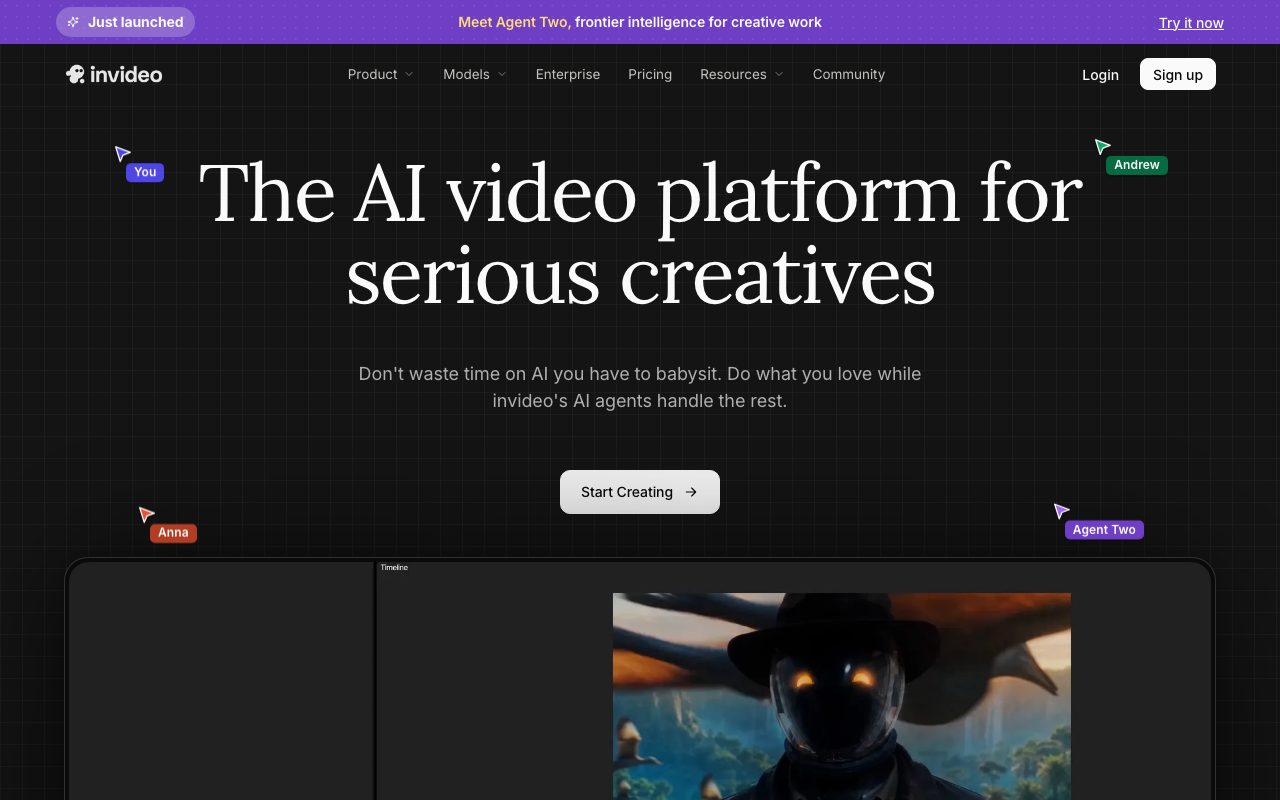
InVideo combines generative video intelligence with conventional video production controls. Through its Agent Two system, the platform allows users to direct scenes, establish shot continuity, and maintain project context across multiple clips without rewriting prompts. The interface includes scriptwriting tools, automated storyboarding, and an integrated multi-track timeline editor designed to mirror professional desktop editing environments. In addition to prompt-based generation, InVideo connects to a catalog of more than 200 generative models for video, imagery, and audio (including Google Veo 3.1, Kling 3.0, Seedance 2.5, and ElevenLabs). Teams can collaborate simultaneously using a multiplayer mode featuring live cursors, assign specialized roles to custom AI agents (such as cinematographers or sound designers), and pull licensed stock footage directly from libraries like iStock and Storyblocks.
InVideo combines multi-agent context memory with full timeline editing and access to over 200 underlying image, video, and audio models in a unified collaborative workspace.
Product capabilities
Key features
Agent Two & Project Memory
Maintains project context across cuts and scenes, letting users change locations, costumes, or shot styles without restarting generation prompts.
Multi-Model Access
Integrates over 200 external generative models for video, still imagery, audio, and music, including Google Veo 3.1, Kling 3.0, Seedance 2.5, and ElevenLabs.
Full Timeline Editor
Provides a multi-track editing interface allowing manual trimming, sequencing, overlays, and sound balancing alongside generative clips.
Real-Time Multiplayer Collaboration
Enables teams to review cuts, leave time-coded feedback, and co-edit projects concurrently with live user cursors.
Storyboarding & AI Scriptwriting
Transforms text outlines and scripts into a shot-by-shot visual plan with editable scene prompts prior to rendering.
Stock Media Integration
Includes integrated allocations of premium stock media from providers such as iStock and Storyblocks.
Practical fit
Who should use InVideo?
Social Media Video Scaling
Adapting a single master concept into multiple vertical video cuts for TikTok, YouTube Shorts, and Instagram.
Commercial & Advertising Production
Creating multi-scene video ad variants with voice clones, stock footage, and generative visual effects while maintaining brand identity.
Serialized Storytelling & Microdramas
Directing multi-scene narratives with consistent characters and recurring backdrops across successive shots.
Editorial assessment
Pros and limitations
Where it is strong
- Provides a unified interface connecting leading third-party video, audio, and image models
- Full timeline editing interface complements prompt-driven generation
- Includes commercial stock footage allowances from iStock and Storyblocks on paid plans
- Real-time multiplayer features simplify client and team review cycles
Where to be careful
- Unused monthly generation credits do not roll over to subsequent billing cycles
- Model usage and agent operations consume variable credit rates that require monitoring
Commercial context
InVideo pricing
At the review date (September 2026), InVideo offers individual subscription tiers starting at $17 per month billed annually ($200 per year) up to $900 per month for the Elite tier. Credit top-ups are available, and unused monthly credits do not roll over. Pricing models and credit costs should be confirmed on the official site.
Pricing, limits, taxes, model access, and regional availability can change. Verify the purchase-critical details on the official pricing page linked under Sources.
Transparent ranking
Why InVideo scores 72.3
Each factor is scored on a 100-point scale, then combined using the public ToolsRank weights. Engagement and momentum stay at a neutral baseline until measured signals exist, so no tool can gain or lose position from numbers nobody recorded.
Compatibility
Languages, platforms, and integrations
Languages
- English
Integrations & surfaces
- iStock
- Storyblocks
- Google Veo
- ElevenLabs
- Kling AI
- Seedance
Community
Reviews and questions
No approved member reviews yet. Editorial factors above are the only rating on this page.
Reviews and questions come from Google-signed members and are checked by an editor before they appear.
Frequently asked
InVideo FAQ
How do credits work on InVideo?+
Credits serve as the platform currency required for running generative video, audio, and image models. Different underlying models consume credits at varying rates reflecting API costs. Unused credits expire at the end of each billing cycle and do not roll over.
Does InVideo use customer content to train AI models?+
According to InVideo's privacy policy, the vendor does not use user content, inputs, outputs, or designs to train its proprietary AI models. However, third-party AI service providers classified in their experimental tier may operate under their own data policies.
Can I remove watermarks on paid plans?+
Yes. All individual paid plans (Plus, Max, Generative, and Elite) include unlimited video exports without InVideo watermarks.
What happens if I exhaust my subscription credits?+
Subscribers can purchase on-demand credit top-ups or upgrade to a higher tier plan with greater monthly credit allowances and concurrency limits.


