Direct answer
What is Jobscan?
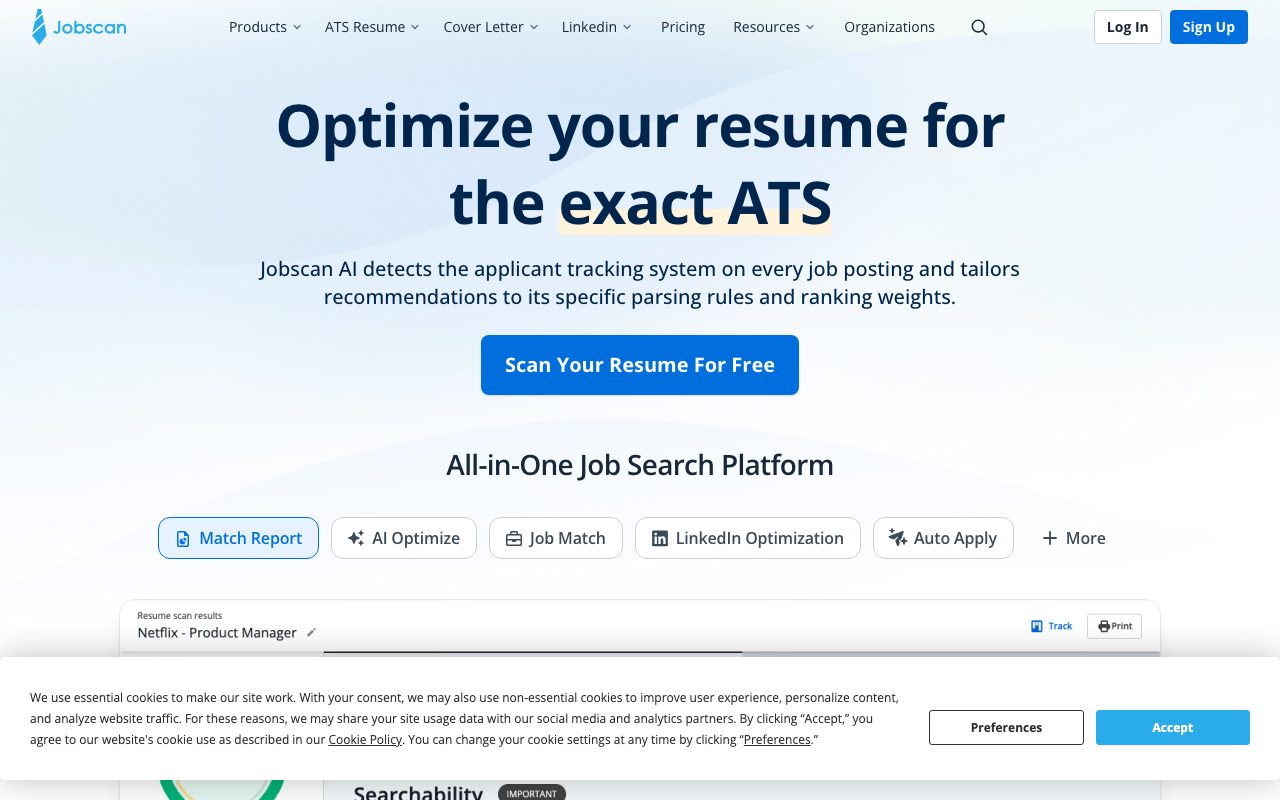
Jobscan is an applicant tracking system (ATS) resume scanner that compares resumes against job descriptions to surface missing keywords, formatting flaws, and match scores before applying.
Jobscan evaluates resumes against job descriptions by simulating the parsing algorithms and keyword weighting of popular Applicant Tracking Systems (ATS), including iCIMS, Lever, Greenhouse, Taleo, and Recruiterbox. When a candidate uploads their resume alongside a target job listing, the platform generates a match report prioritizing hard skills, education levels, job titles, soft skills, and relevant keywords. Beyond basic keyword matching, the platform assesses structural layout to identify formatting issues that disrupt ATS parsers, such as tables, text boxes, and complex column layouts. It offers recommendations on file formats, favoring standard Microsoft Word (.docx) files or clean PDFs to preserve readable text hierarchies. In addition to the core resume scanner, the suite provides an ATS-compliant resume builder, achievement-oriented bullet point generators, a tailored cover letter generator, a job application tracker, and a LinkedIn profile optimization scanner designed to align professional profiles with recruiter search queries.
Jobscan reverse-engineers parsing and ranking logic across multiple distinct ATS engines (including Greenhouse, Taleo, and Lever) rather than relying on generic keyword density.
Product capabilities
Key features
ATS Match Rate Report
Calculates an alignment score (targeting 75%) based on hard skills, education requirements, job titles, soft skills, and relevant industry terminology.
ATS System Detection
Identifies the applicant tracking system used by a job posting and tailors recommendations to its parsing logic and ranking weights.
AI Optimize Resume Tailoring
Generates tailored phrasing, summaries, and achievement bullet points in real time to match candidate experience to job descriptions.
ATS-Friendly Resume Builder
Provides clean, standardized templates designed without tables, columns, or graphics that can cause ATS parsing errors.
LinkedIn Optimization Tool
Evaluates candidate LinkedIn headlines, summaries, and profiles to improve discoverability in recruiter search workflows.
Auto Apply & Application Tracking
Allows candidates to track application stages and review automated applications before submission.
Practical fit
Who should use Jobscan?
ATS Compatibility Auditing
Identify hidden formatting problems, missing keywords, and syntax errors that cause automated resume parsers to drop an application.
Job-Specific Tailoring
Compare an existing resume against a specific job posting to align hard skills, credentials, and job titles before applying.
LinkedIn Profile Enhancement
Optimize headline, summary, and work experience sections against recruiter search queries to attract inbound recruitment messages.
Editorial assessment
Pros and limitations
Where it is strong
- Simulates rules and weighting from specific ATS platforms including Taleo, Greenhouse, and Lever
- Detailed breakdown of hard skills, soft skills, and credentials missing from the resume
- Includes dedicated LinkedIn optimization and cover letter tailoring tools
- Clean resume builder eliminates parsing risks like nested tables and graphics
Where to be careful
- Numeric score targets can lead users to over-optimize resumes beyond natural readability
- Specific monthly scan allowances and plan prices require checking the dedicated pricing portal
Commercial context
Jobscan pricing
At the review date, Jobscan offers a free tier covering basic resume scans and ATS resume building, alongside paid subscriptions for expanded access and tools like AI Optimize. Specific subscription fees and scan caps are not detailed on the supplied pages and should be confirmed on the official pricing page.
Pricing, limits, taxes, model access, and regional availability can change. Verify the purchase-critical details on the official pricing page linked under Sources.
Transparent ranking
Why Jobscan scores 68.4
Each factor is scored on a 100-point scale, then combined using the public ToolsRank weights. Engagement and momentum stay at a neutral baseline until measured signals exist, so no tool can gain or lose position from numbers nobody recorded.
Compatibility
Languages, platforms, and integrations
Languages
- en
Integrations & surfaces
- Microsoft Word
- Google Docs
- Greenhouse
- Lever
- Taleo
- iCIMS
Community
Reviews and questions
No approved member reviews yet. Editorial factors above are the only rating on this page.
Reviews and questions come from Google-signed members and are checked by an editor before they appear.
Frequently asked
Jobscan FAQ
What is an ideal Jobscan ATS match rate?+
Jobscan recommends aiming for a match rate of 75%. Many users find success around 65%, and the vendor warns against over-optimizing or keyword-stuffing simply to reach higher percentages.
Does Jobscan prefer Word documents or PDFs?+
Jobscan tests suggest that several applicant tracking systems parse .docx (Microsoft Word) files more accurately than PDFs, so .docx is generally recommended unless a job post explicitly requires a PDF.
How does Jobscan determine the match rate?+
The match rate evaluates five elements in order of priority: hard skills, education requirements (when advanced degrees are listed), matching job titles, soft skills, and other keywords found in the listing.
Does Jobscan offer a free tier?+
Yes, Jobscan provides free access to run basic scans, view initial match scores, and build ATS-friendly resumes using their builder.