
Direct answer
What is Julius AI?
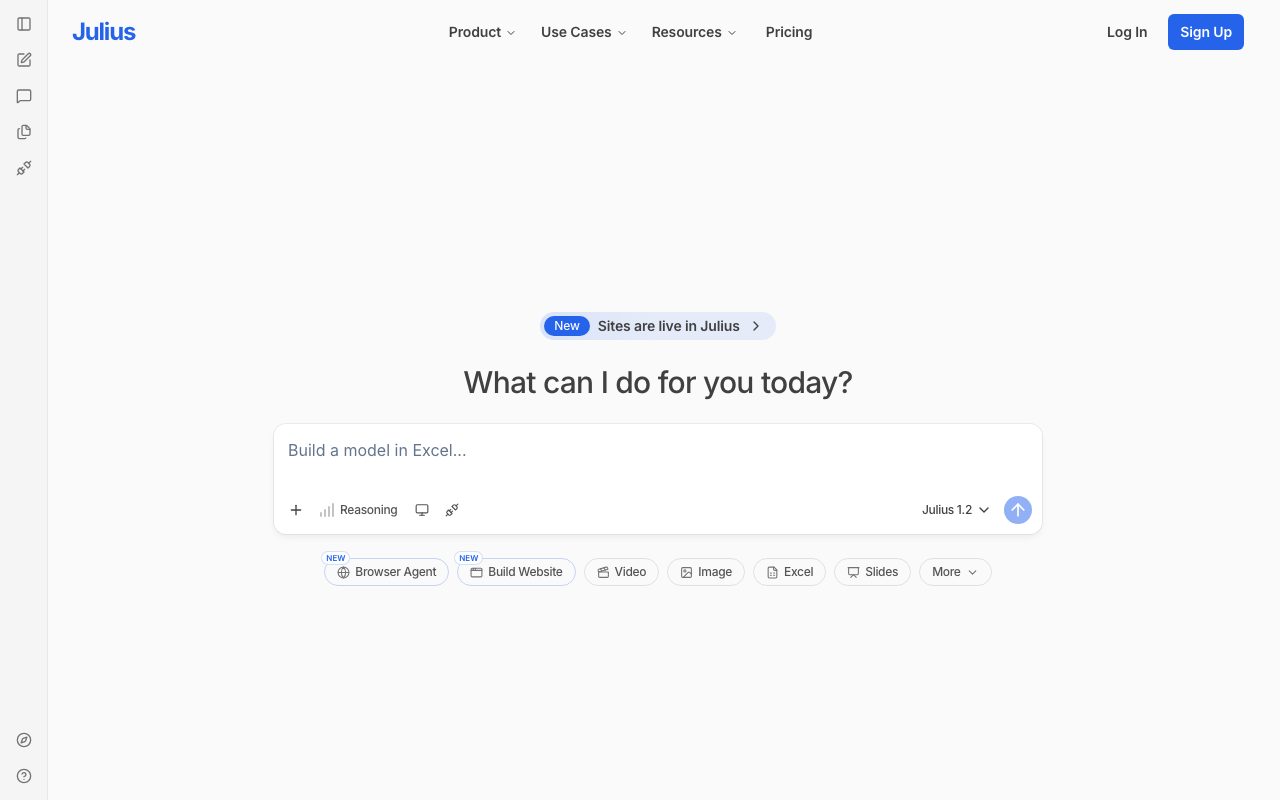
Julius AI lets you upload spreadsheets or connect data, then ask questions in plain language to get charts, statistical tests, and cleaned datasets with the code shown.
Julius runs analysis in Python or R behind a chat interface, producing visualisations, regressions, forecasts, and data cleaning steps. It shows the generated code so results can be checked, supports common file formats and some database connections, and targets people who need analysis without writing code themselves.
Accessible statistical analysis with visible code, positioned between spreadsheet formulas and a full notebook environment.
Product capabilities
Key features
Chat-to-analysis
Ask questions and receive charts, tables, and statistical results.
Visible code
Inspect and rerun the Python or R behind each answer.
Data cleaning
Fix formats, merge files, and handle missing values conversationally.
Forecasting and modelling
Run regressions, forecasts, and tests on uploaded data.
Practical fit
Who should use Julius AI?
Survey analysis
Summarise responses and test differences between groups.
Marketing exports
Chart campaign performance from CSV exports quickly.
Academic work
Run statistics on datasets with reproducible code.
Editorial assessment
Pros and limitations
Where it is strong
- Low barrier to real statistics
- Code is shown and editable
- Free tier to try
- Mobile access
Where to be careful
- Message limits on lower plans
- Not built for warehouse governance
- Results still need statistical judgement
Commercial context
Julius AI pricing
A free tier allows a limited number of monthly messages; Basic, Essential, Pro, and Team plans raise limits and add features at the review date. Confirm current allowances on the official pricing page.
Pricing, limits, taxes, model access, and regional availability can change. Verify the purchase-critical details on the official pricing page linked under Sources.
Transparent ranking
Why Julius AI scores 74.2
Each factor is scored on a 100-point scale, then combined using the public ToolsRank weights. Engagement and momentum stay at a neutral baseline until measured signals exist, so no tool can gain or lose position from numbers nobody recorded.
Compatibility
Languages, platforms, and integrations
Languages
- Multilingual questions; code in Python and R
Platforms
- Web
- iOS
- Android
Integrations & surfaces
- CSV and Excel uploads
- Google Sheets
- PostgreSQL and other databases
- APIs
Community
Reviews and questions
No approved member reviews yet. Editorial factors above are the only rating on this page.
Reviews and questions come from Google-signed members and are checked by an editor before they appear.
Frequently asked
Julius AI FAQ
What is Julius AI best for?+
Julius AI is best for individuals and small teams who want charts, statistics, and cleaned data from spreadsheets through plain-language questions with visible code.
Is Julius AI free?+
A free tier with limited monthly messages is available; paid plans raise limits at the review date. Check the official pricing page for current allowances.
How does ToolsRank score Julius AI?+
ToolsRank combines editorial quality, practical utility, trust and transparency, freshness, engagement quality, and momentum. Paid placement never changes the organic score.