Direct answer
What is Krikey?
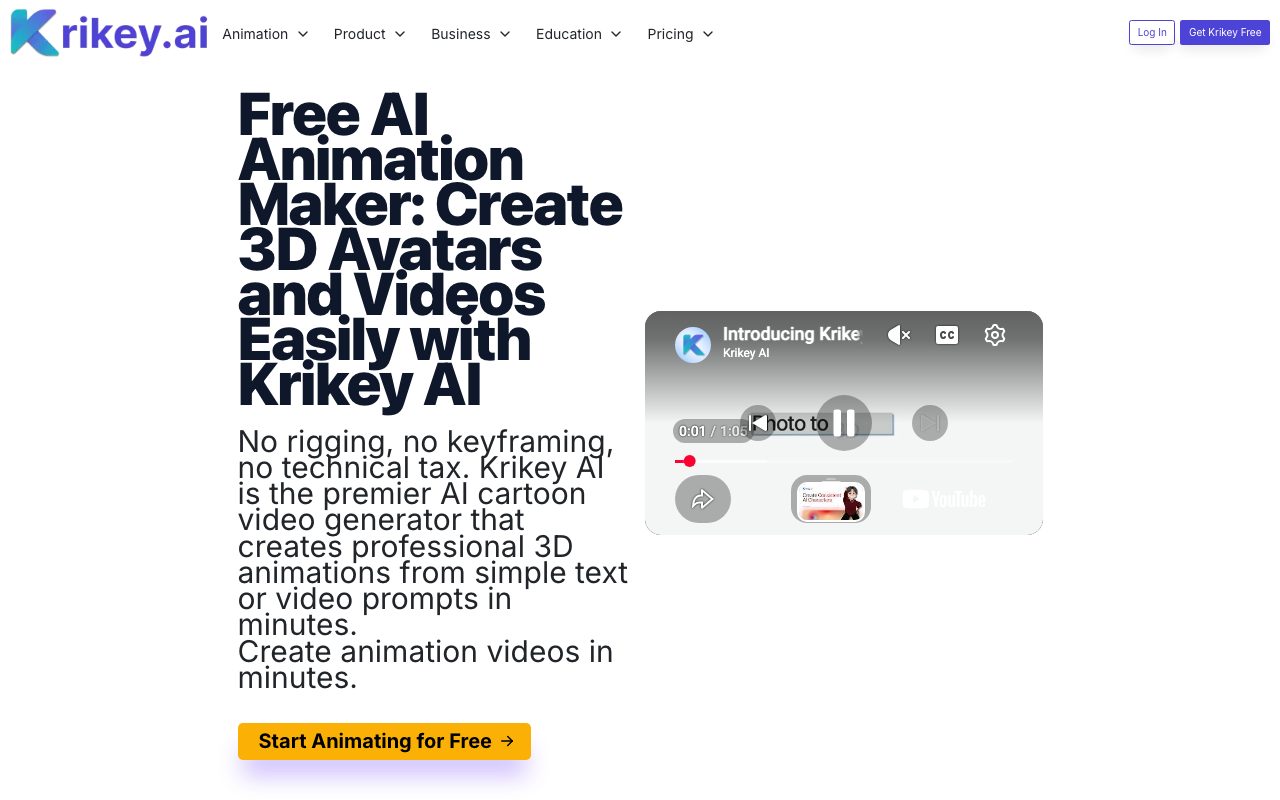
Krikey AI is a browser-based 3D animation platform that turns text prompts, photos, and video into rigged 3D talking avatars, cartoon music videos, and exportable motion assets.
Krikey AI is an online 3D animation and avatar generation platform designed to eliminate traditional rigging, keyframing, and manual animation workflows. Accessible directly through a web browser without software downloads, the platform enables creators to produce 3D animations from simple text prompts or uploaded video clips. The system includes an AI Character Creator that turns uploaded photos into rigged 3D models across various styles (such as cartoon, anime, or mini-me), alongside a ready-to-use Character Store. Users can animate characters using text-to-animation or video-to-animation motion capture. The editor supports customizable camera shot angles, lighting adjustments, facial expressions, and individual hand gestures. Beyond basic movement, the platform integrates AI text-to-speech with automatic lip-syncing across 20+ languages, an AI music video generator with customizable lyrics and genres, and a podcast clip generator. Built-in video editing timelines support scenes up to 60 seconds each, with export capabilities spanning MP4 video, transparent GIFs, PNG stills, and FBX 3D files for game engines such as Unity and Unreal Engine.
Krikey AI combines browser-based text-to-animation and video mocap with full 3D character rigging, multi-language lip sync, and FBX export, avoiding the overhead of heavy desktop 3D software.
Product capabilities
Key features
Text and Video to 3D Animation
Converts plain text descriptions or uploaded video clips into 3D character motion sequences using markerless motion capture style algorithms.
AI Character Creator & Auto-Rigging
Generates 3D models from uploaded photos or prompts with automated full-body rigging and lip-sync readiness.
Browser-Based 3D Video Editor
Enables adjustments to cinematic camera angles, 3D lighting, backgrounds, facial expressions, and distinct hand gestures via intuitive slider controls.
Multilingual Text-to-Speech & Lip-Sync
Synchronizes character speech to generated or custom uploaded audio (MP3 up to 60s) in more than 20 languages.
Transparent GIF & Image Capture
Exports still poses and animated loops with one-click background removal for use in slide decks, web headers, or messaging platforms.
AI Music Video & Podcast Generator
Produces singing character animations matched to custom lyric topics and genres, or turns audio clips and blog posts into video podcast shorts.
Multi-Format Export
Supports asset downloads in MP4, transparent GIF, PNG, and standard 3D FBX formats compatible with game engines like Unity and Unreal.
Practical fit
Who should use Krikey?
Classroom Lesson Explanations
Teachers create short, animated 3D character presentations and multilingual tutorials to illustrate complex math, science, or language concepts.
Social Media Reels and Outros
Marketers and creators produce faceless YouTube shorts, transparent dancing GIFs, call-to-action clips, and channel intros.
Game Prototyping and Cutscenes
Indie developers quickly storyboard cinematic cutscenes and export rigged character motion clips in FBX format for Unity and Unreal Engine.
Brand Mascots and Explainer Ads
Small businesses animate branded mascots for email marketing, product tours, website headers, and promotional video campaigns.
Editorial assessment
Pros and limitations
Where it is strong
- No rigging or manual keyframing skills required to create animated 3D characters
- Exports to game-ready 3D files (FBX) as well as MP4, PNG, and transparent GIF
- Generates animations directly in a web browser without dedicated hardware or downloads
- Supports lip-synced audio in 20+ languages with both AI text-to-speech and custom MP3 uploads
- Includes integrations with Canva and ChatGPT
Where to be careful
- Individual timeline segments are capped at 60 seconds, requiring external editing to stitch longer videos
- Custom audio uploads are limited to MP3 files between 3 and 60 seconds under 100MB
- Visual output is stylized/cartoonish and unsuitable for photorealistic CGI requirements
Commercial context
Krikey pricing
At the review date (2026-09-08), Krikey AI offers a Free tier ($0/month) and a Pro tier ($15/month per person) using credit-based pricing. Enterprise plans require contacting sales. Verify latest terms on their official pricing page.
Pricing, limits, taxes, model access, and regional availability can change. Verify the purchase-critical details on the official pricing page linked under Sources.
Transparent ranking
Why Krikey scores 70.4
Each factor is scored on a 100-point scale, then combined using the public ToolsRank weights. Engagement and momentum stay at a neutral baseline until measured signals exist, so no tool can gain or lose position from numbers nobody recorded.
Compatibility
Languages, platforms, and integrations
Languages
- English
- Spanish
- German
- Portuguese
Integrations & surfaces
- Canva
- ChatGPT
- Unity
- Unreal Engine
- PowerPoint
- Google Slides
Community
Reviews and questions
No approved member reviews yet. Editorial factors above are the only rating on this page.
Reviews and questions come from Google-signed members and are checked by an editor before they appear.
Frequently asked
Krikey FAQ
What formats can I export from Krikey AI?+
Krikey AI supports exporting projects as MP4 video files, transparent or standard GIFs, PNG still images, and FBX files for 3D character workflows.
Can I use my own voice recording instead of AI text-to-speech?+
Yes. You can upload custom audio files in MP3 format. The file must be between 3 and 60 seconds long and smaller than 100MB.
Is there a limit on video length in the editor?+
The video editor timeline supports scenes up to 60 seconds (1 minute). To create longer content, the vendor recommends downloading individual segments and stitching them together in external video editing software.
Do I need 3D animation or rigging experience to use Krikey AI?+
No. Krikey AI provides automatic rigging, pre-set animation libraries, and text/video-to-animation AI so that users can animate without manual rigging or keyframing.
Can I use generated animations for commercial projects?+
Yes. The platform allows characters and animations to be used for commercial projects, including business presentations, social media campaigns, and marketing collateral.