
Direct answer
What is LanguageTool?
LanguageTool is an AI-powered writing assistant that detects spelling, grammar, punctuation, and stylistic errors across more than 30 languages and dialects.
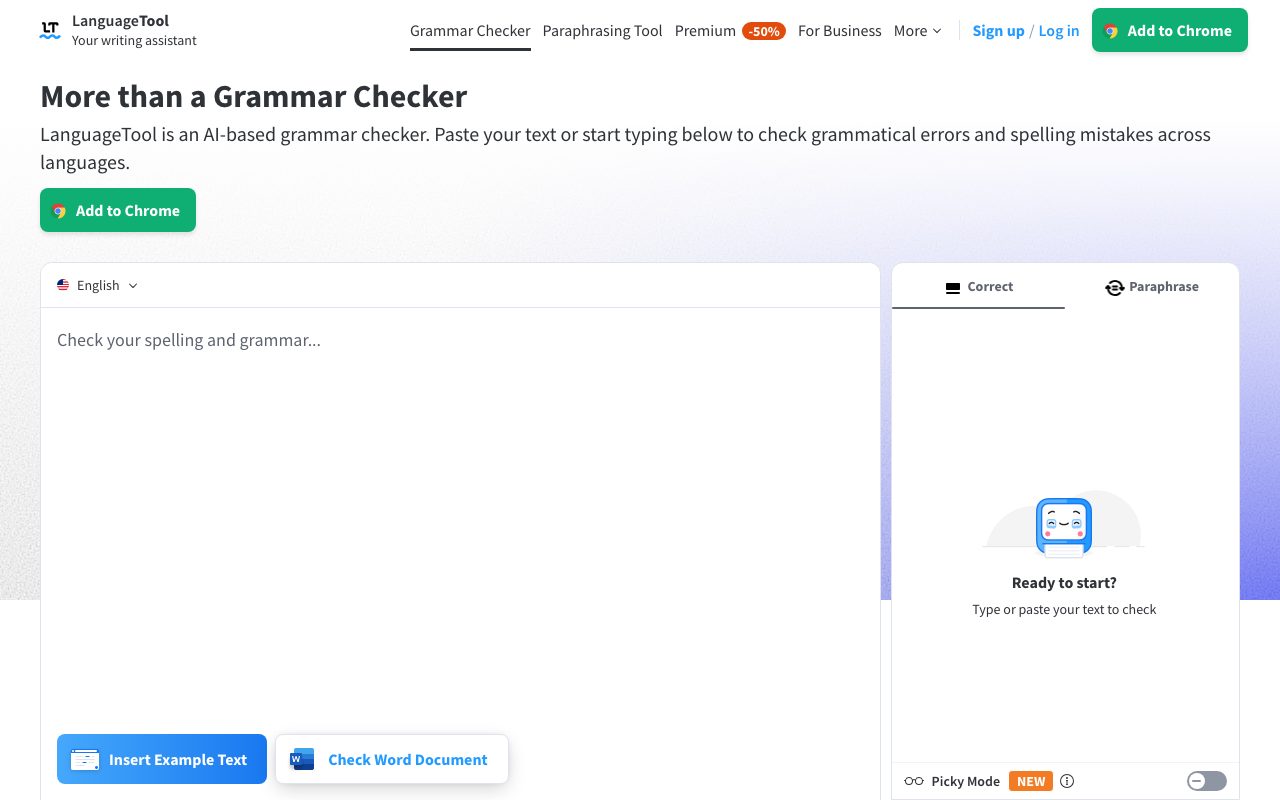
LanguageTool operates as a comprehensive writing assistant across web browsers, desktop operating systems, office suites, and email clients. It monitors text in real time, underlining spelling mistakes, misplaced commas, incorrect casing, and grammatical slip-ups such as subject-verb disagreements. Beyond basic correction, the tool includes an AI paraphraser designed to rephrase sentences to sound formal, fluent, simple, or concise. Writers can activate Picky Mode in the dedicated text editor for demanding copy, revealing advanced punctuation, typographic refinements, and style alerts for overused words or clumsy phrasing. Built to accommodate international communication, it supports more than 30 languages—including English, German, French, Spanish, Dutch, and Portuguese—along with specific regional English variations. An optional personal dictionary and productivity tracking dashboard help writers tune vocabulary and measure proofreading activity over time.
Broad multilingual support spanning more than 30 languages and regional dialects, paired with GDPR-conformant deployment options and standalone open-source desktop/office integrations.
Product capabilities
Key features
Multilingual Grammar and Spell Check
Flags misspellings, casing errors, and grammatical mistakes in over 30 languages, including multiple regional variations of English.
Punctuation Detection
Identifies missing, extraneous, or optional commas and corrects complex punctuation structures across supported languages.
AI Sentence Paraphraser
Rewrites whole sentences to adjust tone, offering formal, fluent, concise, and simplified variations.
Picky Mode
Offers strict proofreading suggestions covering advanced punctuation, typography, redundant phrasing, and nuance.
Writing Statistics and Personal Dictionary
Tracks productivity and frequently made errors while letting users whitelist custom terms and industry vocabulary.
Broad Ecosystem Integrations
Operates across desktop operating systems, standard web browsers, office tools like Google Docs and LibreOffice, and major desktop email clients.
Practical fit
Who should use LanguageTool?
Academic Proofreading
Checking student essays, bachelor's dissertations, and academic papers for correct citations, syntax, and complex comma usage.
Multilingual Business Correspondence
Drafting emails and documentation across German, French, Spanish, Dutch, and English without grammatical inconsistencies.
Sentence Restructuring
Polishing rough sentences with the AI paraphrasing tool to improve readability and adjust tone before publishing.
Editorial assessment
Pros and limitations
Where it is strong
- Supports over 30 languages and regional dialects beyond standard English
- Browser extensions do not store checked text, supporting data privacy
- Works inside diverse office tools including LibreOffice and Apple Pages
- Provides a distraction-free web editor with dark and light themes
Where to be careful
- Complete style checks and advanced error detection require a paid Premium tier
- Paraphraser is limited in the free plan compared to unlimited Premium usage
- Does not generate long-form original drafts from prompts
Commercial context
LanguageTool pricing
LanguageTool provides a free tier covering core spelling, simple punctuation, and basic style checks. Premium unlocks in-depth style suggestions, advanced punctuation rules, unlimited paraphrasing, and team management options. Exact pricing and discounts vary by subscription interval and user count; check the vendor's pricing page for current rates.
Pricing, limits, taxes, model access, and regional availability can change. Verify the purchase-critical details on the official pricing page linked under Sources.
Transparent ranking
Why LanguageTool scores 74.9
Each factor is scored on a 100-point scale, then combined using the public ToolsRank weights. Engagement and momentum stay at a neutral baseline until measured signals exist, so no tool can gain or lose position from numbers nobody recorded.
Compatibility
Languages, platforms, and integrations
Languages
- English
- German
- Spanish
- French
- Dutch
- Portuguese
Integrations & surfaces
- Google Chrome
- Mozilla Firefox
- Microsoft Edge
- Safari
- Opera
- Google Docs
- Microsoft Word
- Apple Pages
- LibreOffice
- Gmail
- Apple Mail
- Thunderbird
Community
Reviews and questions
No approved member reviews yet. Editorial factors above are the only rating on this page.
Reviews and questions come from Google-signed members and are checked by an editor before they appear.
Frequently asked
LanguageTool FAQ
Which languages does LanguageTool support?+
LanguageTool checks text in more than 30 languages and dialects. Its primary languages include English, German, Spanish, French, Dutch, and Portuguese. The English grammar checker also accommodates six regional varieties: US, UK, Canada, Australia, New Zealand, and South Africa.
Is LanguageTool free to use?+
LanguageTool provides a free version that identifies spelling, basic punctuation, and fundamental style issues. Advanced error detection, exhaustive style checks, and unlimited sentence paraphrasing require a Premium subscription. Team plans are also available for organizations.
Does LanguageTool store text checked through the browser extension?+
According to the official site, text checked via the browser add-on is not stored by the extension in order to maintain user privacy.
Can LanguageTool paraphrase sentences?+
Yes. LanguageTool features an AI-based paraphraser that rewrites sentences according to selected objectives, such as making text more formal, fluent, concise, or simpler.
