
Direct answer
What is Lex?
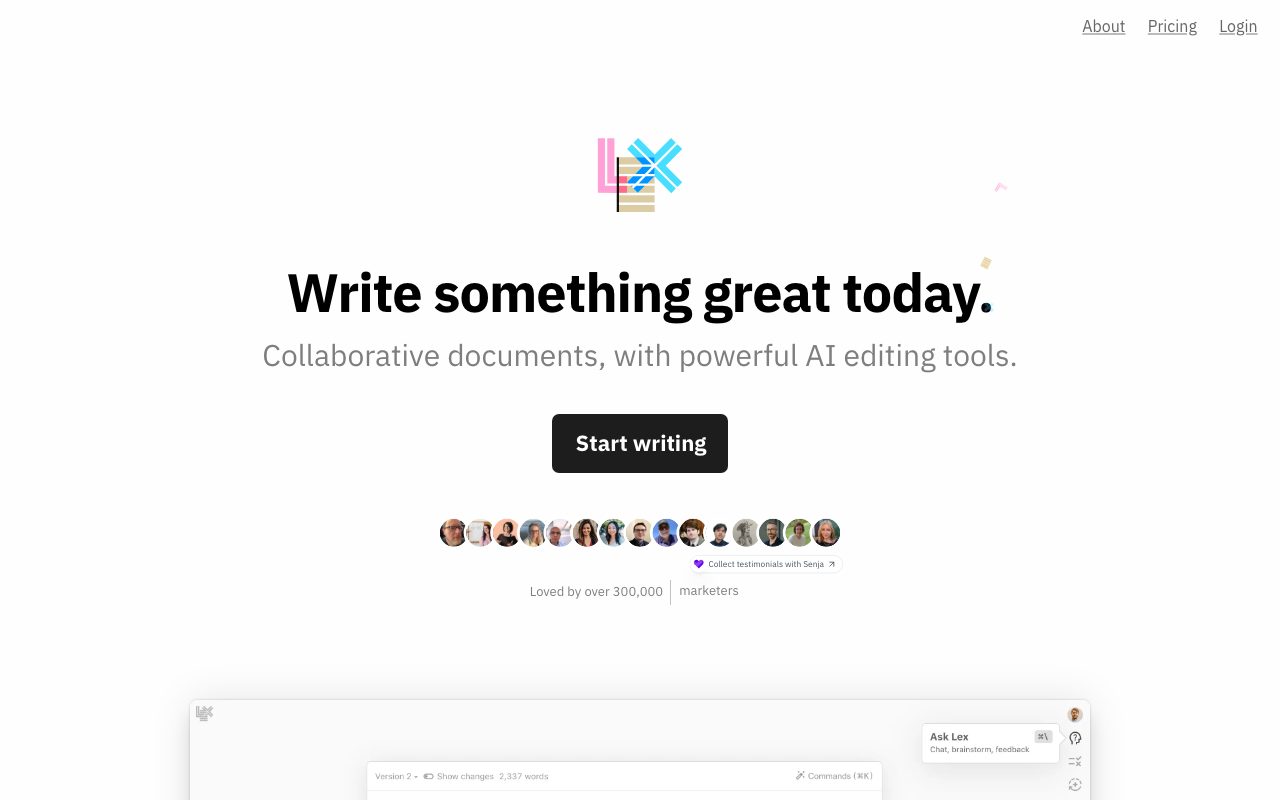
Lex is a minimalist, web-based collaborative word processor that embeds advanced language models directly into the drafting and editing workflow.
Lex is a collaborative writing platform designed to combine the clean interface of modern document editors with native AI editing capabilities. Rather than forcing writers to draft in one app and prompt conversational AI chatbots in another, Lex integrates model interactions directly into the document canvas. The editor supports core word-processing operations alongside AI feedback, inline brainstorming, title generation, and version tracking. Writers can highlight sections to request critiques, rewrite passages, or execute quick AI commands to discover alternative vocabulary and explore new ideas. The system allows authors to experiment with alternate phrasing through built-in versioning without losing previous drafts. Collaboration features include link sharing, real-time co-authoring where collaborators can see each other typing, keyboard-accessible commenting, and read-only publishing links. Lex runs in modern browsers with a mobile-optimized web experience, requiring no desktop installations, and provides early access to an iOS app for Pro users. Under the hood, Lex routes prompts through enterprise APIs from model providers including OpenAI, Anthropic, and TogetherAI. Upgrading to Lex Pro grants access to premium foundation models such as GPT-4.1 and Claude models, while Lex Teams unlocks group folder collaboration.
Unlike standalone AI chat windows or basic document add-ons, Lex pairs real-time collaborative text editing with native versioning, AI feedback prompts, and multi-model access through enterprise-grade privacy APIs.
Product capabilities
Key features
AI Feedback and Rewriting
Enables writers to solicit AI critiques on drafts, brainstorm alternative viewpoints, or rewrite selected sections directly in the editor.
AI Shortcuts and Commands
Keyboard-driven commands that help writers discover better words, unblock drafting flow, and produce lists of ideas on demand.
One-Click Title Ideas
Generates headline and title options based on the context and contents of the active document.
Document Versions
Lets authors test alternate sentence structures and wording variations without risking the loss of original text.
Real-Time Collaboration
Supports simultaneous live typing with collaborators via shareable links, without requiring recipients to download a native application.
Polished Comments
Provides clean document commenting with keyboard shortcut navigation for efficient editorial review.
Read-Only Publishing
Generates read-only public web links to share completed essays, articles, or notes with readers.
Enterprise API Model Access
Pro users receive access to leading foundation models from OpenAI, Anthropic, and TogetherAI via enterprise APIs that prohibit model training on user data.
Practical fit
Who should use Lex?
Drafting Articles and Blog Posts
Drafting long-form content in a distraction-free web editor while using AI commands to generate title ideas and refine prose.
Document Editing and Critique
Soliciting automated feedback on completed sections of writing to catch flow issues, weak phrasing, or structural gaps.
Team Review and Co-Writing
Sharing drafts with editors and co-authors for live typing, contextual comment threads, and multi-user revisions.
Academic and Research Preparation
Polishing research papers and journal submissions with AI-driven clarity and tone revisions before final submission.
Editorial assessment
Pros and limitations
Where it is strong
- Clean, minimalist writing interface designed to eliminate drafting distractions
- Direct integration of top frontier models from OpenAI, Anthropic, and TogetherAI
- Zero model training on user inputs due to enterprise API data agreements
- Real-time co-authoring and commenting requiring only a shared web link
- Generous 30-day refund policy offered for paid subscriptions
Where to be careful
- Numerical pricing for Pro and Teams plans is not listed on the public pricing page
- Track changes feature is labeled as coming soon rather than fully released
- Advanced frontier models are restricted to the paid Pro tier
Commercial context
Lex pricing
As of September 8, 2026, Lex offers a free tier requiring no credit card, alongside a Lex Pro subscription and an optional Lex Teams add-on. Exact dollar amounts for paid tiers are not specified on the public pricing page; verify current rates directly on the Lex website.
Pricing, limits, taxes, model access, and regional availability can change. Verify the purchase-critical details on the official pricing page linked under Sources.
Transparent ranking
Why Lex scores 75.6
Each factor is scored on a 100-point scale, then combined using the public ToolsRank weights. Engagement and momentum stay at a neutral baseline until measured signals exist, so no tool can gain or lose position from numbers nobody recorded.
Compatibility
Languages, platforms, and integrations
Languages
- English
Integrations & surfaces
- OpenAI
- Anthropic
- TogetherAI
- Stripe
Community
Reviews and questions
No approved member reviews yet. Editorial factors above are the only rating on this page.
Reviews and questions come from Google-signed members and are checked by an editor before they appear.
Frequently asked
Lex FAQ
Is user writing used to train AI models?+
No. Lex accesses models from OpenAI, Anthropic, and TogetherAI via their enterprise APIs, which carry explicit contractual protections prohibiting the use of customer data for model training. Lex does not train language models on customer writing.
What is included in the free tier of Lex?+
The free tier allows users to start writing immediately without providing a credit card. It includes core document drafting, link sharing, and live collaboration.
What benefits does Lex Pro provide?+
Lex Pro unlocks access to premium frontier models (such as GPT-4.1 and Claude Opus/Sonnet models), early access to new features and the iOS app, and priority email support.
Can teams collaborate on Lex documents?+
Yes. Document sharing and live collaboration are free for any recipient with a link. For extensive organizational use, Lex offers a Lex Teams add-on that enables unlimited group folder sharing.
Does Lex offer refunds?+
Yes. Lex states that if a subscriber does not love the product after a month of use, they can contact support to request a full refund.
Does Lex require downloading desktop software?+
No. Lex operates entirely on the web, including mobile web browsers, allowing collaborators to log in and co-write without installing local software. An iOS app is also available in early access for Pro subscribers.