Direct answer
What is Move AI?
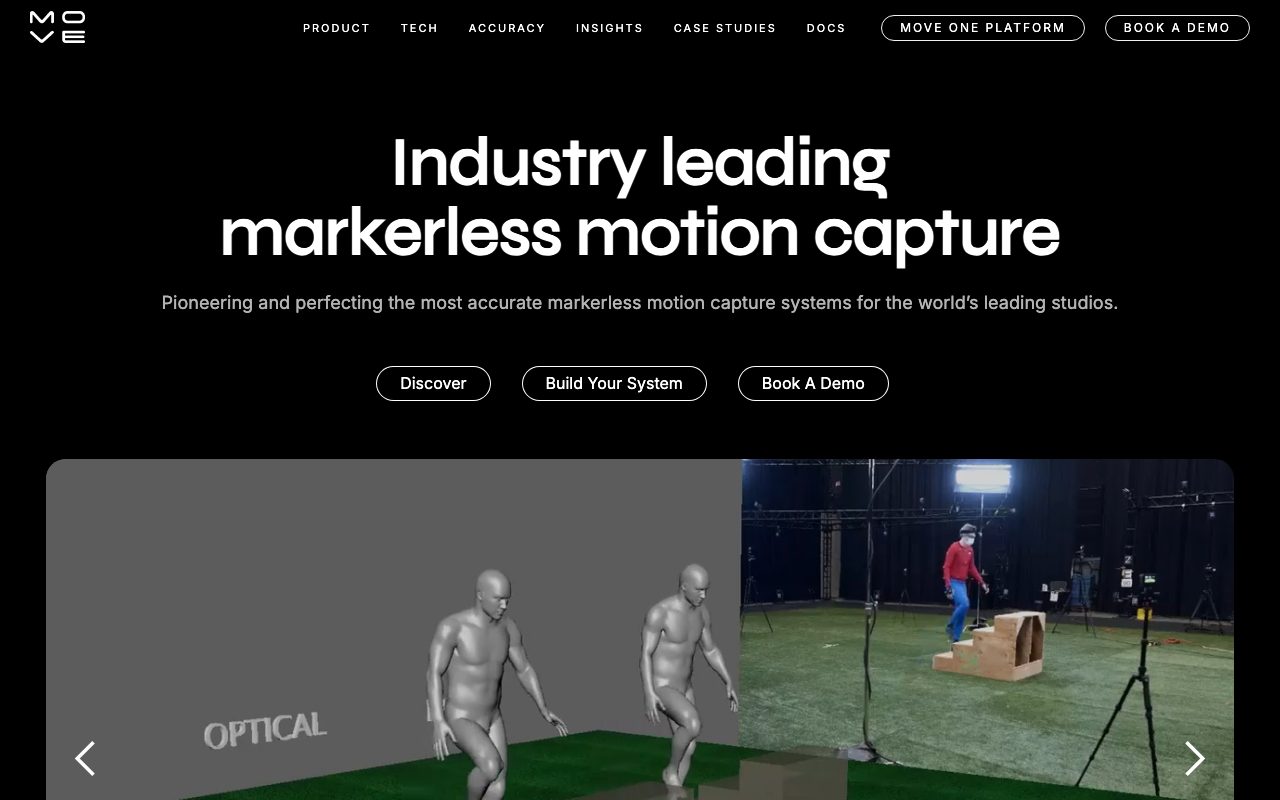
Move AI provides markerless motion capture software that extracts authentic 3D human motion data directly from standard video feeds without requiring markers or suits.
Move AI develops markerless motion capture technology designed to capture human performance directly from standard video footage. Founded to eliminate the friction of physical tracking markers and specialized suits, the platform leverages computer vision and proprietary motion engine models to reconstruct human movement with fidelity comparable to optical tracking systems. The system ecosystem includes mobile and multi-camera capture options, desktop processing versions, live streaming components, and an API. Capture workflows accommodate scalable physical volumes, allowing animators and production houses to capture actors in natural environments with significantly reduced setup and shoot times. Processing options referenced across official materials include cloud-based and local compute implementations (Move Pro for Desktop) as well as developer endpoints via the Move API Portal. Output animation files and motion data can be incorporated into entertainment, gaming, and visual effects production pipelines.
Extracts full-body 3D motion data from standard video cameras without specialized suits, optical markers, or dedicated motion-capture studio rigs.
Product capabilities
Key features
Markerless Body Tracking
Captures authentic human motion without requiring performers to wear motion-capture suits, harnesses, or optical markers.
Single and Multi-Camera Setups
Supports workflows ranging from the Move One mobile capture application to complex multi-camera camera arrays for scalable capture volumes.
Local and Cloud Desktop Processing
Provides options for processing capture data through cloud infrastructure or local execution via Move Pro for Desktop.
Move Live Streaming
Includes live capture application capabilities designed for real-time tracking pipelines.
Developer API Access
Provides dedicated single-camera and multi-camera API endpoints via the developer portal for automated motion processing integrations.
Workflow
How Move AI works
- Set up camera angles using either the Move One mobile application or a multi-camera array.
- Record human movement in a designated capture volume without applying markers or specialized suits.
- Process the video footage through Move AI's cloud pipeline or locally using Move Pro for Desktop.
- Export the reconstructed 3D animation motion data and video outputs into your animation or visual effects pipeline.
Practical fit
Who should use Move AI?
Game Character Animation
Record natural physical performances and acrobatics without specialized suits to populate game character rigs.
Visual Effects Production
Capture realistic actor motion data directly on production sets without setting up optical tracking markers.
Dance and Movement Analysis
Analyze and digitize expressive choreography in studio spaces using multi-camera arrays.
Editorial assessment
Pros and limitations
Where it is strong
- No tracking suits, markers, or wearable hardware required for performers
- Offers both mobile capture (Move One) and multi-camera volume setups
- Provides flexibility between local desktop processing and cloud infrastructure
Where to be careful
- Pricing details require contacting sales or scheduling a product demonstration
- Markerless video tracking requires adequate lighting and unobstructed visual sightlines
Commercial context
Move AI pricing
Move AI directs prospective buyers to request a demonstration or contact support to obtain pricing details at the review date; public subscription rates are not displayed on the reviewed pages.
Pricing, limits, taxes, model access, and regional availability can change. Verify the purchase-critical details on the official pricing page linked under Sources.
Transparent ranking
Why Move AI scores 74.7
Each factor is scored on a 100-point scale, then combined using the public ToolsRank weights. Engagement and momentum stay at a neutral baseline until measured signals exist, so no tool can gain or lose position from numbers nobody recorded.
Compatibility
Languages, platforms, and integrations
Languages
- English
Platforms
- Web
- iOS
- Desktop
- API
Integrations & surfaces
- REST API
Community
Reviews and questions
No approved member reviews yet. Editorial factors above are the only rating on this page.
Reviews and questions come from Google-signed members and are checked by an editor before they appear.
Frequently asked
Move AI FAQ
What is Move AI?+
Move AI is a computer vision platform that provides markerless motion capture, extracting 3D motion data from regular video cameras without suits or tracking dots.
Do performers need to wear special suits or markers?+
No. Move AI is specifically engineered as a markerless system, allowing performers to wear normal clothing during capture sessions.
What applications and platforms does Move AI offer?+
According to Move AI's product documentation and privacy policy, the platform includes the Move One mobile application, Move Multi-Cam, Move Pro for Desktop (offering cloud and local processing), Move Live, and the Move API Portal.
How much does Move AI cost?+
Specific pricing tiers and costs are not published on the reviewed official pages. Prospective customers are instructed to book a demo or contact support for pricing information.