
Direct answer
What is NotebookLM?
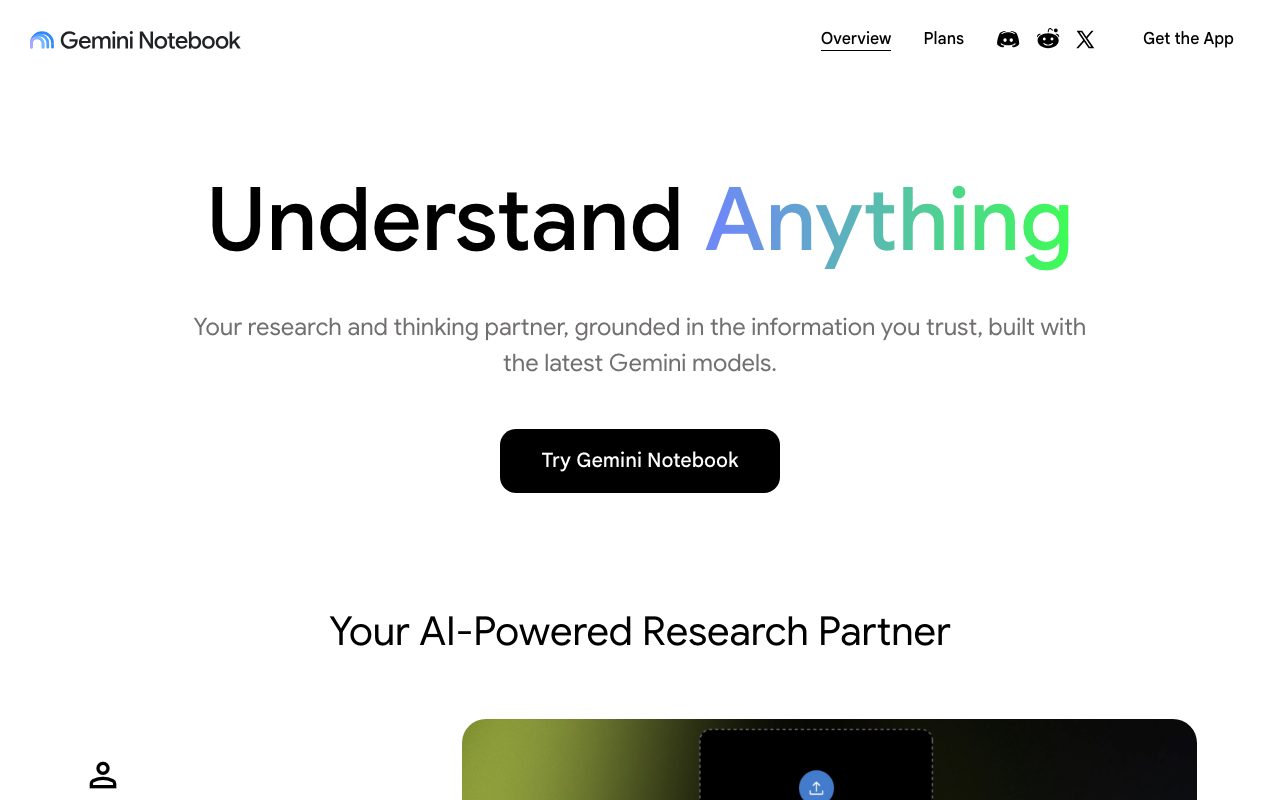
NotebookLM lets you upload documents, links, and videos, then answers questions strictly from those sources with citations and can generate audio and video overviews, study guides, and mind maps.
Each notebook holds up to dozens of sources; answers cite passages and refuse to stray beyond the material, which reduces fabrication. Audio Overviews turn sources into a podcast-style discussion, and additional outputs include briefing docs, FAQs, timelines, and mind maps. Sharing lets teams build notebooks together.
Strict grounding in your own sources with inline citations, plus distinctive audio overviews for learning on the go.
Product capabilities
Key features
Source-grounded Q&A
Answers cite passages from your uploads only.
Audio and video overviews
Generate discussions and explainers from sources.
Study outputs
Briefing docs, FAQs, timelines, and mind maps.
Collaboration
Share notebooks with teammates or classes.
Practical fit
Who should use NotebookLM?
Exam preparation
Turn lecture notes into study guides and audio.
Research synthesis
Question a set of papers or reports.
Onboarding packs
Give new hires a notebook of key documents.
Editorial assessment
Pros and limitations
Where it is strong
- Strict source grounding
- Free with generous limits
- Audio overviews
- Easy sharing
Where to be careful
- Knows only your sources
- Limits on sources per notebook
- Enterprise controls depend on Workspace edition
Commercial context
NotebookLM pricing
NotebookLM is free with limits on notebooks and sources; Google AI Pro and Ultra subscriptions and Workspace editions raise limits and add features at the review date. Confirm current limits on the official site.
Pricing, limits, taxes, model access, and regional availability can change. Verify the purchase-critical details on the official pricing page linked under Sources.
Transparent ranking
Why NotebookLM scores 75.9
Each factor is scored on a 100-point scale, then combined using the public ToolsRank weights. Engagement and momentum stay at a neutral baseline until measured signals exist, so no tool can gain or lose position from numbers nobody recorded.
Compatibility
Languages, platforms, and integrations
Languages
- Multilingual sources and outputs
Platforms
- Web
- iOS
- Android
Integrations & surfaces
- Google Drive
- Google Docs
- YouTube links
- Web pages
- PDF uploads
Community
Reviews and questions
No approved member reviews yet. Editorial factors above are the only rating on this page.
Reviews and questions come from Google-signed members and are checked by an editor before they appear.
Frequently asked
NotebookLM FAQ
What is NotebookLM best for?+
NotebookLM is best for answering questions and producing study materials from a defined set of documents with citations, including audio overviews.
Is NotebookLM free?+
NotebookLM is free with limits; Google AI plans and Workspace editions raise limits at the review date. Check the official site for current details.
How does ToolsRank score NotebookLM?+
ToolsRank combines editorial quality, practical utility, trust and transparency, freshness, engagement quality, and momentum. Paid placement never changes the organic score.