
Direct answer
What is Open WebUI?
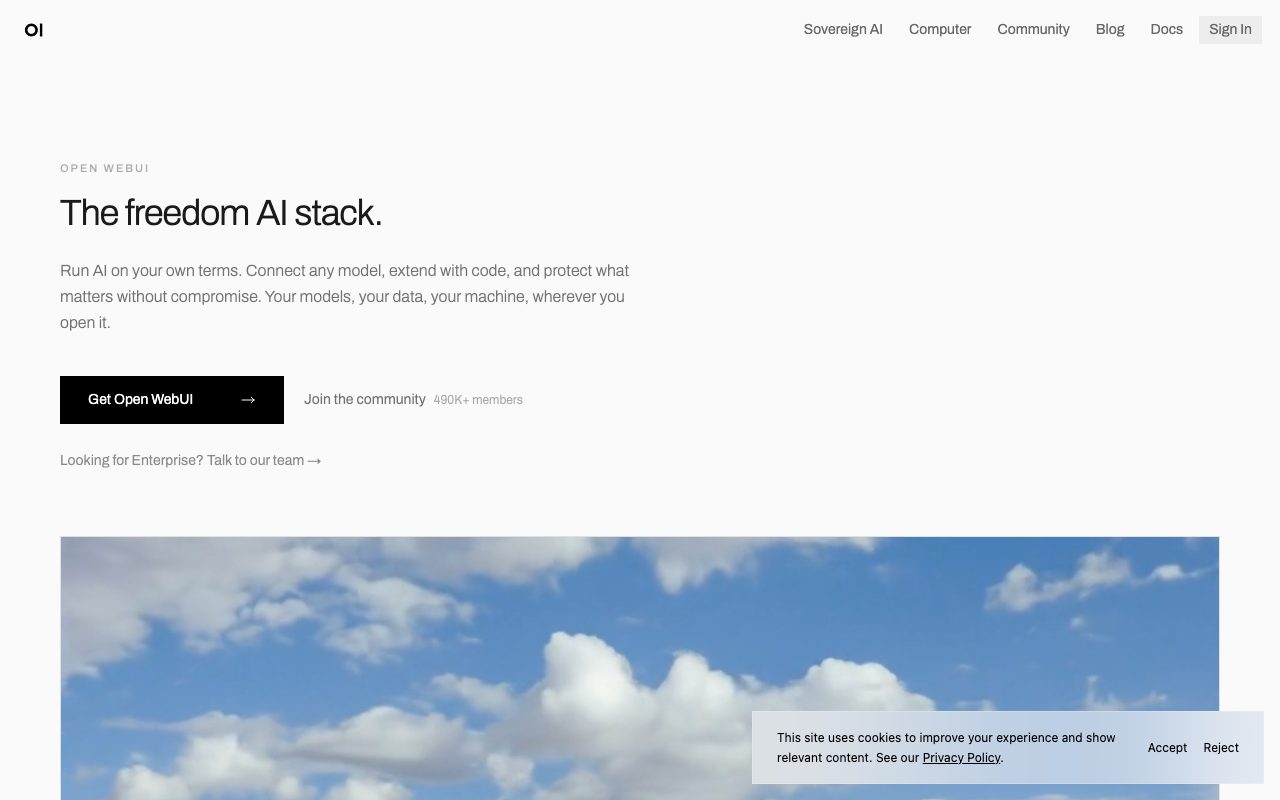
Open WebUI is an open-source, self-hosted web interface that connects to local inference engines and cloud APIs, providing private RAG, code execution, and modular Python extensions.
Open WebUI is a self-hosted platform designed to give individuals and organizations complete ownership of their conversational AI environment. Rather than tying users to a single hosted provider, it functions as a universal frontend and orchestration layer capable of interfacing with local backends like Ollama as well as external cloud endpoints such as OpenAI, Anthropic, or any compatible API. The application equips teams with essential productivity tools out of the box, including retrieval-augmented generation (RAG), web search, multimodal vision, and voice capabilities. Users can inspect and manipulate documents through integrated terminal file browsing and execute data analysis workflows without shipping documents to third-party services. The platform also offers extensive extensibility through custom Python functions and plugins, allowing teams to wire up bespoke business logic and safety checks like tool-call approvals. For enterprise environments, Open WebUI provides infrastructure controls such as role-based access control (RBAC), single sign-on (SSO), comprehensive audit logging, data residency guarantees, and full compatibility with air-gapped or on-premises networks. Community assets, including shared prompts, tool definitions, and system configurations, can be imported directly into self-hosted instances.
Unlike SaaS AI frontends, Open WebUI runs entirely on your own infrastructure (local hardware, cloud VPC, or air-gapped environments) and connects simultaneously to both local and commercial model providers.
Product capabilities
Key features
Universal Model Connectivity
Connects seamlessly to Ollama, OpenAI, Anthropic, and any API-compatible model backend across local and cloud environments.
Modular Python Plugins & Functions
Extend application logic using custom Python pipelines, tool definitions, and community-shared functions.
Retrieval-Augmented Generation (RAG)
Built-in document parsing and retrieval features that allow models to ground answers in local files and spreadsheets.
Interactive Tool Approvals
Supports human-in-the-loop tool-call confirmations and interactive pauses allowing models to prompt users for required details.
Integrated File Browser & Terminal
In-place document previews that let users pass generated artifacts, reports, and spreadsheets straight into chat context.
Enterprise Security & Governance
Provides single sign-on (SSO), role-based access controls (RBAC), audit logging, and air-gapped deployment readiness.
Community Sharing Hub
Access to a shared repository of community-contributed prompts, model personas, tools, and custom execution functions.
Workflow
How Open WebUI works
- Install Open WebUI locally or on a server using Docker or pip install open-webui.
- Configure model connections to local engines like Ollama or supply API keys for cloud providers like OpenAI and Anthropic.
- Upload files for RAG search or install Python tools and community pipelines from openwebui.com.
- Interact with models via the web interface with full control over data retention, tool approvals, and system prompts.
Practical fit
Who should use Open WebUI?
Air-Gapped Corporate AI Assistant
Deploy a secure chat UI inside a restricted network connected strictly to local hardware running Ollama models.
Multi-Provider Model Comparison
Switch between proprietary commercial APIs and private open-weight weights in the same conversational workspace.
Local Document Analysis and Reporting
Ingest spreadsheets and text files to generate charts and documents through embedded retrieval and terminal tools.
Custom Internal Agent Workflows
Write and deploy Python functions directly into chat channels to automate repetitive internal technical operations.
Editorial assessment
Pros and limitations
Where it is strong
- Full data sovereignty with self-hosted, on-premises, or air-gapped installation
- Broad backend compatibility spanning Ollama, OpenAI, Anthropic, and standard APIs
- Active open-source community providing ready-to-use prompts, tools, and extensions
- Rapid single-command setup via Docker or pip with no mandatory cloud account
Where to be careful
- Requires technical administration, server maintenance, and container management
- Enterprise tier pricing is not published transparently and requires sales outreach
Commercial context
Open WebUI pricing
At the review date (September 2026), Open WebUI is free and open-source to install via pip or Docker without requiring an account. An Enterprise tier with SSO, RBAC, and dedicated support is available by contacting sales.
| Plan | Price | What it includes |
|---|---|---|
| Open Source Community | $0 / forever free, self-hosted via pip or Docker, no account required for local use | |
| Enterprise | Custom pricing / available upon contacting sales, includes SSO, RBAC, audit logs, and air-gapped support |
Pricing, limits, taxes, model access, and regional availability can change. Verify the purchase-critical details on the official pricing page linked under Sources.
Transparent ranking
Why Open WebUI scores 77.9
Each factor is scored on a 100-point scale, then combined using the public ToolsRank weights. Engagement and momentum stay at a neutral baseline until measured signals exist, so no tool can gain or lose position from numbers nobody recorded.
Compatibility
Languages, platforms, and integrations
Languages
- English
Platforms
- Self-Hosted
- Docker
- Linux
- macOS
- Windows
Integrations & surfaces
- Ollama
- OpenAI
- Anthropic
- Docker
- Python
Community
Reviews and questions
No approved member reviews yet. Editorial factors above are the only rating on this page.
Reviews and questions come from Google-signed members and are checked by an editor before they appear.
Frequently asked
Open WebUI FAQ
What is Open WebUI?+
Open WebUI is an open-source, self-hosted web interface and AI workspace that allows users to run and manage LLMs locally or connect to external cloud models through a single customizable interface.
How is Open WebUI installed?+
Open WebUI can be deployed in about a minute via standard container workflows using Docker or directly as a Python package via pip without an account requirement.
Can Open WebUI connect to commercial models like Anthropic and OpenAI?+
Yes. The platform supports local inference engines like Ollama as well as API endpoints for OpenAI, Anthropic, or any compatible cloud provider.
Does Open WebUI support enterprise security standards?+
Yes. The enterprise solution provides single sign-on (SSO), role-based access control (RBAC), audit logging, compliance controls, and air-gapped deployment options.
Record history
What changed in this dossier
- Aug 25, 2026 — v0.11.1 added tool-call approvals, ask_user pauses, terminal file browser, delta streaming, and admin interface defaults.
