Direct answer
What is Otter.ai?
Otter.ai records and transcribes meetings, produces summaries and action items, and lets you ask questions across your meeting history.
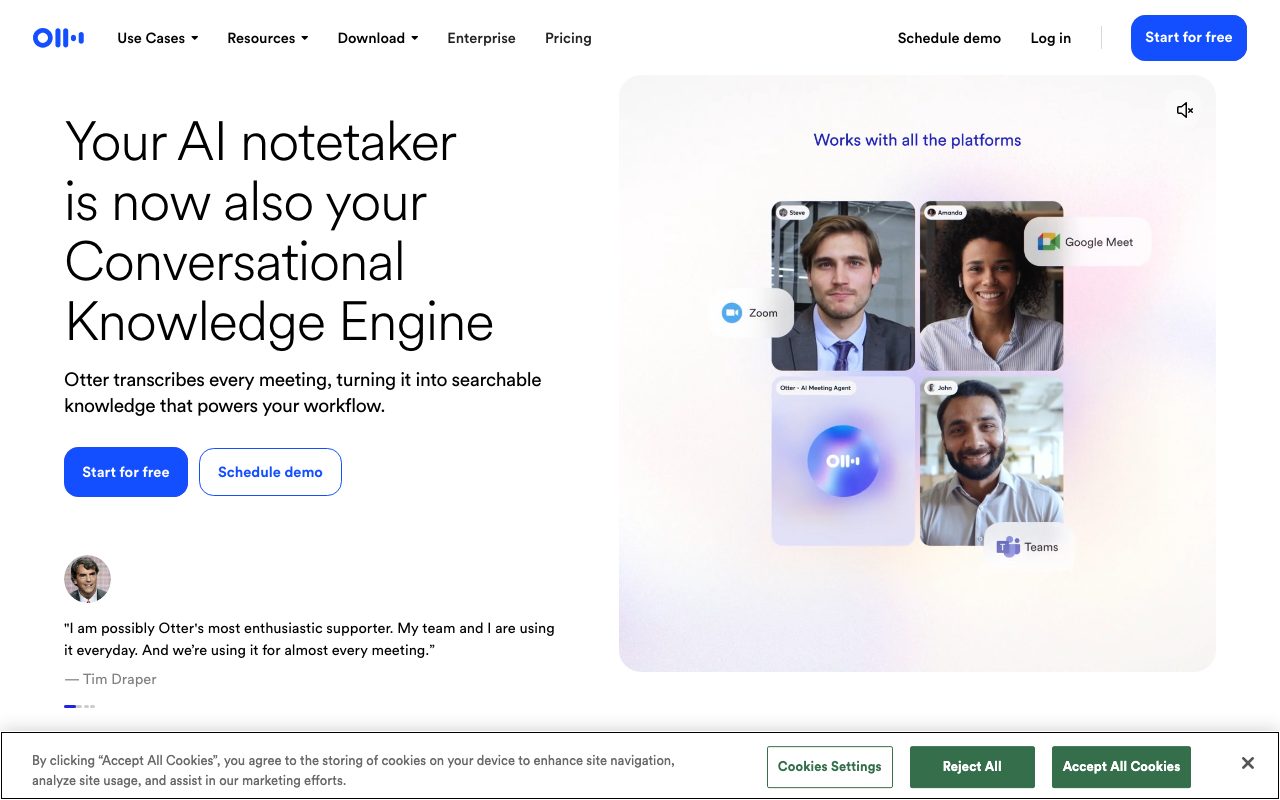
Otter joins or records meetings on Zoom, Google Meet, and Microsoft Teams, producing live transcripts with speaker labels, automatic summaries, and action items. Its chat feature answers questions across past meetings, and channels let teams share notes. It also works for in-person recordings on mobile.
One of the most established meeting transcribers, with live transcription during calls and a chat interface over the full meeting archive.
Product capabilities
Key features
Live transcription
Real-time transcripts with speaker identification during meetings.
Summaries and action items
Automatic meeting summaries and assigned follow-ups after each call.
Meeting chat
Ask questions across one meeting or your whole history.
Team channels
Share notes and highlights with teammates and integrate with CRMs on eligible plans.
Practical fit
Who should use Otter.ai?
Customer calls
Capture requirements and commitments without typing during the call.
Lectures and interviews
Record in person on mobile and search the transcript later.
Team memory
Find what was decided in a meeting from weeks ago in seconds.
Editorial assessment
Pros and limitations
Where it is strong
- Reliable live transcription
- Useful summaries and action items
- Free plan for light use
- Broad platform coverage
Where to be careful
- Free-plan minutes run out quickly
- Bot participants are visible and may need consent notices
- Accuracy varies with audio quality and accents
Commercial context
Otter.ai pricing
A free plan includes limited monthly transcription minutes; Pro, Business, and Enterprise plans raise limits and add admin controls at the review date. Verify current minutes and prices on the official pricing page.
Pricing, limits, taxes, model access, and regional availability can change. Verify the purchase-critical details on the official pricing page linked under Sources.
Transparent ranking
Why Otter.ai scores 73.5
Each factor is scored on a 100-point scale, then combined using the public ToolsRank weights. Engagement and momentum stay at a neutral baseline until measured signals exist, so no tool can gain or lose position from numbers nobody recorded.
Compatibility
Languages, platforms, and integrations
Languages
- English with additional languages on eligible plans
Platforms
- Web
- iOS
- Android
- Chrome extension
Integrations & surfaces
- Zoom
- Google Meet
- Microsoft Teams
- Google Calendar
- Salesforce
- HubSpot
- Slack
Community
Reviews and questions
No approved member reviews yet. Editorial factors above are the only rating on this page.
Reviews and questions come from Google-signed members and are checked by an editor before they appear.
Frequently asked
Otter.ai FAQ
What is Otter.ai best for?+
Otter.ai is best for professionals who want live transcripts, summaries, and action items from meetings and a way to search across all of them.
Is Otter.ai free?+
A free plan includes limited transcription minutes; paid plans raise limits and add team features at the review date. Confirm current minutes and prices on the official pricing page.
How does ToolsRank score Otter.ai?+
ToolsRank combines editorial quality, practical utility, trust and transparency, freshness, engagement quality, and momentum. Paid placement never changes the organic score.