Direct answer
What is Pixelcut?
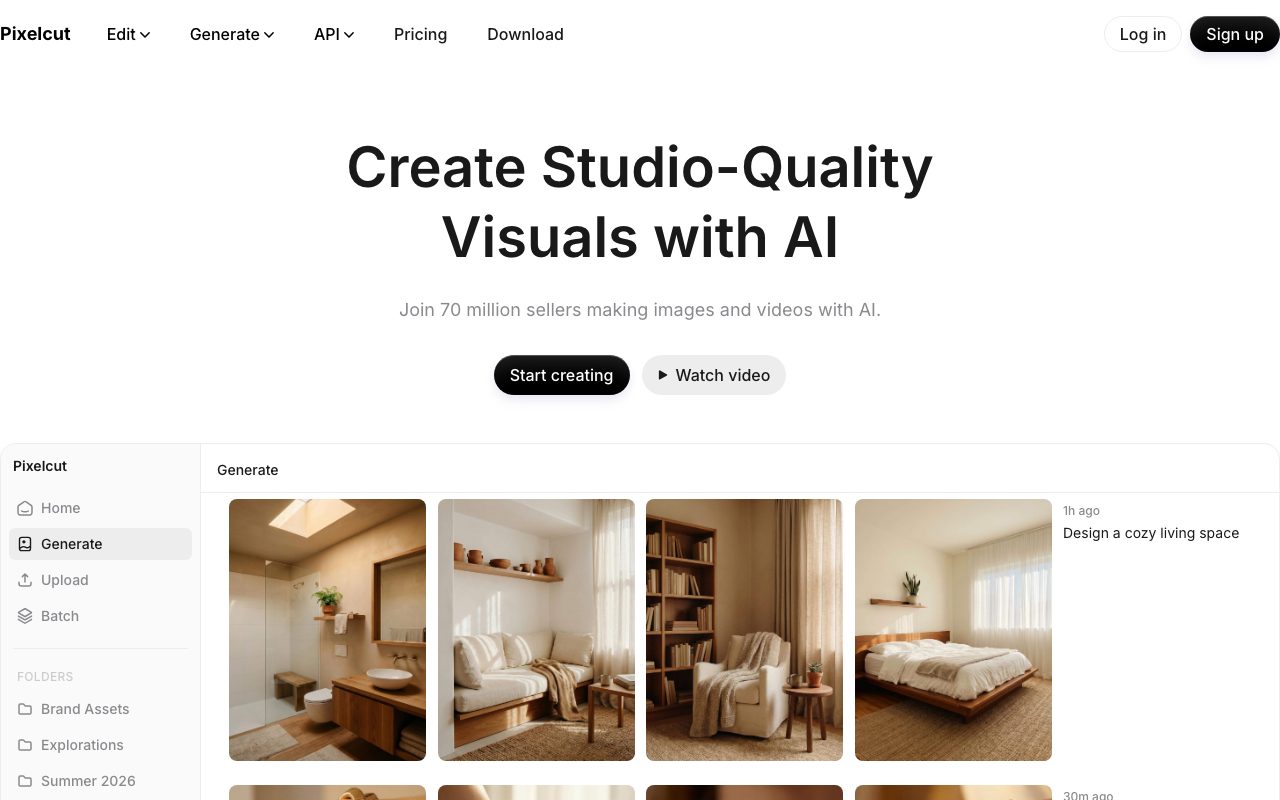
Pixelcut is an AI image and video editor designed for online commerce, featuring one-click background removal, studio product staging, batch workflows, and model routing.
Pixelcut provides browser, mobile, and API-based visual editing tools focused on product photography and marketing media. The platform features automated background removal for both still imagery and video footage, alongside photo upscaling up to 16x resolution, object erasure, generative fill, and canvas uncropping. For commercial catalog workflows, it provides bulk editing tools to apply cutouts, shadows, and resizing across hundreds of photos simultaneously. In addition to standard retouching, the software includes generative workflows for creating studio-style product environments and on-brand video clips. Users can generate contextual product scenes from prompts, establish consistent personas with AI actors, and produce UGC-style promotional videos. It connects with a wide array of underlying image and video models—such as Flux, Recraft, Kling, Sora 2, and Runway—drawing from a pooled credit allowance. For developer and automation teams, the service includes a REST API and a native Model Context Protocol (MCP) server that exposes its editing and generation capabilities directly to AI agents in tools such as Claude and Cursor. Team collaboration is managed at an account level with multi-seat allocations included on paid tiers.
Pixelcut combines core e-commerce utility tools like batch background removal and shadows with an integrated router for top third-party image and video models accessible through mobile apps, the web, and an MCP server.
Product capabilities
Key features
Background Removal & Shadow Generation
Isolates subjects in photos and videos using proprietary cutout algorithms, with tools to apply realistic cast shadows.
AI Product Photography
Places isolated merchandise into synthetic studio or lifestyle settings generated directly from text prompts.
Batch Editing & Export
Processes edits, background replacements, and exports across hundreds of visual assets simultaneously.
High-Ratio Upscaling
Enhances image resolution up to 16x using multiple integrated enhancement models, including Topaz.
Generative Video & UGC Ads
Generates talking promotional videos and short ad clips using models such as Sora 2, Kling, and Runway.
MCP Server & API
Integrates cutout, upscaling, and generative pipelines into external applications and AI agents such as Claude and Cursor.
Workflow
How Pixelcut works
- Upload a product image or video clip through the web application, mobile app, or API.
- Apply automated tools such as background removal, shadows, generative fill, or upscaling.
- Optionally generate new scenes or promotional video sequences using third-party AI models via prompt.
- Export standardized assets individually or run bulk workflows across hundreds of files.
Practical fit
Who should use Pixelcut?
E-Commerce Catalog Standardization
Strip backgrounds from supplier or mobile photos, add uniform ground shadows, and batch-export marketplace-ready images.
Social Ad Creative Generation
Generate talking UGC-style promotional videos and varied lifestyle backdrops for paid social campaigns.
Agentic Asset Automation
Use the Pixelcut MCP server to let developer agents in Claude or Cursor run automated image and video transformations.
Editorial assessment
Pros and limitations
Where it is strong
- Supports one-click background removal for both images and video clips.
- Pro and Business plans include pooled team seats rather than individual per-user licensing.
- Batch processing feature allows editing hundreds of assets simultaneously.
- Native MCP server support enables direct integration with developer AI agents.
Where to be careful
- Generative video and partner models consume limited monthly credit allowances quickly.
- The Free plan enforces strict daily limits on cutouts and upscaling.
Commercial context
Pixelcut pricing
At the review date (September 2026), Pixelcut offers a Free tier with basic tools, Pro starting at $10 monthly ($8 billed annually) with 600 monthly credits and 3 seats, and Business at $30 monthly ($24 billed annually) with 3,600 credits and 10 seats. Third-party generative models consume credits from this monthly allowance. Verify current terms on the official pricing page.
| Plan | Price | What it includes |
|---|---|---|
| Free | $0 / forever |
Suitable for testing basic editing functions. |
| Pro | $8 / month |
Price reflects annual billing ($10/month billed monthly). |
| Business | $24 / month |
Price reflects annual billing ($30/month billed monthly). |
Pricing, limits, taxes, model access, and regional availability can change. Verify the purchase-critical details on the official pricing page linked under Sources.
Transparent ranking
Why Pixelcut scores 73.6
Each factor is scored on a 100-point scale, then combined using the public ToolsRank weights. Engagement and momentum stay at a neutral baseline until measured signals exist, so no tool can gain or lose position from numbers nobody recorded.
Compatibility
Languages, platforms, and integrations
Languages
- English
- Spanish
- French
- German
- Japanese
- Portuguese
Platforms
- Web
- iOS
- Android
Integrations & surfaces
- Claude
- Cursor
- REST API
Community
Reviews and questions
No approved member reviews yet. Editorial factors above are the only rating on this page.
Reviews and questions come from Google-signed members and are checked by an editor before they appear.
Frequently asked
Pixelcut FAQ
Is Pixelcut available for free?+
Yes. Pixelcut provides a free plan with basic editing features, limited background removal, limited upscaling, and watermark-free exports.
How do credits work on Pixelcut?+
Credits are used when generating images or videos with advanced third-party AI models (such as Flux, Kling, Sora 2, and Runway). The number of outputs permitted depends on the model selected and the plan's credit allotment.
Can I use Pixelcut on mobile devices?+
Yes. Pixelcut is available as a native mobile application for iOS and Android, as well as via desktop and mobile web browsers.
How do team seats operate on paid plans?+
Paid plans include a fixed number of seats without per-seat charges: the Pro plan includes 3 team seats, while the Business plan includes 10 seats. Team members share the organization's monthly credit pool.
What is the Pixelcut MCP server?+
The Model Context Protocol (MCP) server allows compatible external clients, such as Claude or Cursor, to directly invoke Pixelcut's editing, generation, and pipeline tools programmatically.