Direct answer
What is Pixlr?
Pixlr is a web-based design and photo editing suite that pairs traditional layered editing tools with generative AI for text-to-image, background removal, object fill, video generation, and upscaling.
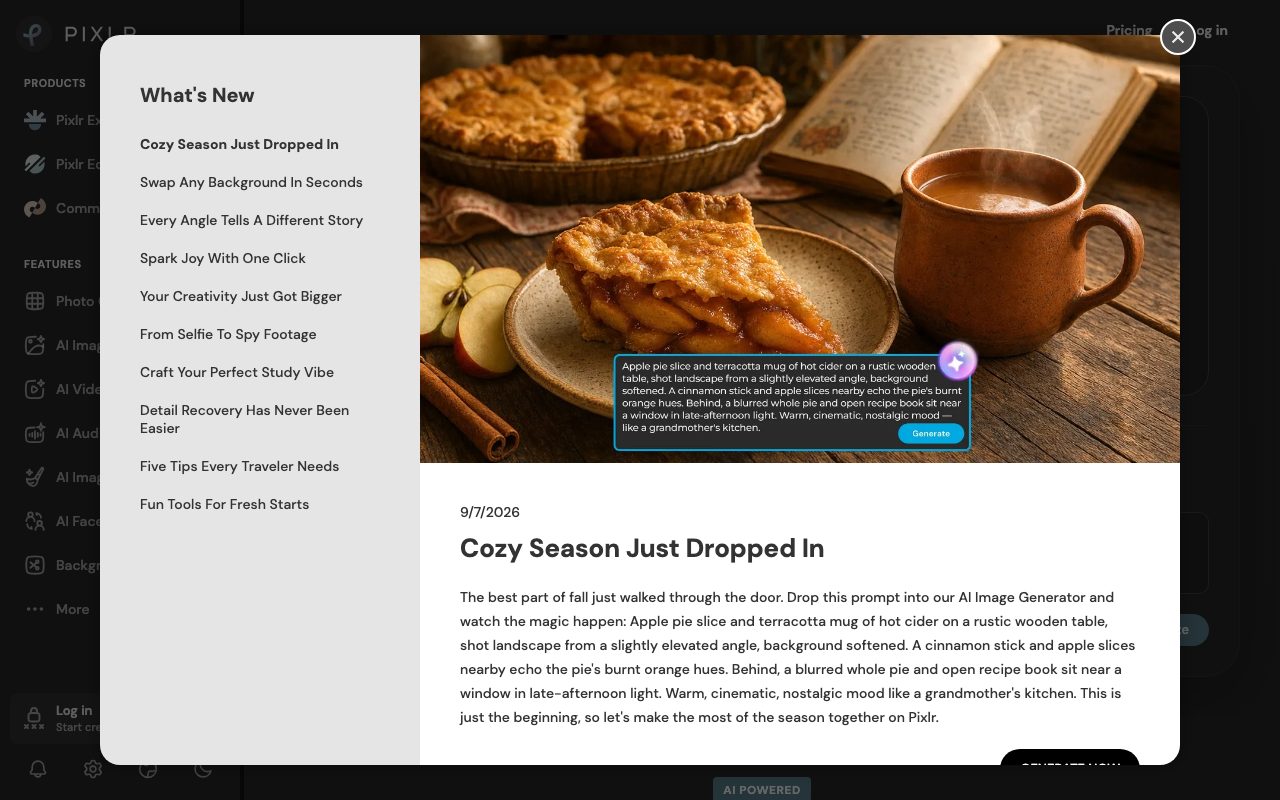
Pixlr is an online photo editor and generative media workspace running directly inside modern browsers, desktop applications, and mobile apps. Founded over 15 years ago, the platform provides dual interfaces—Pixlr Express for streamlined template adjustments and quick edits, and Pixlr Editor for deeper layer-based composition, selection masks, and retouching. The service integrates multiple external generative AI models including Flux, Flux Pro, Kling AI, Recraft V4, Google Veo, and Stable Diffusion. Users can execute standard photo adjustments alongside generative AI operations such as one-click background removal, generative fill, generative expand (outpainting), generative transform, object removal, skin enhancement, noise reduction, and super-resolution upscaling up to 25 megapixels. Beyond static graphics, Pixlr supports AI video generation (text-to-video and image-to-video), video face swapping, text-to-speech, speech-to-text, and prompt-driven music track generation. A free tier provides foundational tools with ad support and basic saves, while paid subscriptions (Plus, Premium, Ultra, and Ultra Max) provide ad-free workspaces, higher AI credit quotas, faster processing priority, private generation options, and access to expanded font and element libraries.
Pixlr blends standard layer-based photo editing with access to multiple commercial AI image and video models (such as Flux, Kling, and Google Veo) in a single browser tab without software installation.
Product capabilities
Key features
Layered Photo Editor and Express Interface
Provides full photo adjustment tools including layers, masks, filters, text overlays, and collage grids directly inside browser environments.
Multi-Model AI Generation
Supports text-to-image and image-to-image creation driven by models such as Flux, Flux Pro, Recraft V4, and Stable Diffusion.
Generative Fill and Expand
Select regions to add or replace visual elements with text guidance, or outpaint canvas boundaries seamlessly with generative expand.
One-Click Cutout and Object Removal
Isolates subjects with automated background removal and erases unwanted artefacts or people by brushing over them.
Super Scale Upscaling
Increases resolution and reconstructs fine detail up to 25 megapixels using AI super-resolution algorithms.
AI Video and Media Creation
Generates short video clips from text or still imagery using Kling AI, Google Veo, and PixVerse, alongside audio synthesis and face swapping.
Practical fit
Who should use Pixlr?
E-Commerce Product Imagery
Isolating product photos with one-click background removal, upscaling catalog assets, and placing merchandise against synthetic backgrounds.
Social Media Graphic Production
Generating bespoke marketing images from prompts, adding typography and overlays, and resizing via generative expand for varied aspect ratios.
Photo Retouching and Cleanup
Eliminating photo blemishes, removing photo bombers with object erase, and sharpening noisy photos without external plugins.
Short-Form Video Generation
Animating still visual assets into short video sequences with text-to-video or image-to-video models for promotional campaigns.
Editorial assessment
Pros and limitations
Where it is strong
- Runs entirely in web browsers with no installation needed on desktop or mobile
- Consolidates leading generative models like Flux, Kling, and Veo into one interface
- Offers a functional free tier alongside low-cost entry subscription plans
- Includes both simplified (Express) and Photoshop-style layered (Editor) interfaces
Where to be careful
- Free and entry tiers impose AI credit constraints and concurrent generation caps
- Subscription credits reset upon billing cycle renewal rather than rolling over continuously
- Subscriptions are strictly non-refundable once payment is processed
Commercial context
Pixlr pricing
Pricing snapshot at the review date of 2026-09-08 shows Plus starting at $1.99/mo (billed annually) or $2.49/mo (billed monthly), Premium at $7.99/mo (billed annually) or $9.99/mo, and Ultra at $19.99/mo (billed annually) or $24.99/mo. Check pixlr.com/pricing for current rates.
Pricing, limits, taxes, model access, and regional availability can change. Verify the purchase-critical details on the official pricing page linked under Sources.
Transparent ranking
Why Pixlr scores 75.1
Each factor is scored on a 100-point scale, then combined using the public ToolsRank weights. Engagement and momentum stay at a neutral baseline until measured signals exist, so no tool can gain or lose position from numbers nobody recorded.
Compatibility
Languages, platforms, and integrations
Languages
- English
Platforms
- Web
- iOS
- Android
- Desktop
Integrations & surfaces
- Google Docs
- Google Slides
- Google Drive
- Gmail
Community
Reviews and questions
No approved member reviews yet. Editorial factors above are the only rating on this page.
Reviews and questions come from Google-signed members and are checked by an editor before they appear.
Frequently asked
Pixlr FAQ
Can I use Pixlr for free?+
Yes. Pixlr provides a free version accessible directly in web browsers without mandatory account creation, covering core photo editing features. Advanced generative AI operations, ad-free viewing, and higher processing queues require paid plans or purchased credit packs.
What AI models are integrated into Pixlr?+
Pixlr connects to multiple AI providers and models, including Flux, Flux Pro, Kling AI, Recraft V4, Google Veo, Qwen, Stable Diffusion, SDXL, Seedance, Seedream, Grok Imagine, PixVerse, LTX Video, Vidu, ImagineArt, Wan AI, and ElevenLabs.
Do unused AI credits roll over each month?+
Subscription AI credits do not roll over; they reset to the plan's default quota upon each subscription renewal date, and unspent subscription credits expire upon cancellation. However, independently purchased Credit Packs never expire and remain separate from recurring subscription credits.
How does Pixlr handle face data and biometric privacy?+
According to Pixlr's privacy policy, facial geometry submitted for AI Face Tools is processed solely to generate the requested output and is not stored, used for secondary purposes, or shared with third parties.
Can Pixlr be used on mobile devices?+
Yes. Pixlr is available across web browsers, desktop applications, and mobile apps for Android and iOS devices, with subscriptions synchronised via a single Pixlr account.