
Direct answer
What is Qodo?
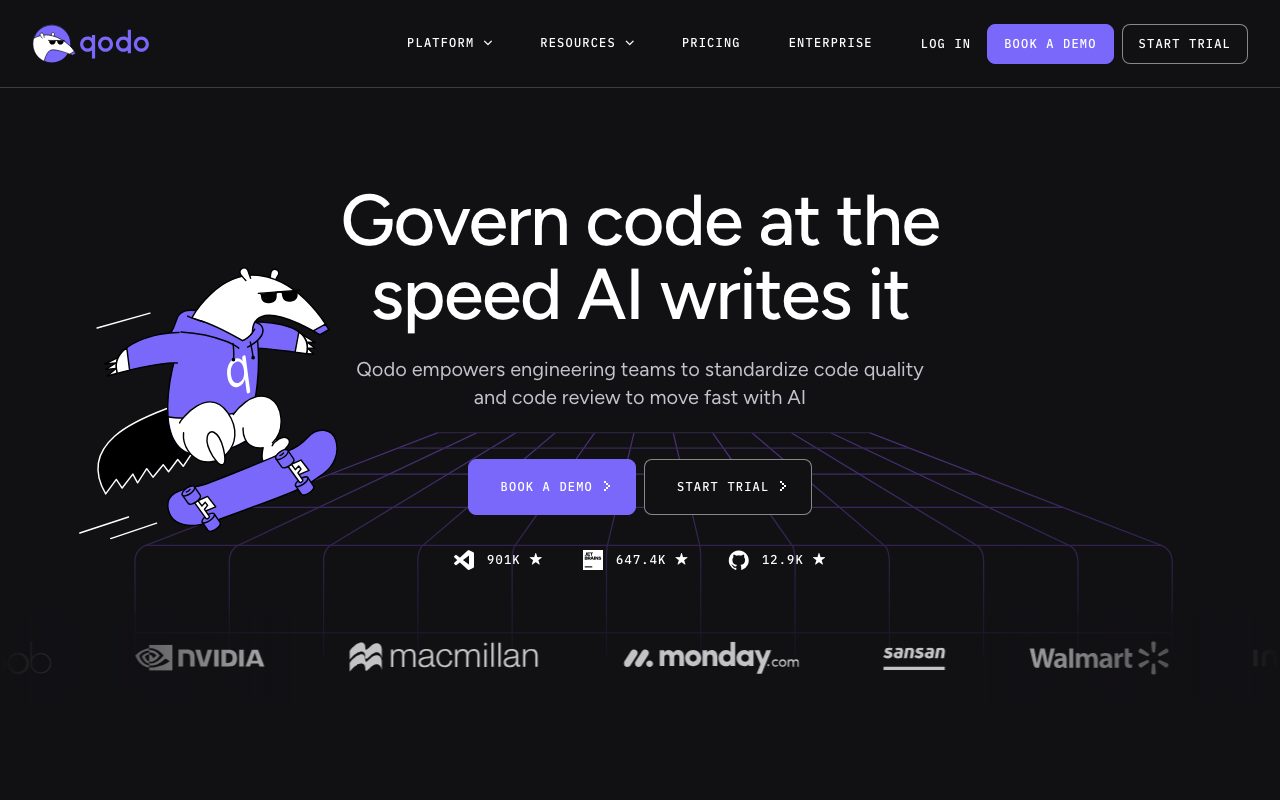
Qodo is an AI code quality and governance platform that conducts automated, context-aware pull request reviews across Git repositories and developer IDEs.
Qodo is an AI code review and governance system designed to evaluate code changes at both pull request and IDE levels. Built to address review bottlenecks introduced by AI-generated software development, the platform pairs an agentic review suite with a Context Engine that analyzes repository dependencies, past pull request history, internal rules, and ticket requirements. Rather than reviewing only the isolated Git diff, Qodo reads connected repositories to surface potential cross-repo breaking changes, API mismatches, and architectural conflicts before code merges. The system enforces self-learning coding standards, turning past pull request decisions and repository patterns into machine-enforceable rules that run automatically against new commits. Qodo operates directly within Git providers including GitHub, GitLab, Bitbucket, and Azure DevOps, as well as editor environments like VS Code and JetBrains IDEs. Its multi-agent review architecture routes code through specialized agents to detect logic bugs, test coverage gaps, and ticket requirement discrepancies, with a final judge agent filtering out low-signal suggestions. For enterprise environments, the platform provides zero data retention, SOC 2 Type II compliance, role-based access control, and self-hosted, single-tenant, or on-premises deployment options.
Qodo analyzes multi-repo context and ticket requirements across interconnected services to detect breaking changes and enforce dynamic rules before code merges, rather than evaluating isolated single-file diffs.
Product capabilities
Key features
Agentic PR Review
Deploys specialized agents across pull requests to flag logic bugs, rule violations, and incomplete requirements while filtering out noise.
Context Engine
Synthesizes repository structures, historical pull request discussions, connected repositories, and linked tickets to inform code evaluations.
Cross-Repo Dependency Mapping
Identifies breaking signature changes, schema shifts, and dependency conflicts across dependent repositories and mixed Git providers.
Living Rules System
Mines patterns and reviewer decisions from repository history to create, test, and automatically enforce machine-readable coding standards.
Shift-Left IDE Review
Brings review rules, context analysis, and validation skills directly into editors including VS Code and JetBrains IDEs.
Agent-Ready Remediation Prompts
Produces structured remediation prompts containing issue context, affected code ranges, and strategies for external coding assistants.
Governance and Risk Dashboard
Tracks issue findings, rule enforcement rates, risk concentrations, and resolution metrics across repositories and teams.
Workflow
How Qodo works
- Connect Qodo to your Git provider (GitHub, GitLab, Bitbucket, or Azure DevOps) and install the IDE plugin.
- The Context Engine analyzes repository code, dependencies, linked tickets, and past pull requests.
- When a developer opens a pull request, multi-agent reviewers run automated checks against coding rules, logic flaws, and cross-repo breaking changes.
- Developers inspect prioritized findings in Git or their IDE and can apply remediation prompts with coding assistants.
Practical fit
Who should use Qodo?
Automated Pull Request Review
Conducts initial automated reviews on Git pull requests, identifying logic gaps, missing tests, and unfulfilled ticket specifications.
Cross-Repository Breaking Change Detection
Monitors changes in shared libraries or APIs to alert developers when modifications will break downstream consumer repositories.
Coding Standards Enforcement
Transforms team guidelines and past code reviews into deterministic rules enforced uniformly across human and AI-generated code.
Verification of AI-Generated Code
Screens output from coding assistants for hallucinated APIs, duplicated logic, and architectural drift before integration.
Editorial assessment
Pros and limitations
Where it is strong
- Evaluates full codebase and multi-repo dependencies rather than isolated diffs
- Generates actionable remediation prompts tailored for AI coding assistants
- Enforces zero data retention and offers SOC 2 Type II compliance
- Connects across major Git providers (GitHub, GitLab, Bitbucket, Azure DevOps) and popular IDEs
Where to be careful
- No permanent individual free tier; paid plans rely on metered review credit pools
- Advanced self-learning rules and cross-repo review features require specific plan tiers
Commercial context
Qodo pricing
At the review date (September 2026), Qodo offers a 14-day free trial with unlimited reviews, followed by pooled credit-based Pro Team plans starting at $30 for 2,500 credits ($0.012/credit) for up to 30 users. Open source projects can access the platform free through an application program. Enterprise plans require custom quotes. Verify terms on the official pricing page.
| Plan | Price | What it includes |
|---|---|---|
| Free 14 Day Trial | $0 / 14 days, no credit card required, unlimited reviews and credits | |
| Pro Team (2,500 Credits) | $30 / per month (up to 30 users, pooled credits at $0.012/credit, ~18 reviews/month) | |
| Enterprise | Custom / annual contracts, 30+ users, BYOK, on-prem/single-tenant options |
Pricing, limits, taxes, model access, and regional availability can change. Verify the purchase-critical details on the official pricing page linked under Sources.
Transparent ranking
Why Qodo scores 77.8
Each factor is scored on a 100-point scale, then combined using the public ToolsRank weights. Engagement and momentum stay at a neutral baseline until measured signals exist, so no tool can gain or lose position from numbers nobody recorded.
Compatibility
Languages, platforms, and integrations
Languages
- Python
- JavaScript
- TypeScript
- Java
- Go
- C#
Platforms
- Web
- VS Code
- JetBrains IDEs
- Visual Studio
- CLI
Integrations & surfaces
- GitHub
- GitLab
- Bitbucket
- Azure DevOps
- Visual Studio Code
- JetBrains IntelliJ
- JetBrains PyCharm
- JetBrains WebStorm
- JetBrains GoLand
- JetBrains CLion
- Visual Studio
Community
Reviews and questions
No approved member reviews yet. Editorial factors above are the only rating on this page.
Reviews and questions come from Google-signed members and are checked by an editor before they appear.
Frequently asked
Qodo FAQ
Does Qodo retain or train AI models on private code?+
No. Qodo enforces zero data retention. Code is analyzed and discarded, and the vendor does not store, log, or use private repository code to train underlying AI models.
What Git platforms and development environments work with Qodo?+
Qodo supports GitHub (Cloud and Enterprise Server), GitLab (Cloud and self-managed), Bitbucket (Cloud and Data Center), Azure DevOps, and Gerrit on enterprise plans. Supported IDEs include Visual Studio Code, JetBrains IDEs (IntelliJ, PyCharm, WebStorm, GoLand, CLion, RubyMine, PhpStorm), and Visual Studio.
How does Qodo's credit-based pricing model work?+
The Pro Team plan meters review usage through pooled credits billed at $0.012 per credit, starting at $30 per month for 2,500 credits (roughly 18 reviews). If credits deplete, teams can continue reviewing under an overage spend cap at the same per-credit rate. Unused credits do not roll over to subsequent months.
Is there a free tier for developers or open source projects?+
Qodo does not offer a permanent general free tier, but provides a 14-day free trial with unlimited reviews and no credit card requirement. Qualified open source projects can apply for free access under the Qodo for Open Source program.
Can Qodo be deployed on-premises?+
Yes. Enterprise plans support single-tenant SaaS, on-premises, and air-gapped deployments, alongside Bring Your Own Key (BYOK) options for OpenAI, Anthropic, Azure OpenAI, or self-hosted models.