
Direct answer
What is SchoolAI?
SchoolAI provides educator-controlled AI learning environments, automated oversight via Mission Control, and student tutoring built to meet K-12 privacy and safety mandates.
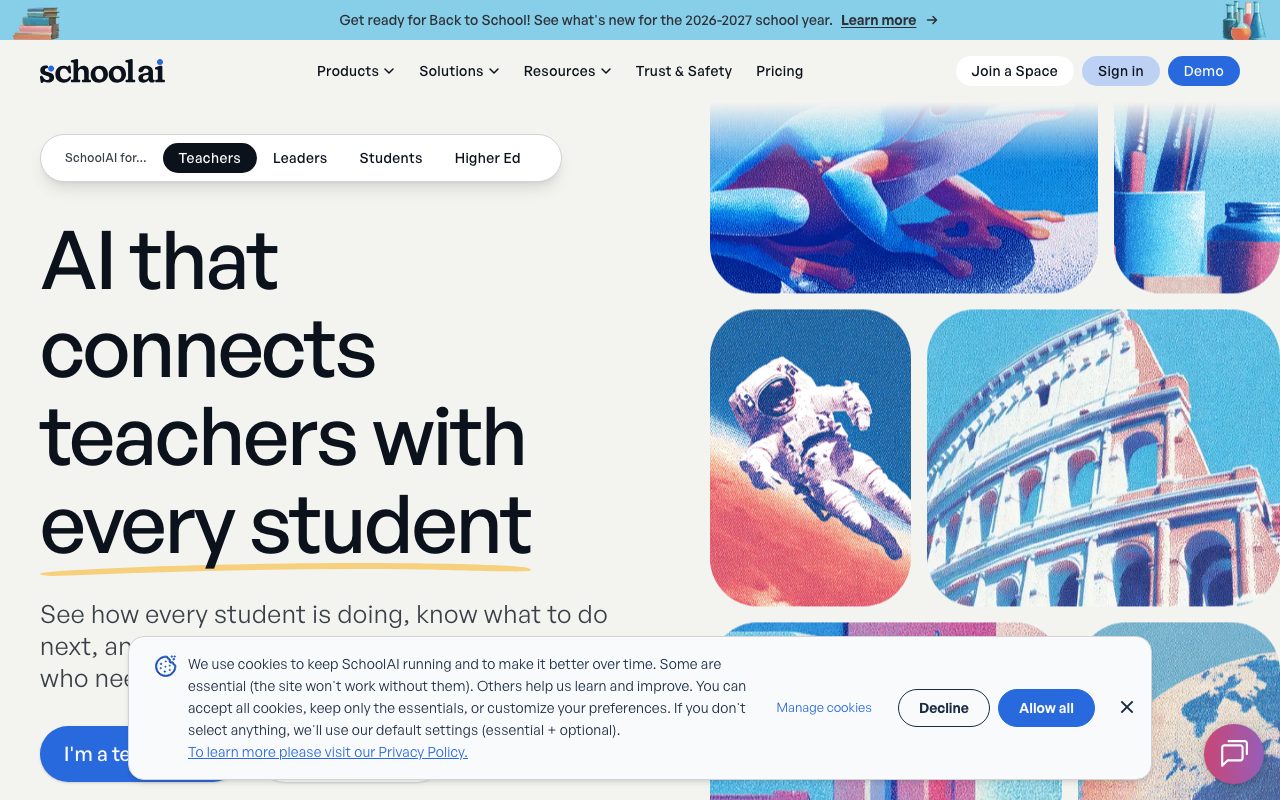
SchoolAI is an education-focused AI platform engineered specifically for primary and secondary school environments. It enables educators to build and launch custom learning experiences termed Spaces, wherein students interact with Dot, an AI assistant configured to guide thinking rather than simply supply answers. Teachers remain in direct control of instruction, establishing guardrails, uploading reference material, and tailoring topics to student interests and state standards. While students converse with the AI, educators monitor engagement through Mission Control, a real-time dashboard displaying who is actively working, who has encountered difficulties, and what intervention is needed next. The platform includes interactive PowerUps—such as an embedded Desmos graphing calculator, document editors, flashcards, mind maps, and a drawing board—to facilitate active learning alongside chat interactions. An integrated browser extension allows teachers to summarize meetings (such as IEP or PLC sessions), generate lesson ideas, and deliver inline feedback on student writing. Built to satisfy district-level security and governance standards, SchoolAI holds SOC 2 Type 2 compliance, 1EdTech TrustEd Apps certification, and adheres to FERPA and COPPA privacy regulations. The vendor guarantees that AI model providers never use student interactions for training, and incorporates real-time safety triggers that alert designated educators and school administrators when crisis language is detected.
Unlike generic conversational models, SchoolAI keeps the educator in control through Mission Control live oversight, safety alert routing, strict non-training data clauses, and learning experiences validated at ESSA Level III.
Product capabilities
Key features
SchoolAI Spaces
Teacher-designed conversational AI environments that guide students through concepts and adapt interactions to individual learning needs.
Mission Control Dashboard
Real-time in-session interface that highlights student progress, flags where learners are stuck, and suggests targeted instructional next steps.
Interactive PowerUps
Modular student learning tools embedded alongside AI conversations, including a Desmos graphing calculator, doodle board, mind maps, and document editor.
Safety Alert Routing
Real-time safety guardrails that detect crisis terms and trigger automatic notifications directly to teachers and district administrators.
Browser Extension & Meeting Notetaker
Browser-based companion enabling automated note-taking and structured summaries for parent conferences, IEPs, and PLC meetings, plus writing feedback tools.
District Controls & Observability
Centralized administration allowing custom instruction frameworks, district-wide standards mapping, SIS/LMS integration, and full audit logs.
Practical fit
Who should use SchoolAI?
Socratic Student Tutoring
Teachers assign a Space on a core subject where Dot coaches individual students through inquiry-based reasoning instead of revealing direct solutions.
Differentiated Small-Group Instruction
While the teacher conducts targeted interventions with a subset of students, the rest of the class explores personalized learning activities inside Spaces.
IEP and PLC Meeting Documentation
Educators use the browser extension's Notetaker feature to record and summarize meeting takeaways, action items, and student progress notes.
Curriculum Standards Alignment
District administrators establish system-wide instruction frameworks and map state learning standards to ensure uniform AI output across classrooms.
Editorial assessment
Pros and limitations
Where it is strong
- Validated at ESSA Level III with independent research demonstrating measurable gains in student critical thinking.
- Mission Control provides live visibility into student conversations and immediately flags learners needing intervention.
- Complies with strict educational safety and privacy requirements including FERPA, COPPA, SOC 2 Type 2, and 1EdTech.
- Integrated PowerUps like the Desmos graphing calculator allow multimodal academic tasks within the AI workspace.
Where to be careful
- The Free Trial plan is strictly capped at 5 Space launches per year.
- Full SIS rostering, LMS integration, and district-level custom instructions require paid institutional upgrades.
- Specific pricing for Pro and Scale tiers is not publicly listed and requires contacting sales.
Commercial context
SchoolAI pricing
At the review date (September 2026), SchoolAI provides a Free Trial plan capped at 5 Space launches per year. Paid Pro and Scale tiers require contacting sales for quotes, with eligibility for US Title I–IV-A funding. Verify current terms on the official pricing page.
Pricing, limits, taxes, model access, and regional availability can change. Verify the purchase-critical details on the official pricing page linked under Sources.
Transparent ranking
Why SchoolAI scores 76.5
Each factor is scored on a 100-point scale, then combined using the public ToolsRank weights. Engagement and momentum stay at a neutral baseline until measured signals exist, so no tool can gain or lose position from numbers nobody recorded.
Compatibility
Languages, platforms, and integrations
Languages
- English
- Multilingual (supports 60+ languages for live translation in Spaces)
Integrations & surfaces
- Canvas
- Desmos
- LMS (Generic)
- SIS Rostering
Community
Reviews and questions
No approved member reviews yet. Editorial factors above are the only rating on this page.
Reviews and questions come from Google-signed members and are checked by an editor before they appear.
Frequently asked
SchoolAI FAQ
Is SchoolAI free for individual teachers?+
SchoolAI provides a Free Trial tier that includes access to tools, assistants, PowerUps, and the browser extension, but it is limited to 5 Space launches per year. Unlimited sessions and Spaces require an upgraded school or district plan.
Is student data protected and excluded from AI model training?+
Yes. SchoolAI states that all AI providers with which it partners are contractually bound never to train on or sell student data. The platform adheres to FERPA, COPPA, FIPPA, and SOC 2 Type 2 standards, and holds 1EdTech TrustEd Apps certification.
What is Mission Control in SchoolAI?+
Mission Control is a monitoring dashboard for teachers. While students interact with the AI assistant, Mission Control shows in real time who is engaged, surfaces where individual learners are struggling, and suggests appropriate instructional actions.
Can SchoolAI be integrated into Learning Management Systems (LMS)?+
Yes. On Pro and Scale tiers, SchoolAI supports full LMS integration. On the Scale tier, districts can also deploy an embedded Student Sidekick directly within Canvas.