
Direct answer
What is Superhuman?
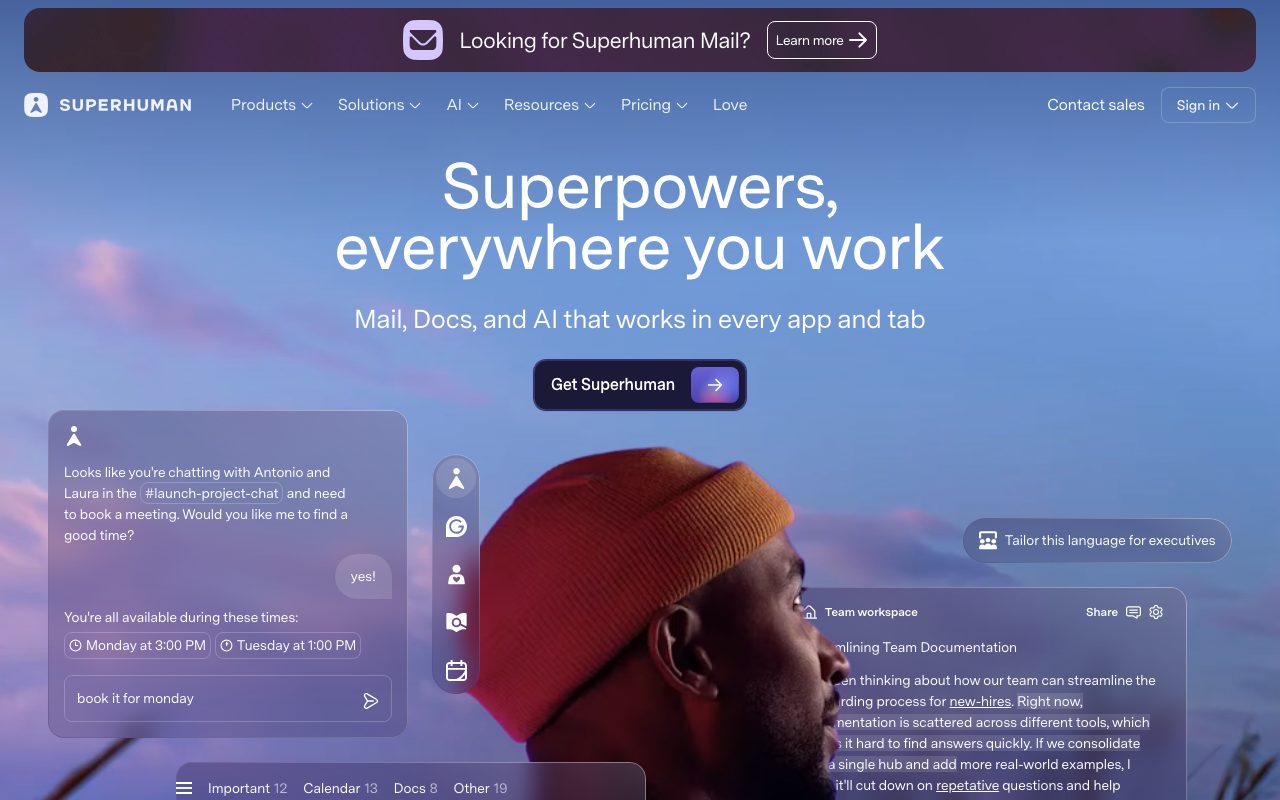
Superhuman layers a keyboard-first client and AI features such as drafting in your voice, thread summaries, and auto-triage over Gmail and Outlook accounts.
The client emphasises speed with shortcuts, split inboxes, and follow-up reminders. Its AI writes drafts that mimic your past emails, summarises long threads, and labels and prioritises incoming mail. Team plans add shared inboxes and analytics. It works on top of existing Google Workspace or Microsoft 365 mailboxes.
A premium email client where AI drafting and triage are integrated into a fast, keyboard-driven workflow rather than bolted on.
Product capabilities
Key features
AI drafting in your voice
Generates replies and new emails styled on your past writing.
Thread summaries
Condenses long threads and instantly summarises new mail.
Auto triage
Labels and splits the inbox by importance and category.
Team features
Shared conversations, read statuses, and analytics on eligible plans.
Practical fit
Who should use Superhuman?
Executive inbox
Reach inbox zero faster with triage and shortcuts.
Sales follow-up
Draft personalised follow-ups quickly from thread context.
Team communication
Coordinate replies with shared threads.
Editorial assessment
Pros and limitations
Where it is strong
- Very fast client
- Voice-matched drafts
- Strong triage
- Works with existing mailboxes
Where to be careful
- Premium per-user price
- Overkill for light users
- Requires Gmail or Outlook accounts
Commercial context
Superhuman pricing
Superhuman is a paid per-user subscription with Starter, Business, and Enterprise tiers at the review date; AI features are included in plans. Verify current prices on the official pricing page.
Pricing, limits, taxes, model access, and regional availability can change. Verify the purchase-critical details on the official pricing page linked under Sources.
Transparent ranking
Why Superhuman scores 78.5
Each factor is scored on a 100-point scale, then combined using the public ToolsRank weights. Engagement and momentum stay at a neutral baseline until measured signals exist, so no tool can gain or lose position from numbers nobody recorded.
Compatibility
Languages, platforms, and integrations
Languages
- Multilingual drafting
Platforms
- macOS
- Windows
- iOS
- Android
- Web
Integrations & surfaces
- Gmail
- Outlook
- Google Calendar
- Salesforce
- HubSpot
- Slack
Community
Reviews and questions
No approved member reviews yet. Editorial factors above are the only rating on this page.
Reviews and questions come from Google-signed members and are checked by an editor before they appear.
Frequently asked
Superhuman FAQ
What is Superhuman best for?+
Superhuman is best for professionals with heavy email volume who want a fast client with AI drafting, summaries, and triage over Gmail or Outlook.
Is Superhuman free?+
No. Superhuman is a paid per-user subscription with a trial at the review date; check the official pricing page for current tiers.
How does ToolsRank score Superhuman?+
ToolsRank combines editorial quality, practical utility, trust and transparency, freshness, engagement quality, and momentum. Paid placement never changes the organic score.


