
Direct answer
What is Topaz Photo AI?
Topaz Photo AI is a standalone and plugin photo editor for Mac and Windows that fixes noise, missed focus, motion blur, and resolution limits using targeted AI models.
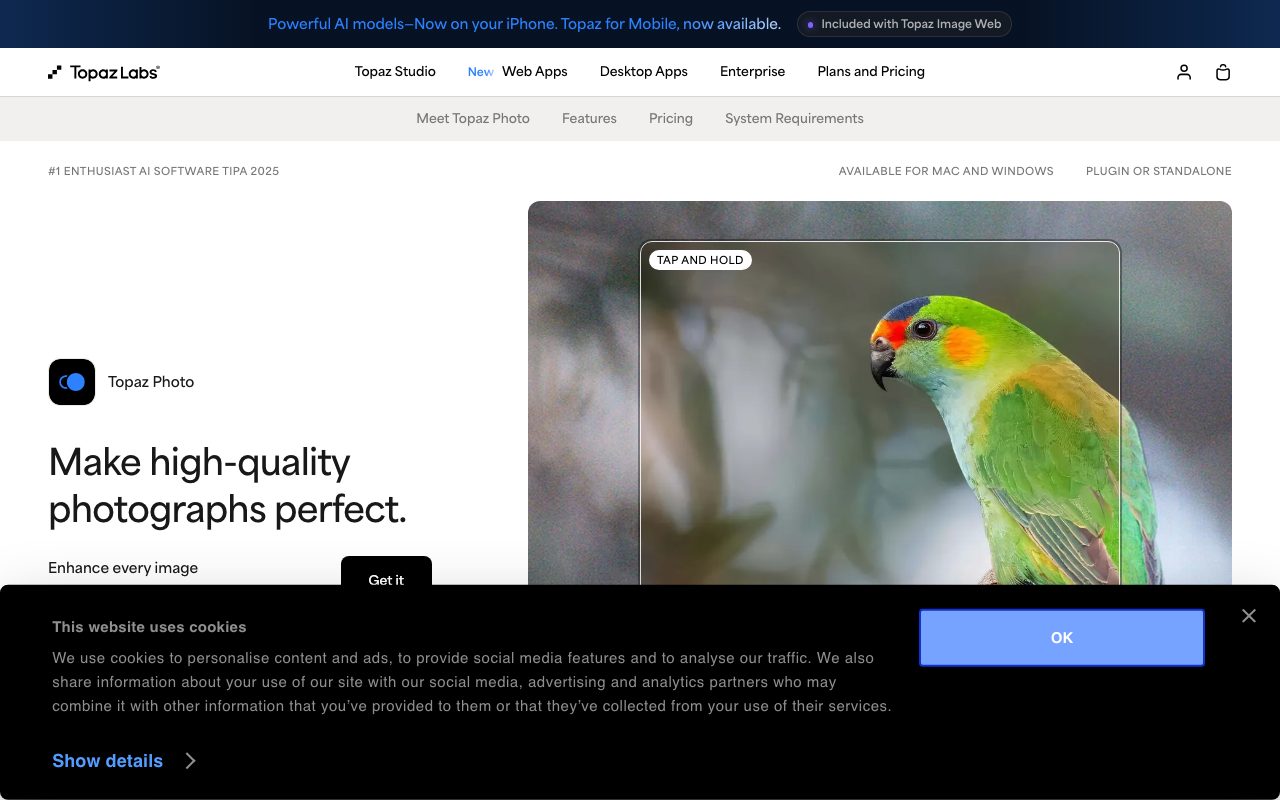
Topaz Photo AI (marketed on vendor pages as Topaz Photo) is an intelligent image enhancement application engineered as the final finishing step in professional photographic workflows. Operating both as an independent standalone desktop application on macOS and Windows and as an integrated plugin for Adobe Photoshop, Lightroom Classic, Capture One, Apple Photos, and Affinity Photo, it provides dedicated AI tools designed to salvage and polish demanding shots. The software concentrates on structural image correction rather than graphic manipulation. Key processing modules include RAW and standard image denoising, motion blur correction, Super Focus for recovering missed focal planes, facial detail reconstruction with creative or realistic modes, and dust or scratch removal. Resolution expansion is handled through the Standard MAX and Wonder upscaling engines, which allow substantial crops or large-format printing without visible pixel breakdown. Topaz Photo supports dual processing workflows: fully private on-device local rendering where images never leave the local machine, alongside unlimited cloud rendering to accelerate processing and relieve local hardware demands. Subscriptions include personal and commercial use tiers differentiated by organizational revenue and seat management requirements.
Unlike generic image generators or general-purpose photo editors, Topaz Photo AI focuses specifically on optical fidelity and corrective restoration, running dedicated computer-vision models locally on your machine or via unlimited cloud rendering.
Product capabilities
Key features
Dual RAW and standard Denoise
Removes sensor grain and high-ISO noise while preserving underlying surface textures across RAW files and standard image formats.
Super Focus and Sharpening
Restores edge sharpness and lost detail resulting from lens softness, camera movement, or missed focus.
Facial Detail Recovery
Reconstructs facial features, skin pores, hair strands, and eye catchlights with selectable Realistic and Creative rendering options.
Standard MAX and Wonder Upscaling
Multi-tier upscaling engines designed for extreme low-resolution recovery as well as true-to-input resolution enlargements for large-scale printing.
Dust, Scratch, and Object Removal
Context-aware automated tools and brush modes designed to patch blemishes, surface artifacts, and scratches on archival scans or damaged files.
Local and Cloud Rendering Options
Supports offline local processing where files never leave the machine alongside unlimited cloud rendering to offload system hardware.
Broad Host Host Application Plugins
Integrates directly into Adobe Photoshop, Adobe Lightroom Classic, Capture One, Apple Photos, and Affinity Photo pipelines.
Workflow
How Topaz Photo AI works
- Open the image in the standalone Topaz Photo app or pass it directly from host applications like Lightroom Classic or Photoshop.
- Allow the autopilot feature to inspect image flaws or manually activate specific tools such as Denoise, Super Focus, Recover Faces, or Upscale.
- Select preferred processing models (such as Wonder or Standard MAX) and adjust exposure, lighting, or sharpness parameters.
- Render the output locally on your workstation for complete privacy or send to Topaz cloud rendering to process without hardware strain.
Practical fit
Who should use Topaz Photo AI?
Wildlife and Astrophotography Enhancement
Clean up high-ISO sensor noise and recover crisp feather and fur details in difficult or low-light field conditions.
Wedding and Event Rescue
Salvage once-in-a-lifetime indoor moments compromised by low-light conditions, motion blur, or slight focus drift.
Archival Scan Restoration
Eliminate dust, scratches, and age-related defects on vintage photos while adjusting exposure balance and color tones.
Large-Format Print Preparation
Upscale tightly cropped images using Standard MAX or Wonder models to maintain crisp details on gallery prints.
Editorial assessment
Pros and limitations
Where it is strong
- Flexible deployment as a standalone application or plugin within major host editing suites
- Choice between zero-cloud local rendering for total data privacy and unlimited cloud rendering
- Specialized models that restore delicate facial details, typography, and optical sharpness
Where to be careful
- Single-seat desktop restriction on Personal plans limits simultaneous use across multiple machines
- Short 2-day return policy compared to software industry norms
- Limited commercial license terms on the Personal tier restrict use to organizations earning under $1M annual revenue
Commercial context
Topaz Photo AI pricing
Pricing snapshot as of September 2026. Topaz Photo is available as an individual Personal plan ($199 billed annually, $25 per month on a 12-month commitment, or $39 month-to-month) or a Pro plan ($599 billed annually or $63 per month on a 12-month commitment). It is also bundled within the Topaz Studio suite. Review the official Topaz Labs pricing page for current rates.
| Plan | Price | What it includes |
|---|---|---|
| Personal (Annual) | $17/month / billed annually at $199/year critical note: also available at $25/month with 12-month commitment or $39 month-to-month | |
| Pro (Annual) | $50/month / billed annually at $599/year or $63/month on 12-month commitment | |
| Topaz Studio (Bundle) | $34/month / billed annually at $399/year or $69 month-to-month |
Pricing, limits, taxes, model access, and regional availability can change. Verify the purchase-critical details on the official pricing page linked under Sources.
Transparent ranking
Why Topaz Photo AI scores 75.1
Each factor is scored on a 100-point scale, then combined using the public ToolsRank weights. Engagement and momentum stay at a neutral baseline until measured signals exist, so no tool can gain or lose position from numbers nobody recorded.
Compatibility
Languages, platforms, and integrations
Languages
- English
Platforms
- macOS
- Windows
Integrations & surfaces
- Adobe Photoshop
- Adobe Lightroom Classic
- Capture One
- Apple Photos
- Affinity Photo
Community
Reviews and questions
No approved member reviews yet. Editorial factors above are the only rating on this page.
Reviews and questions come from Google-signed members and are checked by an editor before they appear.
Frequently asked
Topaz Photo AI FAQ
Does Topaz Photo AI send my images to external servers?+
Topaz Photo offers private local rendering where files never leave your computer, making it suitable for confidential and proprietary work. It also provides an optional unlimited cloud rendering workflow to offload processing from your local hardware.
Can I install Topaz Photo AI on more than one computer?+
According to official documentation, desktop applications can only be used on one computer at a time per seat. Users requiring simultaneous execution across multiple workstations must upgrade to a Pro tier license with seat management.
What is the difference between Personal and Pro licenses?+
The Personal tier includes standard photo models, unlimited local and cloud image rendering, and commercial usage rights limited to organizations under $1M USD annual revenue. The Pro tier provides additional Pro models, local access to Wonder 1, full unrestricted commercial usage, and team seat management.
What is Topaz Labs' refund policy for Topaz Photo?+
Topaz Labs states that if a product is not the right fit, customers can request a full refund within 2 days of purchase.
