Direct answer
What is TypingMind?
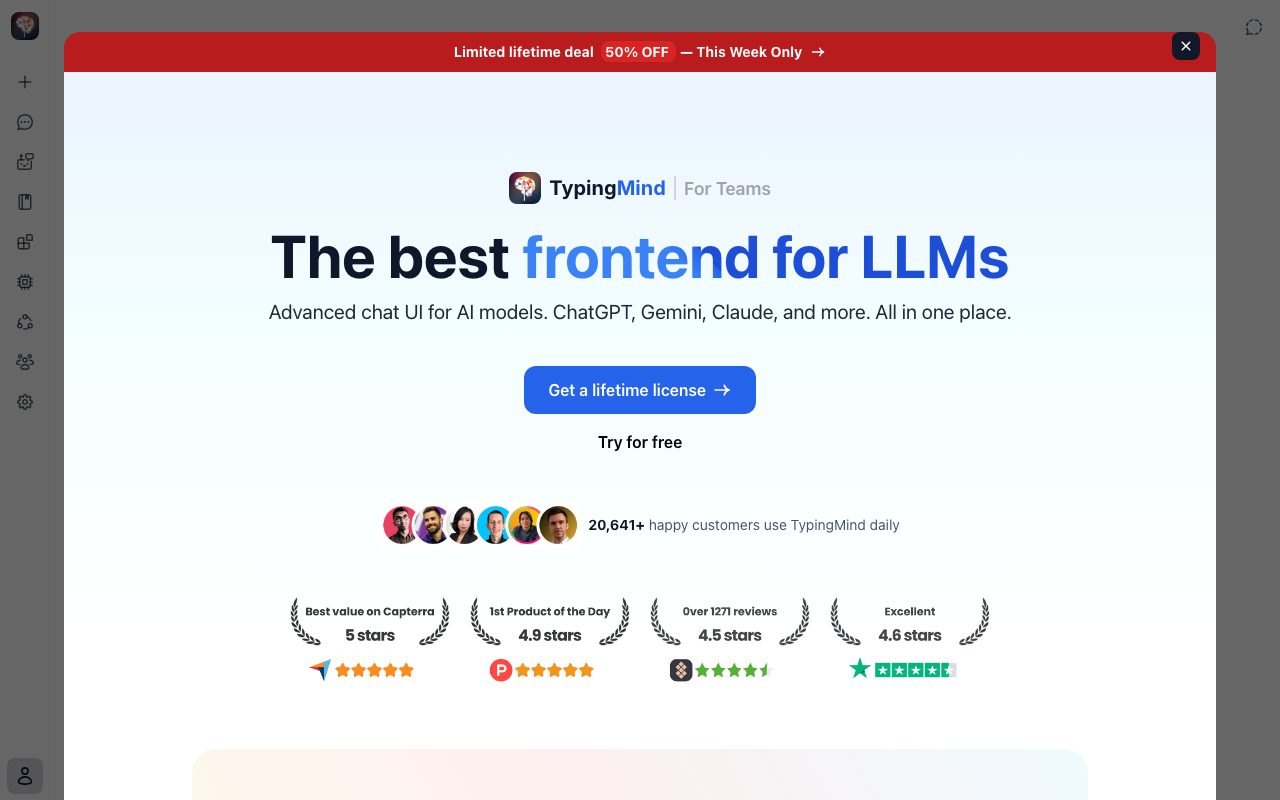
TypingMind is a client-side frontend chat interface for LLMs that lets users connect their own API keys across multiple providers while storing conversation data locally.
TypingMind serves as an advanced graphical client for artificial intelligence models, enabling users to bring their own API keys (BYOK) for providers such as OpenAI, Anthropic, Google, DeepSeek, Grok, Mistral, and OpenRouter. By default, it operates as a static client application where API keys, message histories, and prompts are saved locally in the browser via LocalStorage and IndexedDB, routing requests directly from the client to the model APIs without intermediate logging servers. The interface includes interactive Artifacts, an inline Canvas editor, parallel model comparisons, Model Context Protocol (MCP) tool connectors, prompt caching support, custom AI agent creation, and retrieval-augmented generation (RAG) over uploaded documents. Beyond personal use and self-hosted static packages, it provides opt-in cloud synchronization and a dedicated Teams tier with admin controls and shared workspaces.
Unlike hosted chatbot subscriptions that isolate chats into separate vendor silos, TypingMind stores prompts and keys locally in the browser by default, routes requests directly to model endpoints, and allows parallel multi-model responses across different AI providers.
Product capabilities
Key features
Multi-Model Chat & Parallel Responses
Query models like Claude, ChatGPT, Gemini, and open-weight models simultaneously to compare outputs in real time within a unified interface.
Local-First Storage & Encryption
API keys, prompt templates, and chat histories stay on your local device by default using browser storage, with optional on-device encryption.
Model Context Protocol (MCP)
Connect external data sources, developer tools, and databases to language models using Anthropic's standard Model Context Protocol.
Custom AI Agent Builder
Create specialized agents equipped with uploaded reference documents, system prompts, prompt chaining, and custom API plugins.
Interactive Canvas & Artifacts
Collaborate with models inside an editable canvas workspace to write documents, debug code, and view live Mermaid diagrams.
Document Analysis and RAG
Upload PDFs, spreadsheets, and text files or connect knowledge bases to ground model responses using retrieval-augmented generation.
Practical fit
Who should use TypingMind?
Side-by-Side Model Benchmarking
Send identical prompts to different models simultaneously to evaluate output quality, speed, and reasoning depth.
Custom Agent Knowledge Bases
Build private reference bots populated with internal documents and custom instructions for specific research or operational tasks.
Interactive Code and Content Drafting
Use the Canvas editor and Artifacts to iteratively refine code snippets, technical documentation, and visual diagrams.
Privacy-Sensitive AI Workflows
Interact with external models without routing chat histories through intermediary SaaS databases or subjecting prompts to vendor training.
Editorial assessment
Pros and limitations
Where it is strong
- Stores chat data and API keys locally in the browser by default without vendor model training.
- Supports parallel chat across multiple competing model providers in a single window.
- Provides advanced capabilities including Model Context Protocol (MCP), prompt caching, and interactive Canvas.
- Offers a lifetime license option to eliminate recurring application subscription fees.
Where to be careful
- Requires users to set up, monitor, and pay for third-party API keys directly with providers.
- Data remains isolated to a single browser unless the user opts into cloud synchronization or self-hosts.
- Specific lifetime license and team tier prices are not stated directly on the homepage.
Commercial context
TypingMind pricing
At the review date, TypingMind offers a free tier ('Try for free') alongside paid lifetime licenses and a separate TypingMind for Teams tier. Exact dollar amounts are not listed on the homepage. Users must provide their own API keys and pay model providers directly for token usage. Check the official pricing page for current rates.
Pricing, limits, taxes, model access, and regional availability can change. Verify the purchase-critical details on the official pricing page linked under Sources.
Transparent ranking
Why TypingMind scores 71
Each factor is scored on a 100-point scale, then combined using the public ToolsRank weights. Engagement and momentum stay at a neutral baseline until measured signals exist, so no tool can gain or lose position from numbers nobody recorded.
Compatibility
Languages, platforms, and integrations
Languages
- English
Platforms
- Web
Integrations & surfaces
- OpenAI
- Anthropic
- Google Gemini
- OpenRouter
- Azure OpenAI
- Groq
- DeepSeek
- Fireworks AI
- Mistral AI
- ElevenLabs
- Zapier
- Perplexity
Community
Reviews and questions
No approved member reviews yet. Editorial factors above are the only rating on this page.
Reviews and questions come from Google-signed members and are checked by an editor before they appear.
Frequently asked
TypingMind FAQ
Does TypingMind store my chat messages or API keys on its servers?+
No. In default local mode, TypingMind functions as a static web application. All API keys, chat histories, and prompts remain stored locally on your device in Local Storage and IndexedDB. Chat requests are sent directly from your browser to the respective model provider.
Do I need my own API keys to use TypingMind?+
Yes. TypingMind provides the user interface and workspace tooling, but it does not supply or broker model tokens. You must enter your own API keys from providers like OpenAI, Anthropic, or Google and pay those providers directly based on your usage.
Can I sync my chats across multiple devices?+
By default, your data is isolated to the specific browser you use. However, you can opt into TypingMind Cloud sync or deploy a self-hosted instance to synchronize conversations, prompts, and settings across multiple devices.
What is TypingMind for Teams?+
TypingMind for Teams is a centralized workspace edition for organizations. It adds an administrative panel, centralized member management, custom branding, role-based access, and shared knowledge bases.
Does TypingMind use my conversations to train AI models?+
No. The vendor does not collect or use your chat data for training purposes. Because requests are transmitted directly to your chosen AI providers via your own API keys, your data is governed by each provider's commercial API data terms.