
Direct answer
What is Uizard?
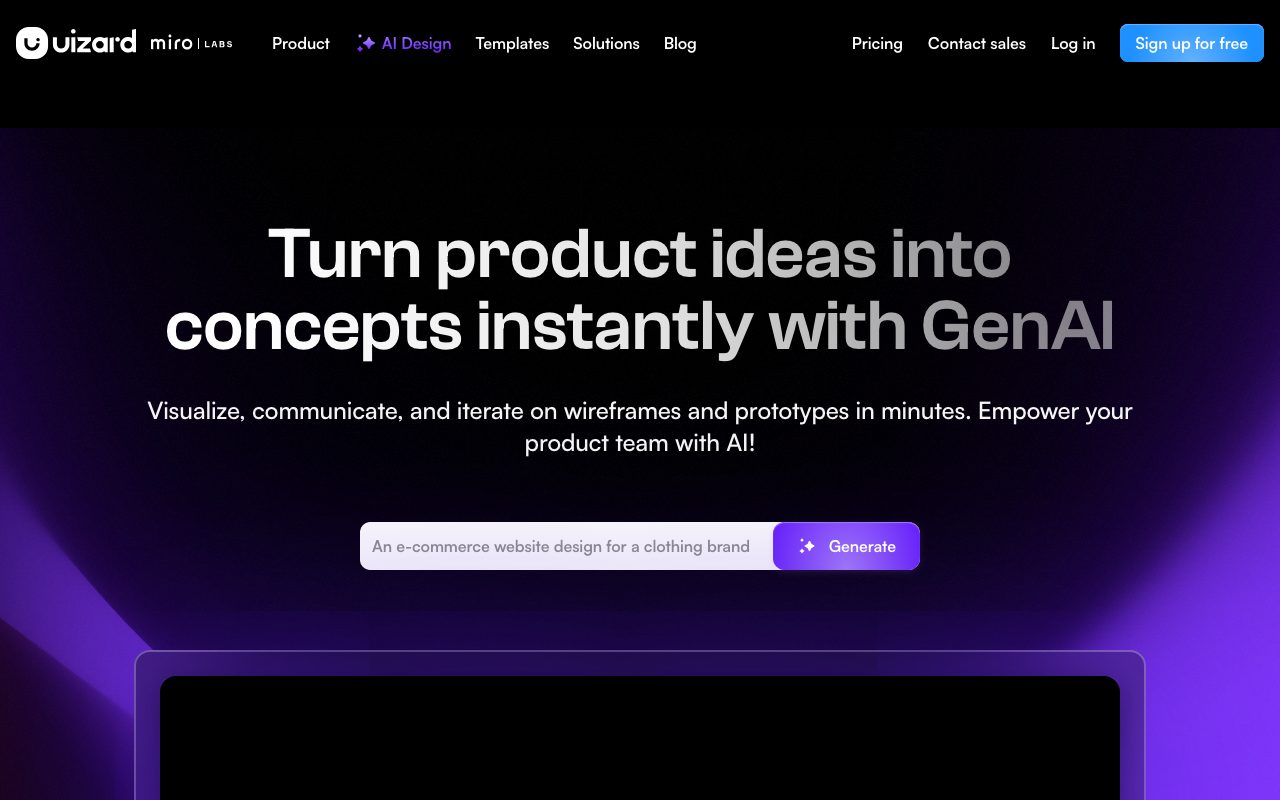
Uizard is an AI-assisted design and wireframing tool that converts text prompts, hand-drawn paper sketches, and screenshots into editable UI prototypes with React and CSS export options.
Uizard is a cloud-based interface design and rapid prototyping tool built to accelerate early-stage digital product development. It allows product teams, startup founders, and designers to create interactive mockups for web, mobile, and tablet applications without starting from scratch. The core workflow is powered by Autodesigner, an AI engine capable of generating multi-screen layouts, user flows, and styling from natural-language descriptions. Users can select specific components and prompt the system to modify UI elements or add screens on demand. In addition to prompt-to-UI generation, Uizard includes computer vision utilities such as Screenshot Scanner, which imports existing screenshots into vector-like editable mockups, and Wireframe Scanner, which digitizes hand-drawn paper sketches into digital wireframes. Beyond initial generation, Uizard includes a full vector canvas with pre-made templates, component libraries, interaction hotspot linking, and wireframe viewing modes. For engineering handoff, the platform allows developers to inspect styles and copy generated React components and CSS. Paid subscriptions expand monthly AI usage caps, unlock full template access, add predictive attention heatmaps, and support real-time team multiplayer collaboration.
Unlike standard UI editors that require manual asset construction, Uizard converts rough inputs—such as natural language prompts, paper sketches, and interface screenshots—directly into editable vector mockups and React code.
Product capabilities
Key features
Autodesigner 2.0
Generates multi-screen interface designs, connected flows, and editable UI components from plain English prompts.
Wireframe Scanner
Scans physical, hand-drawn paper wireframes using image recognition and converts them into editable digital layouts.
Screenshot Scanner
Imports static app or website screenshots and reconstructs them as modifiable UI elements for fast iteration.
Theme and Brand Kit Generation
Produces custom colour palettes, fonts, and styling variations automatically across existing interface screens.
Developer Handoff
Provides code inspection tools that output styling in CSS and generate corresponding React components.
Predictive Attention Heatmaps
Simulates user eye tracking to highlight where users are most likely to focus their visual attention on screen.
Real-Time Multiplayer Collaboration
Allows distributed team members to co-edit projects, add inline comments, and share public or private review links.
Workflow
How Uizard works
- Select a target device format such as mobile, web app, or tablet.
- Describe the project with a text prompt, upload screenshots, or snap a photo of paper wireframes.
- Autodesigner generates screens, flows, and themed UI components on the canvas.
- Tweak components manually or describe design modifications using the AI assistant.
- Preview interactive transitions and export assets or React and CSS code for handoff.
Practical fit
Who should use Uizard?
Concept Validation in Design Sprints
Product managers convert rough ideas and hand-drawn whiteboard notes into clickable prototypes within minutes to test user flows.
Iterating on Competitor Interfaces
Teams capture screenshots of existing applications and use the Screenshot Scanner to deconstruct components and explore alternative UX patterns.
Startup MVP Prototyping
Founders describe application functionality via text prompts to generate pitch-ready interactive web and mobile prototypes.
Frontend Scaffolding
Engineers inspect approved Uizard mockups to extract CSS and structural React component code for rapid interface builds.
Editorial assessment
Pros and limitations
Where it is strong
- Converts paper sketches and static screenshots into editable UI components automatically.
- Autodesigner generates complete multi-screen user flows from concise text prompts.
- Offers developer handoff with inspectable CSS and React component code snippets.
- Includes a functional free tier with real-time commenting and sharing capabilities.
Where to be careful
- The free plan restricts users to 3 AI generations per month and a maximum of 2 projects.
- Free exports are limited to 1x resolution across JPG, PNG, and PDF formats.
Commercial context
Uizard pricing
At the review date (September 2026), Uizard provides a free tier with 3 monthly AI generations and 2 projects. Paid plans are billed annually, beginning at $12 per month for Pro and $39 per month for Business. Verify current rates on the official pricing page.
| Plan | Price | What it includes |
|---|---|---|
| Free | $0 / per month, billed annually or free for everyone ($0/mo, 2 projects, 3 AI generations/mo, Autodesigner 1.5, 10 templates, up to 5 screens/project, 400 components limit). Note: verify current monthly options on the pricing page. | |
| Pro | $12 / per month (billed annually at 40% discount; includes 500 AI generations/mo, Autodesigner 2.0, up to 100 projects, developer handoff in CSS and React, private projects). | |
| Business | $39 / per month (billed annually; includes 5,000 AI generations/mo, faster generation, custom brand kit, unlimited projects, priority support). | |
| Enterprise | Custom / Contact sales (15+ seats billed annually; unlimited AI generations, unlimited teams, design system setup, AI data SLA, whiteglove onboarding). |
Pricing, limits, taxes, model access, and regional availability can change. Verify the purchase-critical details on the official pricing page linked under Sources.
Transparent ranking
Why Uizard scores 70.6
Each factor is scored on a 100-point scale, then combined using the public ToolsRank weights. Engagement and momentum stay at a neutral baseline until measured signals exist, so no tool can gain or lose position from numbers nobody recorded.
Compatibility
Languages, platforms, and integrations
Languages
- English
Platforms
- Web
Integrations & surfaces
- Figma
- React
Community
Reviews and questions
No approved member reviews yet. Editorial factors above are the only rating on this page.
Reviews and questions come from Google-signed members and are checked by an editor before they appear.
Frequently asked
Uizard FAQ
Can I edit designs generated by Autodesigner?+
Yes. Every element produced by Autodesigner—including buttons, text blocks, containers, and icons—is placed as an editable component on the design canvas that you can reformat, reposition, or adjust via further AI prompts.
What is the difference between Autodesigner 1.5 and 2.0?+
According to the official pricing documentation, the Free plan operates on Autodesigner 1.5, whereas Pro, Business, and Enterprise plans use Autodesigner 2.0, which offers updated generation capabilities, faster processing, and higher monthly limits.
What code export options are supported in Uizard?+
Uizard supports developer handoff with inspectable CSS styling and React component export on the Pro plan and higher tiers.
Can I import hand-drawn paper sketches?+
Yes. The Wireframe Scanner feature allows users to photograph or upload hand-drawn wireframes and converts them directly into digital design components.
Does Uizard support real-time team collaboration?+
Yes. Uizard includes multiplayer real-time collaboration, commenting, and link sharing across all plans, including the Free plan.