Direct answer
What is Vectorizer.AI?
Vectorizer.AI converts raster bitmap files (PNG, JPG, WebP, GIF, BMP) into scalable geometric vectors including SVG, PDF, EPS, and DXF using proprietary deep learning and curve-fitting algorithms.
Developed by Cedar Lake Ventures, Vectorizer.AI is an automated conversion tool that transforms pixel-based images into editable vector formats. Rather than relying solely on classical tracing methods or standard cubic Bezier approximations, it pairs deep neural networks trained on proprietary datasets with a specialized Vector Graph computational geometry framework. The system analyzes input images up to 3 megapixels and 30 megabytes, fitting whole geometric shapes such as parameterized circles, ellipses, stars, and rounded rectangles where appropriate. It also constructs complex shapes using straight lines, circular arcs, elliptical arcs, and quadratic and cubic Bezier curves. The engine automatically models mirror and rotational symmetry, cleans up corner tangents, resolves sub-pixel anti-aliasing boundaries, and lets users adjust color palette counts. Vectorizer.AI runs entirely in the browser without software installation and supports 32-bit ARGB color transparency. Users can test vector conversions and inspect high-resolution side-by-side previews without charge, while production downloads require an active web subscription or API credits. Vector exports include SVG, EPS, DXF, and PDF, alongside cleaned PNG raster files.
Unlike legacy auto-tracers that approximate shapes solely with cubic Bezier curves, Vectorizer.AI combines custom deep learning models with whole geometric shape fitting (circles, ellipses, stars), symmetry modeling, and tangent-matched corner optimization.
Product capabilities
Key features
Deep Vector Engine
Combines deep learning models trained from scratch on proprietary datasets with classical geometry algorithms to resolve ambiguous or noisy raster pixels.
Full Shape and Curve Fitting
Fits exact geometric shapes including parameterized circles, ellipses, stars, and rounded rectangles alongside circular, elliptical, and Bezier curve paths.
Symmetry and Corner Modeling
Detects rotational and mirror symmetries while aligning tangent lines and smoothing corners to produce consistent geometric outlines.
Palette Control and Sub-Pixel Precision
Teases out sub-pixel boundaries from anti-aliasing data and lets users configure palette presets, merge colors, or adjust total palette counts.
Multi-Format Vector Export
Exports production-ready vector assets in SVG, EPS, PDF, and DXF formats, as well as cleaned PNG raster outputs.
Developer API
Provides programmatic image vectorization with automated credit rollover up to five times monthly allowance and discounted low-res preview calls.
Workflow
How Vectorizer.AI works
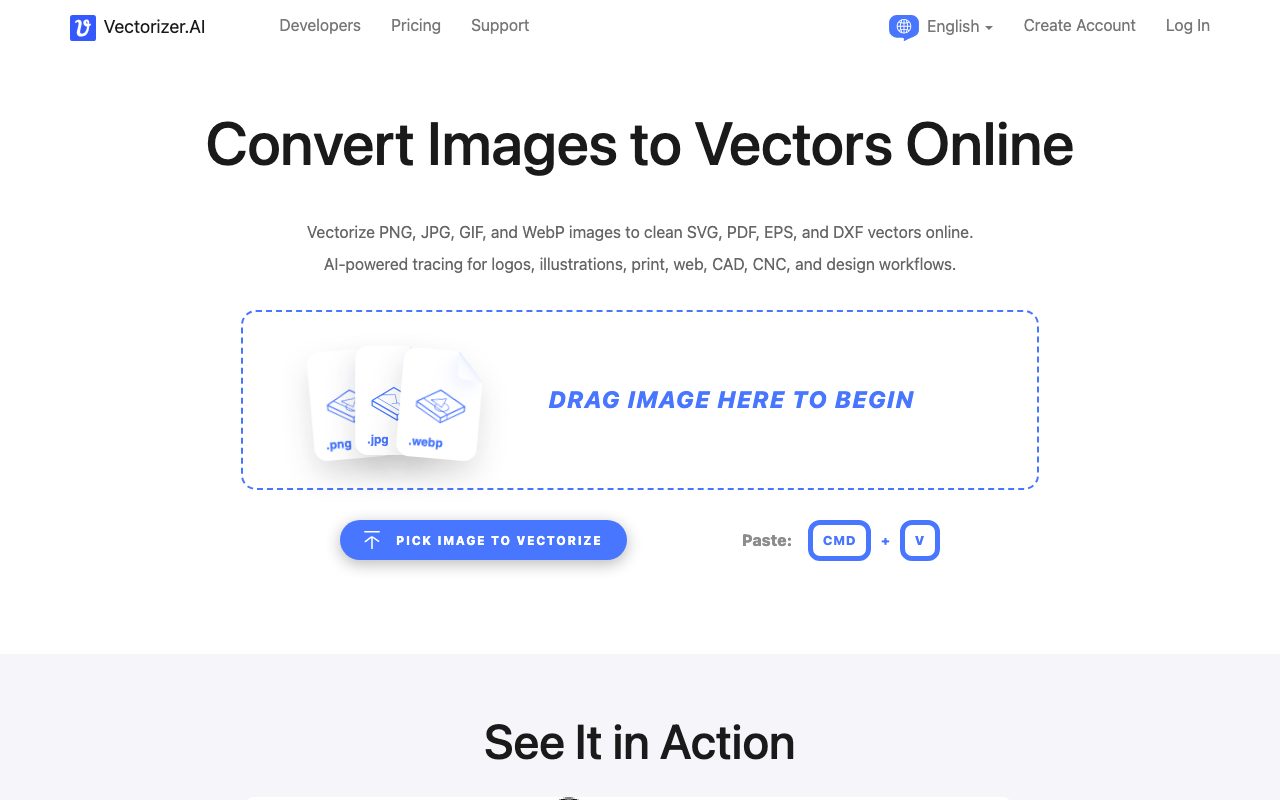
- Upload a PNG, JPG, WebP, GIF, or BMP image into the web tool or via API.
- The Deep Vector Engine analyzes pixels, segments shapes, and fits geometric primitives and curves.
- Inspect the interactive vector preview side-by-side with original pixels and tune palette settings.
- Export production vector assets in SVG, EPS, PDF, or DXF format.
Practical fit
Who should use Vectorizer.AI?
Logo and Icon Vectorization
Convert low-resolution PNG or JPG logos into sharp, resolution-independent SVG files for web and branding applications.
CAD, Laser Cutting, and CNC Paths
Generate clean DXF files with continuous curves and arcs for cutting, engraving, and machining operations.
AI Art Vector Conversion
Transform generative AI raster images and illustrations into editable layered vectors suitable for print, vinyl cutting, and embroidery.
Automated Asset Pipelines
Integrate the REST API into web applications or print-on-demand platforms to automate vector creation from customer uploads.
Editorial assessment
Pros and limitations
Where it is strong
- Combines deep learning with full geometric primitives rather than relying exclusively on Bezier approximations
- Generates clean DXF output with arcs and lines suited for CNC and CAD applications
- Offers an interactive side-by-side preview in the browser before requiring payment
- Includes built-in image cropping to optimize the 3 megapixel input limit
- Handles 32-bit ARGB input with full and partial alpha transparency
Where to be careful
- No free download tier for personal raster inputs; users must subscribe or buy API credits to export production files
- Input size is capped at 3 megapixels and 30 megabytes
- Browser-based service with no offline desktop client available
Commercial context
Vectorizer.AI pricing
As of September 2026, web app users can preview conversions for free but need an unlimited subscription at $9.99/month to download results. API plans start at $9.99/month for 50 credits, with unused credits rolling over up to 5x. Check the vendor pricing page for current rates.
| Plan | Price | What it includes |
|---|---|---|
| Web App Unlimited | $9.99 / month | |
| API 50 Credits | $9.99 / month | |
| API 100 Credits | $18.99 / month | |
| API 500 Credits | $74.99 / month |
Pricing, limits, taxes, model access, and regional availability can change. Verify the purchase-critical details on the official pricing page linked under Sources.
Transparent ranking
Why Vectorizer.AI scores 73.7
Each factor is scored on a 100-point scale, then combined using the public ToolsRank weights. Engagement and momentum stay at a neutral baseline until measured signals exist, so no tool can gain or lose position from numbers nobody recorded.
Compatibility
Languages, platforms, and integrations
Languages
- English
- German
- Spanish
- French
- Japanese
- Portuguese
Platforms
- Web
Integrations & surfaces
- REST API
Community
Reviews and questions
No approved member reviews yet. Editorial factors above are the only rating on this page.
Reviews and questions come from Google-signed members and are checked by an editor before they appear.
Frequently asked
Vectorizer.AI FAQ
Can I download vectorized files for free?+
Users can upload images and view full interactive previews for free, as well as download vector outputs for pre-provided example images. However, downloading vectorized output from your own uploaded images requires an active Web App subscription or API credits.
What input and output file formats are supported?+
Vectorizer.AI accepts PNG, JPG, GIF, BMP, and WebP input images. It exports vector files in SVG, EPS, DXF, and PDF formats, along with cleaned PNG raster files.
What are the image size limits?+
The maximum image resolution accepted is 3 megapixels, and the maximum file size is 30 megabytes. An interactive pre-crop tool is provided to isolate relevant portions of larger images so they fit within the pixel limit.
How long does Vectorizer.AI retain uploaded images?+
According to the FAQ, uploaded images and vector results are retained for 24 hours and permanently deleted shortly thereafter, though user account and purchase records are maintained longer under company privacy policies.
Does Vectorizer.AI embed raster graphics or perform true vector tracing?+
The platform performs true vector tracing by converting pixel data into geometric outlines, arcs, and curves. It does not simply embed raster bitmaps inside a vector container file.
Can vector results be used to train AI models?+
No. The terms of service explicitly prohibit using the output of the service to train machine learning or deep learning models, treating this as a form of reverse engineering.