
Direct answer
What is Zapier AI?
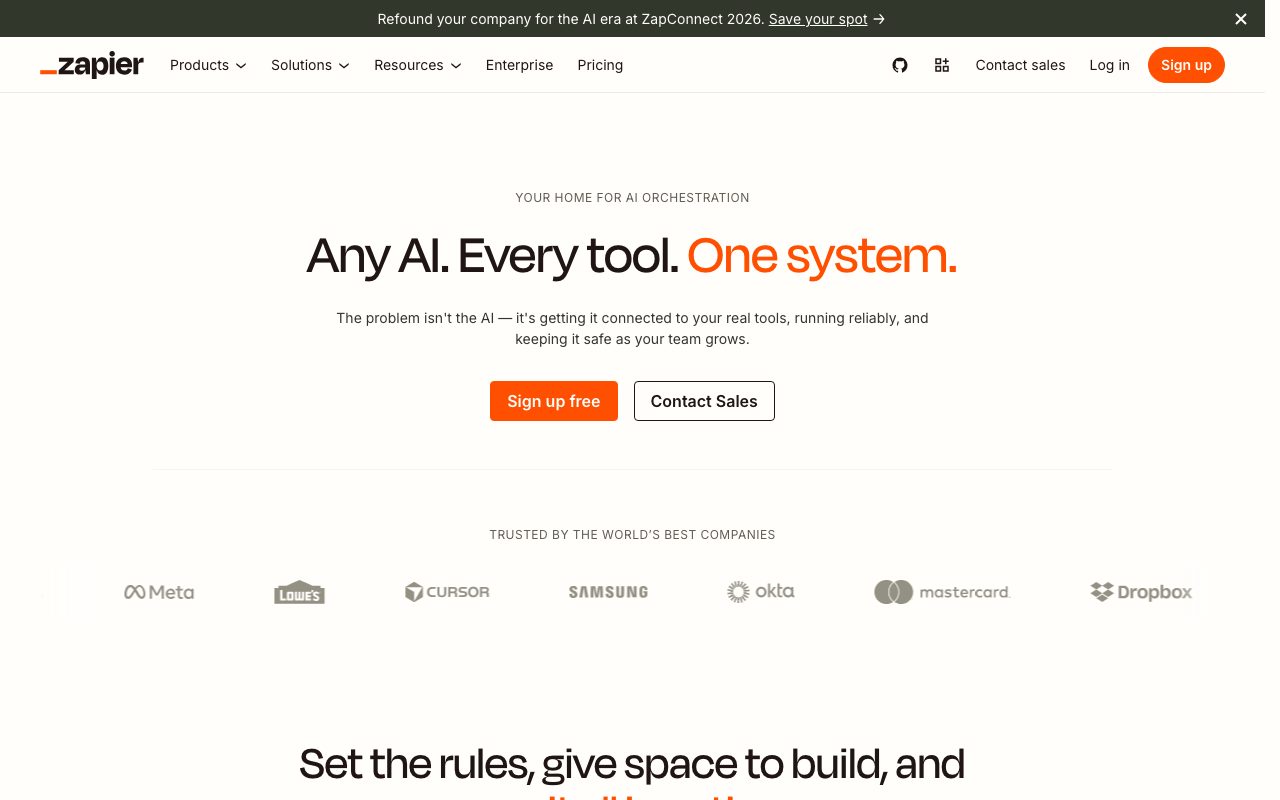
Zapier AI combines natural-language workflow building and AI steps with Zapier's broad automation, data, and app-connection ecosystem.
Users can connect triggers and actions, add AI processing, organize data, and build assistants or agentic workflows without owning all the integration code. Production quality depends on permissions, error handling, review gates, and realistic task-volume modeling.
AI automation delivered on top of a large, mature connector ecosystem and business workflow surface.
Product capabilities
Key features
App automation
Connect triggers and actions across a broad catalogue of business applications.
AI steps
Classify, summarize, extract, draft, and route material inside workflows.
Natural-language building
Describe a workflow and refine the generated automation visually.
Data and agent surfaces
Use plan-dependent tables, interfaces, chatbots, and agent workflows.
Practical fit
Who should use Zapier AI?
Lead operations
Enrich and route incoming leads while keeping send or qualification gates explicit.
Support triage
Classify requests, draft summaries, and hand uncertain cases to a person.
Content operations
Move approved content through review, scheduling, and distribution systems.
Editorial assessment
Pros and limitations
Where it is strong
- Large connector ecosystem
- Low-code workflow builder
- Flexible AI steps
- Accessible free starting point
Where to be careful
- Task costs rise with multi-step volume
- Complex flows require observability and maintenance
- High-impact actions need explicit approval controls
Commercial context
Zapier AI pricing
A free entry plan exists; paid automation, agent, and product limits vary by tasks, features, and team needs.
Pricing, limits, taxes, model access, and regional availability can change. Verify the purchase-critical details on the official pricing page linked under Sources.
Transparent ranking
Why Zapier AI scores 82
Each factor is scored on a 100-point scale, then combined using the public ToolsRank weights. Engagement and momentum stay at a neutral baseline until measured signals exist, so no tool can gain or lose position from numbers nobody recorded.
Compatibility
Languages, platforms, and integrations
Languages
- Language support depends on the selected AI model
Integrations & surfaces
- Thousands of app connectors
- Webhooks
- Tables
- Interfaces
- Chatbots
- Agents
Community
Reviews and questions
No approved member reviews yet. Editorial factors above are the only rating on this page.
Reviews and questions come from Google-signed members and are checked by an editor before they appear.
Frequently asked
Zapier AI FAQ
What is Zapier AI best for?+
Zapier AI is best suited to connecting business apps, routing information, and automating repeatable workflows. The strongest fit depends on your required workflow, quality bar, integrations, and usage volume.
Is Zapier AI free?+
A free plan is available; paid costs depend on task volume, products, features, and team usage. Vendor limits and regional prices can change, so confirm the current plan on the official site before purchasing.
What category is Zapier AI in?+
Zapier AI is listed in AI Automation & Workflows and AI Marketing & Sales based on its primary user workflows rather than every feature it offers.
How does ToolsRank score Zapier AI?+
ToolsRank combines editorial quality, practical utility, trust and transparency, freshness, engagement quality, and momentum. Paid placement never changes the organic score.


