
Direct answer
What is Browser Use?
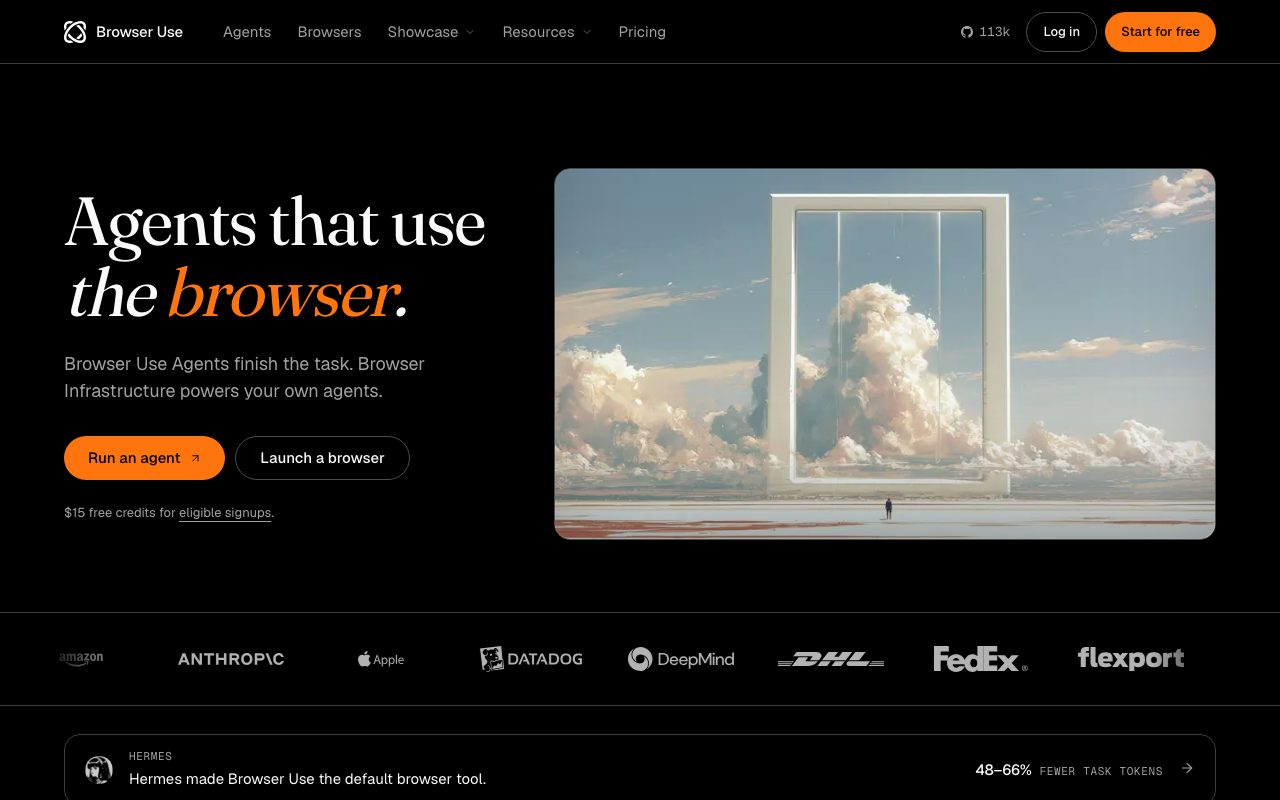
Browser Use provides open-source libraries and cloud browser infrastructure that allow AI models to navigate websites, interact with dynamic user interfaces, and execute multi-step web tasks.
Browser Use is an agentic browser platform available as both an open-source project and a managed cloud service. It enables developers to give large language models direct control over a browser session, translating user objectives into clicks, keystrokes, form fills, and navigation steps across complex websites. At the core of the service are two key offerings: Browser Use Agents and Browser Infrastructure. The agent layer runs high-level goals autonomously using vision and language models, solving tasks such as locating specific items in carts, filling out forms, or extracting tabular data. According to the vendor's 106-task internal benchmark, Browser Use achieved an 82% task success rate at $0.17 per solved task. The cloud browser infrastructure is built to bypass blocks and bot mitigation systems, reaching 81% of 71 protected sites in vendor benchmarks. Developers can orchestrate cloud browsers at $0.02 per hour, paired either with built-in residential proxies ($5/GB) or their own proxies ($0.20/GB). The agent framework is open source under the MIT licence with over 113,000 GitHub stars, allowing users to self-host or integrate custom models using their own API keys.
Browser Use combines an open-source MIT-licensed agent library with dedicated cloud browser infrastructure that achieves an 81% access rate on bot-protected sites at $0.02 per hour.
Product capabilities
Key features
Cloud Browser Infrastructure
On-demand cloud browsers priced at $0.02 per hour with 1-minute minimum billing, designed to bypass anti-bot protections across protected websites.
Autonomous Web Agents
Goal-driven browser agents that interpret instructions, navigate interfaces, interact with forms, and complete multi-step tasks.
Residential Proxy Routing
Integrated residential proxy routing at $5/GB enabled by default, with an option to bring your own proxies at $0.20/GB.
Multi-Model Support
Run tasks using leading models including Claude Opus 5, Sonnet 5, GPT-5.6, GPT-6 Astra, Grok 4.5, Gemini 3.6 Flash, or the proprietary BU 2.0 model.
Open-Source Foundation
MIT-licensed open-source code base with over 113,000 GitHub stars, allowing self-hosted deployments and local runtime execution.
Bring Your Own Key
Flexibility to bring third-party provider API keys directly, paying standard provider token rates plus a 20% platform charge.
Workflow
How Browser Use works
- Provide a natural-language task prompt or API instruction defining the desired web outcome.
- Browser Use boots a cloud headless browser instance with optional residential proxy routing to evade bot blocks.
- The multimodal model inspects the visual interface, plans navigation steps, and issues actions such as clicks and text entries.
- The session extracts requested structured data, completes the transaction, or exports the resulting artifacts.
Practical fit
Who should use Browser Use?
Data Extraction and Scraping
Navigating dynamic, JavaScript-heavy sites and export portals to gather structured results and CSV outputs automatically.
E-Commerce Checkout & Booking
Automating seat selections, shopping carts, and checkout flows across travel and retail sites.
End-to-End Web QA Testing
Testing complex real-world user flows and edge cases on web applications without maintaining brittle Selenium scripts.
Chat-Driven Task Delegation
Triggering browser automation workflows directly from chat tools like Slack to execute background web actions.
Editorial assessment
Pros and limitations
Where it is strong
- Open-source core under MIT licence with 113k GitHub stars for self-hosting
- Very low browser infrastructure baseline cost at $0.02 per hour
- Broad support for modern multimodal models and custom model endpoints
- SOC 2 Type II certified infrastructure with HIPAA and zero-retention enterprise options
Where to be careful
- Residential proxy bandwidth adds a significant $5 per GB variable cost
- Requires software development knowledge and API familiarity to configure effectively
- Default data policy uses user inputs to train models unless negotiated otherwise under custom enterprise agreements
Commercial context
Browser Use pricing
At the review date (September 2026), Browser Use operates on a pay-as-you-go model with no monthly subscription and credits starting at $5 (non-expiring). Browser infrastructure costs $0.02/hour plus proxy traffic ($5/GB for residential proxies or $0.20/GB for direct/own proxies). Managed agent runs charge published model token costs plus a 20% service fee. Eligible signups receive $15 in free credits. Verify current rates on the official pricing page.
| Plan | Price | What it includes |
|---|---|---|
| Pay As You Go | $5 / one-time |
Credits start at $5 minimum top-up. Eligible signups receive $15 in free credits. |
| Enterprise | Custom / custom |
Contact sales via email for enterprise contracts. |
Pricing, limits, taxes, model access, and regional availability can change. Verify the purchase-critical details on the official pricing page linked under Sources.
Transparent ranking
Why Browser Use scores 75.1
Each factor is scored on a 100-point scale, then combined using the public ToolsRank weights. Engagement and momentum stay at a neutral baseline until measured signals exist, so no tool can gain or lose position from numbers nobody recorded.
Compatibility
Languages, platforms, and integrations
Languages
- English
Platforms
- Web
- API
- Self-Hosted
Integrations & surfaces
- Slack
- Stripe
- Coinbase
- GitHub
- Microsoft
Community
Reviews and questions
No approved member reviews yet. Editorial factors above are the only rating on this page.
Reviews and questions come from Google-signed members and are checked by an editor before they appear.
Frequently asked
Browser Use FAQ
What is Browser Use?+
Browser Use is an agent framework and cloud browser infrastructure that enables AI models to interact with websites, click elements, fill forms, and complete multi-step tasks across the web.
Is Browser Use open source?+
Yes. The core Browser Use harness is open source under the MIT licence, with its code repository hosted on GitHub.
How does Browser Use pricing work?+
Browser Use uses a credit top-up model starting at $5 with no subscription or expiration. Cloud browsers cost $0.02 per hour plus traffic ($5/GB for residential proxies or $0.20/GB for direct/own proxies). Managed agent runs charge the model token cost plus a 20% platform fee.
Can I bring my own LLM API keys?+
Yes. You can use your own model provider API keys. In that setup, Browser Use charges 20% of published token rates (including cache rates), plus the browser hourly runtime and traffic.
Is Browser Use SOC 2 compliant?+
Yes. Browser Use is SOC 2 Type II compliant, audited by Accorp Partners for the reporting period covering July 17, 2025 to October 17, 2025.
Does Browser Use train on user prompt data?+
According to the official Privacy Policy, Browser Use uses inputs to train AI models to develop and improve the service. Custom enterprise agreements can include zero data retention and HIPAA compliance.