Direct answer
What is Make?
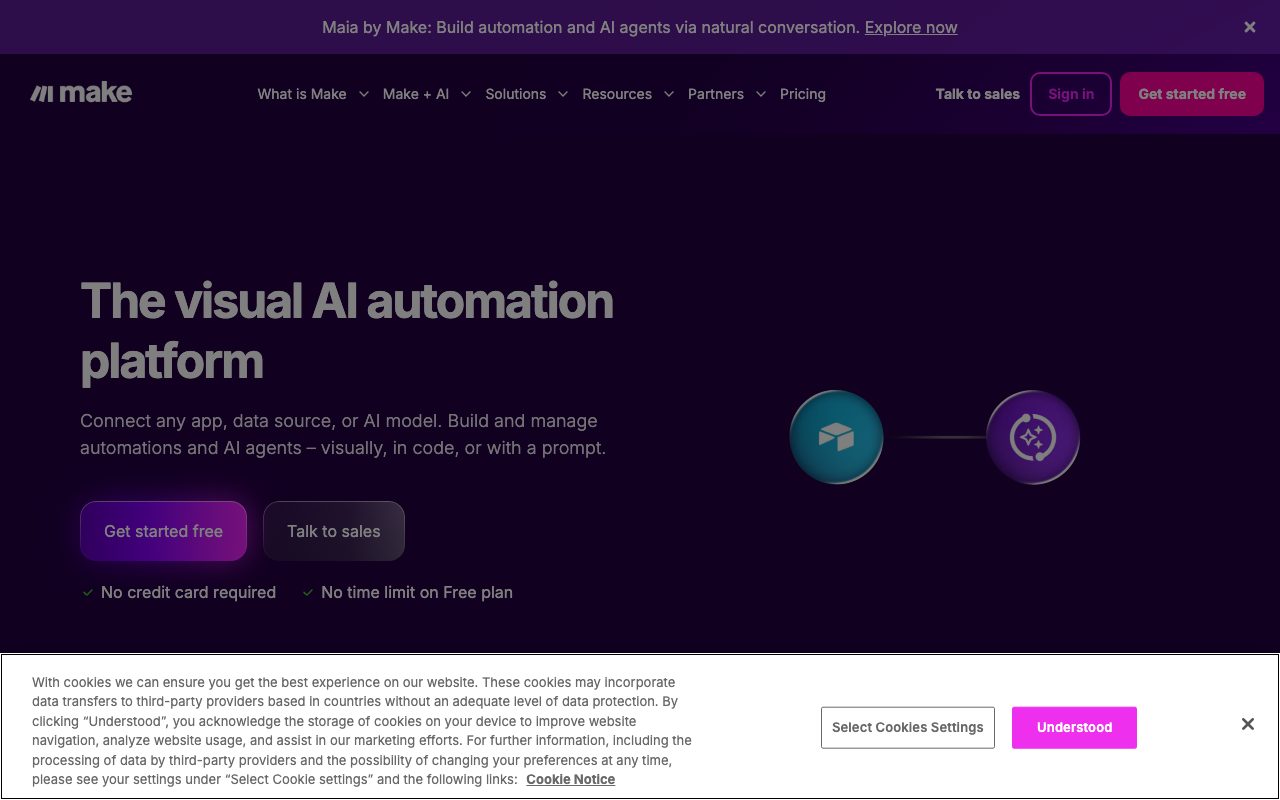
Make lets you build multi-step automations visually with routers, iterators, and error handling, connect thousands of apps, and add AI steps or agents that decide actions.
Make's canvas shows data flowing through modules, which makes complex logic easier to reason about than linear builders. It offers deep app integrations, HTTP modules, data stores, and AI capabilities including agents that choose tools within guardrails. Pricing is based on operations consumed.
Visual, branch-friendly scenario design with strong value per operation and growing AI agent features.
Product capabilities
Key features
Visual scenarios
Routers, iterators, aggregators, and error handling.
App integrations
Thousands of apps plus HTTP and webhooks.
AI modules and agents
Add generation, classification, and tool-using agents.
Data stores and scheduling
Persist data and run on schedules or events.
Practical fit
Who should use Make?
Lead routing
Enrich, score, and route leads across tools.
Content operations
Generate and publish content on schedules.
Back-office sync
Keep finance and CRM data aligned.
Editorial assessment
Pros and limitations
Where it is strong
- Powerful visual logic
- Good operation economics
- Broad integrations
- Free plan
Where to be careful
- Learning curve
- Operations-based pricing surprises at scale
- Cloud-only
Commercial context
Make pricing
A free plan includes a monthly operations allowance; Core, Pro, Teams, and Enterprise plans add operations, faster intervals, and controls at the review date. Verify current terms on the official pricing page.
Pricing, limits, taxes, model access, and regional availability can change. Verify the purchase-critical details on the official pricing page linked under Sources.
Transparent ranking
Why Make scores 75.5
Each factor is scored on a 100-point scale, then combined using the public ToolsRank weights. Engagement and momentum stay at a neutral baseline until measured signals exist, so no tool can gain or lose position from numbers nobody recorded.
Compatibility
Languages, platforms, and integrations
Languages
- Interface in multiple languages
Platforms
- Web
Integrations & surfaces
- Google Workspace
- Slack
- HubSpot
- OpenAI
- Anthropic
- Airtable
- Webhooks
Community
Reviews and questions
No approved member reviews yet. Editorial factors above are the only rating on this page.
Reviews and questions come from Google-signed members and are checked by an editor before they appear.
Frequently asked
Make FAQ
What is Make best for?+
Make is best for teams building complex, branching automations visually with AI steps and broad app integrations.
Is Make free?+
A free plan with limited monthly operations exists; paid plans add operations and features at the review date. Check the official pricing page.
How does ToolsRank score Make?+
ToolsRank combines editorial quality, practical utility, trust and transparency, freshness, engagement quality, and momentum. Paid placement never changes the organic score.