
Direct answer
What is Capacities?
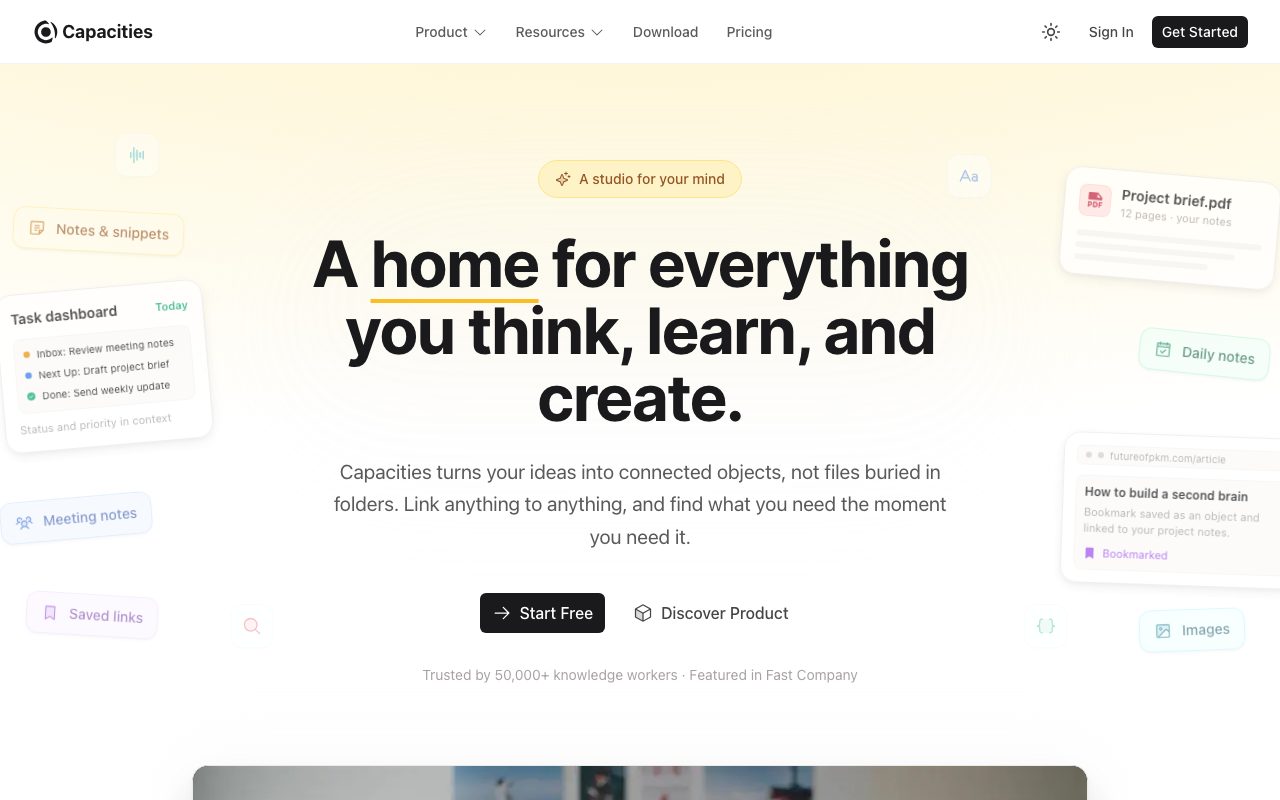
Capacities is an object-oriented note-taking and personal knowledge management tool that replaces rigid folder hierarchies with connected objects, daily notes, backlinks, and AI assistance.
Capacities offers a personal knowledge management workspace centered around 'objects' rather than traditional files and nested folders. Users define structured object types—such as projects, books, people, meetings, or ideas—each holding distinct properties while remaining linkable to any other piece of information. The workflow emphasizes frictionless daily note-taking as an intake stream, from which thoughts and tasks are converted into structured objects. The platform includes networked note-taking capabilities such as bidirectional linking, automatic related-content detection, smart queries, and calendar integrations. For professional and intensive use cases, Capacities provides integrated AI workflows, including contextual AI chat with your notes, AI autofill for object properties, and media analysis. All core personal features—such as device synchronization, custom object types, offline support, and full data export—remain available in the free version.
Unlike standard document editors or folder-based note tools, Capacities organizes information around typed objects with defined properties and surfaces unlinked connections automatically across your workspace.
Product capabilities
Key features
Object-Based Architecture
Turn notes into custom object types like books, people, meetings, or projects, each maintaining properties and structured metadata.
Automatic Related Content
Scans workspace content to surface unlinked references and discover connections you have already written about.
Daily Note Inbox
Capture fleeting ideas, tasks, and meeting minutes chronologically each day without worrying about upfront filing.
Built-In AI Assistant
Query your workspace, analyze uploaded media, translate or rewrite prose, and automatically populate object properties using LLMs.
Multi-Channel Capture
Save resources and snippets directly into your workspace from WhatsApp, Telegram, X (Twitter), or via email.
Calendar and Task Integrations
Tie tasks directly to notes and sync with Google Calendar and Google Tasks for structured execution.
Local-Friendly and Full Export
Offers offline support, cross-device sync, and zero-lock-in exports to standard file formats anytime.
Practical fit
Who should use Capacities?
Personal Knowledge Management
Build an interconnected personal second brain where ideas, reading notes, and research papers link organically.
Storytelling and World-Building
Writers create interconnected encyclopedias of characters, locations, plot timelines, and research materials.
Academic and Professional Research
Track literature reviews, interview notes, and project briefs with property-rich objects and smart queries.
Getting Things Done (GTD)
Manage tasks embedded contextually within project documents and meeting notes rather than in an isolated task manager.
Editorial assessment
Pros and limitations
Where it is strong
- Core product is free with unlimited objects, blocks, spaces, and cross-device sync
- Clean object-based data model avoids deep, fragile folder hierarchies
- Independent, user-funded development hosted in certified EU data centers under GDPR
- Standardized full-workspace export ensures data portability without vendor lock-in
- Direct integrations with chat apps (WhatsApp, Telegram) for quick mobile capture
Where to be careful
- No multi-user collaborative editing or team organization plans
- AI functionality and higher media upload caps are restricted to paid tiers
- Intensive AI users must purchase the Plus add-on or top-up credits
Commercial context
Capacities pricing
Pricing is recorded as of September 2026. The core product is free. Capacities Pro costs $9.99 per month (with a 16% discount on annual billing), while Capacities Believer starts from $12.49 per month. AI intensive usage requires the Plus add-on from $8.33 per month billed annually. Verify current terms on the official pricing page.
| Plan | Price | What it includes |
|---|---|---|
| Capacities Basic | $0 / forever free tier with 5 GB total media uploads initially and 100 MB per month afterwards; includes unlimited spaces, objects, and offline support | |
| Capacities Pro | $9.99 / month (16% discount when billed yearly); includes AI assistant, task management, calendar sync, and unlimited media uploads under fair use | |
| Capacities Believer | $12.49 / month (starting price); includes all Pro features plus early beta access to major new releases and supporter perks | |
| Plus AI Power-Up | $8.33 / month billed annually (add-on for Pro or Believer); provides a substantially larger monthly AI budget and unlockable credit top-ups |
Pricing, limits, taxes, model access, and regional availability can change. Verify the purchase-critical details on the official pricing page linked under Sources.
Transparent ranking
Why Capacities scores 74.1
Each factor is scored on a 100-point scale, then combined using the public ToolsRank weights. Engagement and momentum stay at a neutral baseline until measured signals exist, so no tool can gain or lose position from numbers nobody recorded.
Compatibility
Languages, platforms, and integrations
Languages
- English
- German
Platforms
- Web
- Mac
- Windows
- iOS
- Android
Integrations & surfaces
- Google Calendar
- Google Tasks
- Telegram
- X (Twitter)
- Raycast
- Webhighlights
Community
Reviews and questions
No approved member reviews yet. Editorial factors above are the only rating on this page.
Reviews and questions come from Google-signed members and are checked by an editor before they appear.
Frequently asked
Capacities FAQ
Is Capacities free to use?+
Yes. Capacities Basic is free forever and includes unlimited spaces, objects, blocks, cross-device synchronization, custom object types, and full data export.
Does Capacities support teams or businesses?+
No. The vendor explicitly designs Capacities for individual knowledge workers and does not offer organizational or team-level plans.
How does the AI budget work in Capacities?+
Capacities Pro and Believer subscriptions come with a monthly AI budget for everyday use, including chat, media analysis, and autofill. Users with heavier usage can subscribe to Pro+ or Believer+ for an expanded AI allowance and top-up capabilities.
Where is user data hosted, and is it private?+
Capacities Labs GmbH is based in Germany and hosts data in certified European Union data centers under GDPR compliance. The vendor states that customer content is not sold or used to train third-party AI models.
Can I export my data out of Capacities?+
Yes. Capacities provides complete export functionality to standard formats, allowing users to back up or move their notes without vendor lock-in.