
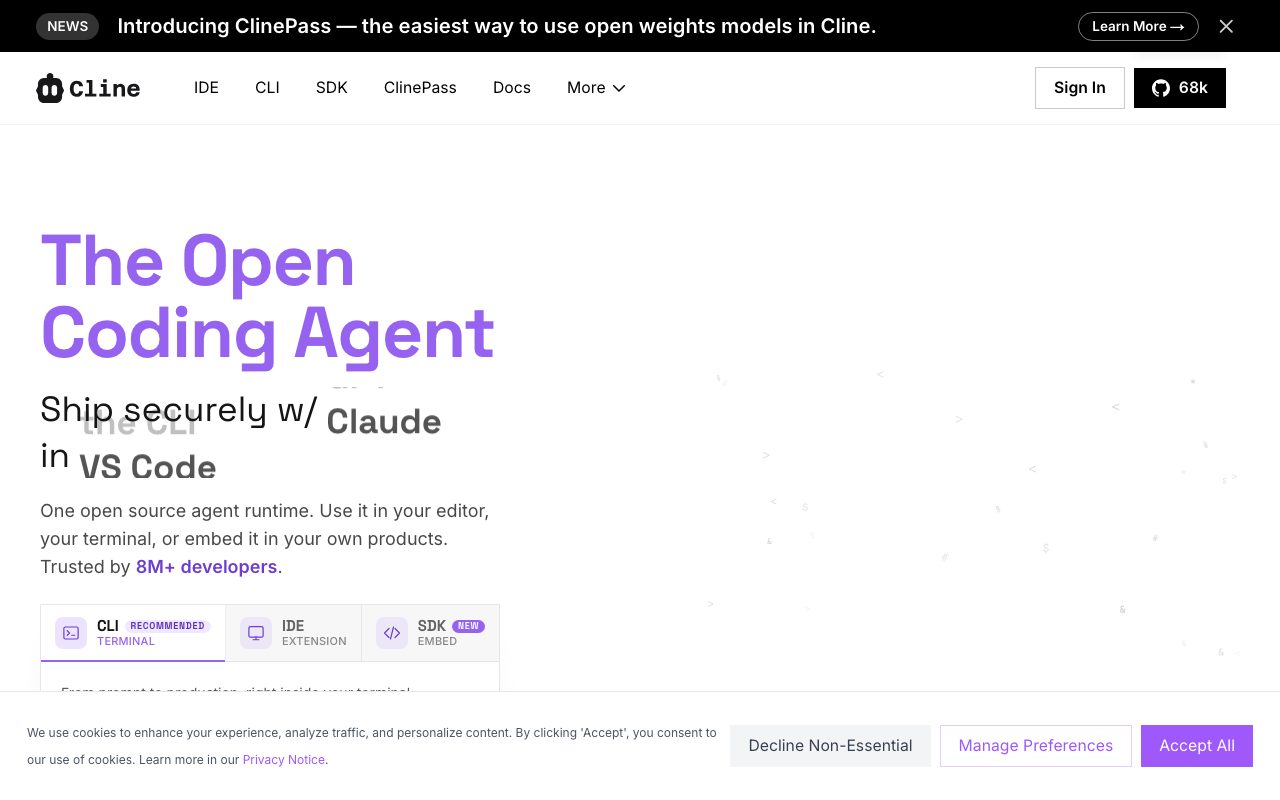
Direct answer
What is Cline?
Cline is an open-source autonomous coding agent that inspects codebases, edits multiple files, executes terminal commands, and runs headless workflows using any chosen LLM provider or local model.
Cline provides an open-source runtime designed to execute autonomous software development tasks within an editor or terminal. Released under an Apache 2.0 license, the platform enables developers to plan architectures and implement multi-file edits while maintaining full visibility into code diffs, linting results, and execution checkpoints. Unlike monolithic AI editors tied to specific backend models, Cline works across a broad range of model providers. Developers can connect API keys from Anthropic, OpenAI, Google, DeepSeek, Groq, Cerebras, OpenRouter, AWS Bedrock, GCP Vertex, or run local models through Ollama and LM Studio. For teams wanting centralized governance, an Enterprise tier adds JetBrains support, role-based access control, SSO, and team dashboards.
Cline is an Apache 2.0 open-source agent operating client-side with full plan-and-act terminal execution, Model Context Protocol (MCP) tool integration, and complete flexibility across cloud or self-hosted models without proprietary vendor lock-in.
Product capabilities
Key features
Plan and Act Modes
Switch between drafting architectural strategies in Plan mode and executing changes step-by-step in Act mode, with manual approval gates or autopilot.
Coordinated Multi-File Edits
Applies cross-project code updates with built-in linter awareness, visual diffs, and step-level checkpoints with one-click rollback.
Interactive Bash Execution
Runs shell commands directly in the terminal, monitoring command outputs, managing test suites, and handling long-running development servers.
Custom Repositories Rules
Accepts repository-level instructions through .clinerules files to enforce team standards, project conventions, and architecture constraints.
Model Context Protocol & SDK
Extends agent tool capabilities via the Model Context Protocol (MCP) marketplace and custom lifecycle hooks for external tools, databases, and APIs.
Headless CLI and CI/CD Automation
Installs globally via npm to run automated refactoring, tests, and maintenance tasks inside shell scripts, cron jobs, and CI pipelines.
Workflow
How Cline works
- Install the Cline extension in VS Code or run 'npm i -g cline' in your terminal.
- Configure an AI provider using your own API keys, local endpoints like Ollama, or Cline inference credits.
- Formulate an objective using Plan mode to map steps or Act mode to run tasks.
- Review proposed multi-file changes and terminal actions with built-in diff checkpoints.
Practical fit
Who should use Cline?
Codebase Navigation and Refactoring
Exploring unfamiliar codebases and executing wide-ranging refactors across many files while keeping types and imports consistent.
CI/CD Pipeline Maintenance
Running headless agent checks and automatic dependency or codebase updates on schedules or inside GitHub Actions.
Local LLM Development
Operating an agentic development workflow entirely offline or on private hardware using Ollama or LM Studio.
Editorial assessment
Pros and limitations
Where it is strong
- Free and open-source under the Apache 2.0 license with no subscription lock-in
- Supports bringing your own keys (BYOK) across OpenAI, Anthropic, Gemini, DeepSeek, and local endpoints
- Integrates Model Context Protocol (MCP) servers to expand agent tool capabilities
- Inspects diffs and enables one-click rollback at every change checkpoint
Where to be careful
- Requires managing API tokens or paying for third-party inference credits
- JetBrains IDE support and team governance features are restricted to the Enterprise tier
Commercial context
Cline pricing
As of September 2026, the Cline VS Code extension and CLI are free under the Apache 2.0 license with no recurring seat subscriptions. Users either bring their own API keys (BYOK) or pay directly for inference credits at cost. Enterprise plans require contacting sales.
| Plan | Price | What it includes |
|---|---|---|
| Open Source | Free |
Model inference incurs usage costs from chosen API providers. |
| Enterprise | Custom |
Contact sales for pricing and custom terms. |
Pricing, limits, taxes, model access, and regional availability can change. Verify the purchase-critical details on the official pricing page linked under Sources.
Transparent ranking
Why Cline scores 75.7
Each factor is scored on a 100-point scale, then combined using the public ToolsRank weights. Engagement and momentum stay at a neutral baseline until measured signals exist, so no tool can gain or lose position from numbers nobody recorded.
Compatibility
Languages, platforms, and integrations
Languages
- English
Platforms
- VS Code
- macOS
- Windows
- Linux
Integrations & surfaces
- VS Code
- JetBrains
- GitHub Actions
- GitLab CI
- Slack
- Discord
- Telegram
- Linear
- Ollama
- LM Studio
- OpenRouter
- AWS Bedrock
Community
Reviews and questions
No approved member reviews yet. Editorial factors above are the only rating on this page.
Reviews and questions come from Google-signed members and are checked by an editor before they appear.
Frequently asked
Cline FAQ
Is Cline completely free to use?+
The Cline extension and CLI are free and open-source software under the Apache 2.0 license. Users do not pay a software subscription fee, but must provide their own API keys or purchase inference credits at cost to run underlying language models.
Which language models can Cline connect to?+
Cline supports Anthropic Claude, OpenAI, Google Gemini, OpenRouter, AWS Bedrock, GCP Vertex, Groq, Cerebras, DeepSeek, and any OpenAI-compatible API, as well as local setups via Ollama and LM Studio.
Does Cline execute commands without permission?+
By default, Cline provides an approval step for file modifications and terminal commands. Users can inspect diffs and manually approve actions or enable an auto-approve mode for autonomous execution.
What is included in the Enterprise plan?+
Enterprise includes a JetBrains extension, single sign-on (SSO), centralized billing, role-based access control, inference provider restrictions, team dashboards, audit logs, VPC deployment options, and dedicated support.