
Direct answer
What is Coda?
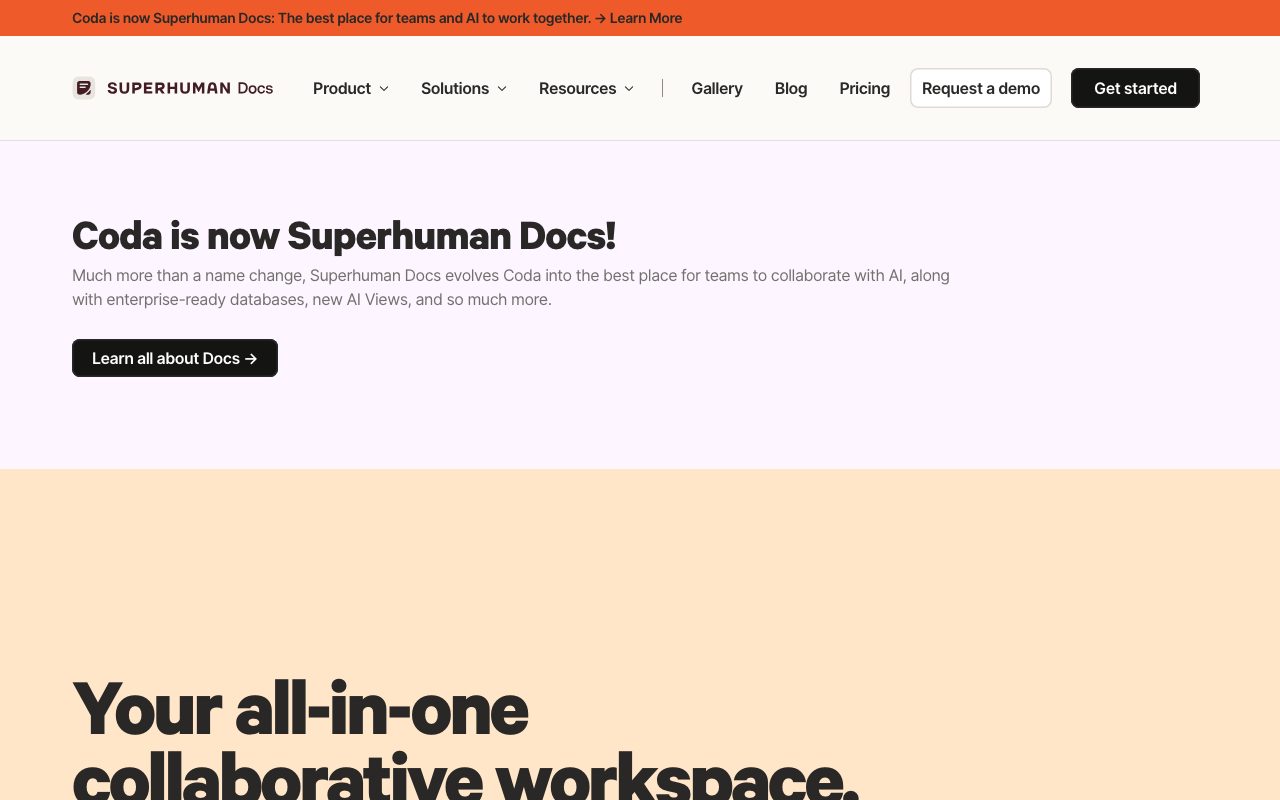
Coda is a collaborative workspace that blends documents, relational databases, buttons, and automations into an interactive platform powered by native Docs AI.
Coda bridges the gap between text documents, spreadsheets, and internal software tools. Rather than maintaining static documentation alongside separate tracking software, teams can organize text, dynamic databases, automated buttons, and external integrations on an unified canvas. Following its evolution under the Superhuman Docs umbrella, the platform incorporates Docs AI to draft content, summarize records, analyze dynamic tables, and interact with external data via Model Context Protocol (MCP) integrations. The system centers on connected tables where edits propagate across related views, roadmaps, and dashboards. Pages support nested wiki hierarchies, multi-column layouts, interactive forms, and programmable automations that trigger actions within the doc or across third-party services. Through Packs, Coda connects with tools such as Jira, Slack, Figma, GitHub, and Salesforce, pulling external records into live tables or writing updates back to source systems. Because Coda bills exclusively for 'Doc Makers'—the users who create new docs—organizations can invite colleagues, external contributors, and leadership to edit, review, and comment on existing documents without purchasing licenses for every seat.
Unlike traditional wikis or word processors that separate prose from structured databases, Coda treats tables, formulas, interactive buttons, and AI columns as native document primitives, while charging solely for document creators rather than every team collaborator.
Product capabilities
Key features
Docs AI Assistant
Context-aware AI embedded across pages to draft briefs, generate summaries, brainstorm ideas, answer workspace queries, and build structured trackers.
AI Columns and AI Views
Automated table columns that run AI prompts across individual data rows to categorize text, draft personalized updates, or extract key insights.
Connected Relational Tables
Multi-view databases supporting table, board, and calendar representations that sync edits across documents and team hubs.
No-Code Automations and Buttons
In-doc buttons and event-based triggers that execute formulas, lock pages, notify channels, or push updates across connected services.
Packs Ecosystem
Extensive library of connectors linking docs with tools like Slack, Jira, Figma, Google Drive, Salesforce, Miro, and GitHub.
MCP Integration Support
Enables connections with AI agents and external tools, such as Claude, via Model Context Protocol standards.
Practical fit
Who should use Coda?
Team Hubs and Company Wikis
Centralize strategies, meeting cadences, onboarding checklists, and departmental knowledge in nested, searchable page structures.
Product Roadmaps and PRDs
Draft product requirement documents linked directly to live feature backlogs, Jira ticket syncs, and stakeholder voting forums.
Operational Trackers and Task Boards
Build custom internal workflows, headcount budgets, and launch schedules using formulas, automations, and custom views.
Meeting Agendas and Decision Logs
Facilitate multi-threaded reviews, capture meeting notes, summarize action items automatically with Docs AI, and record final decisions.
Editorial assessment
Pros and limitations
Where it is strong
- Doc Maker pricing allows non-creator team members to view and edit without paying for a full seat
- Combines rich-text documentation with functional relational databases and programmable buttons
- Over 600 integrations (Packs) allow bidirectional sync with external tools like Jira, Figma, and Slack
- Docs AI and MCP support enable automated row-level analysis and external assistant connectivity
Where to be careful
- Doc size and attachment limits apply on lower tiers (e.g., 1GB per doc on Free, 5GB on Pro)
- Learning curve is steeper than basic text editors due to formulas, database logic, and relational schemas
Commercial context
Coda pricing
As of September 2026, Coda charges per 'Doc Maker' rather than per seat, allowing free collaborative viewing and editing. Paid tiers are Pro ($12/month billed annually or $15 monthly per Maker) and Business ($33/month billed annually or $40 monthly per Maker), plus custom Enterprise pricing. Check the official pricing page for current terms.
Pricing, limits, taxes, model access, and regional availability can change. Verify the purchase-critical details on the official pricing page linked under Sources.
Transparent ranking
Why Coda scores 78.2
Each factor is scored on a 100-point scale, then combined using the public ToolsRank weights. Engagement and momentum stay at a neutral baseline until measured signals exist, so no tool can gain or lose position from numbers nobody recorded.
Compatibility
Languages, platforms, and integrations
Languages
- English
Integrations & surfaces
- Slack
- Jira
- Figma
- Google Drive
- Salesforce
- GitHub
- Asana
- Miro
- Google Calendar
Community
Reviews and questions
No approved member reviews yet. Editorial factors above are the only rating on this page.
Reviews and questions come from Google-signed members and are checked by an editor before they appear.
Frequently asked
Coda FAQ
What is the difference between a Doc Maker and an Editor in Coda?+
A Doc Maker is a licensed user who can build new documents and workspaces. Other workspace members who only edit, comment, or interact with existing docs do not require paid Doc Maker licenses under Coda's pricing model.
What is Docs AI?+
Docs AI is Coda's integrated AI assistant. It allows users to write content, generate structured tables and views, summarize document sections, run prompts across table rows via AI columns, and extract data across the workspace.
Can external collaborators access Coda documents?+
Yes. Coda supports doc and folder sharing, publishing to the web, and permissions management to allow external clients or contractors to review or contribute to documents.
What are Coda Packs?+
Packs are Coda's native integrations. They allow documents to pull live data from external services—such as Jira tickets, Google Calendar events, or Figma files—and trigger actions directly from buttons within the doc.