Direct answer
What is Coefficient?
Coefficient links Google Sheets and Microsoft Excel directly to cloud data warehouses, CRMs, and payment platforms. It enables scheduled two-way data syncs, automated spreadsheet refreshes, alerting, and AI-assisted formula and dashboard generation without writing integration code.
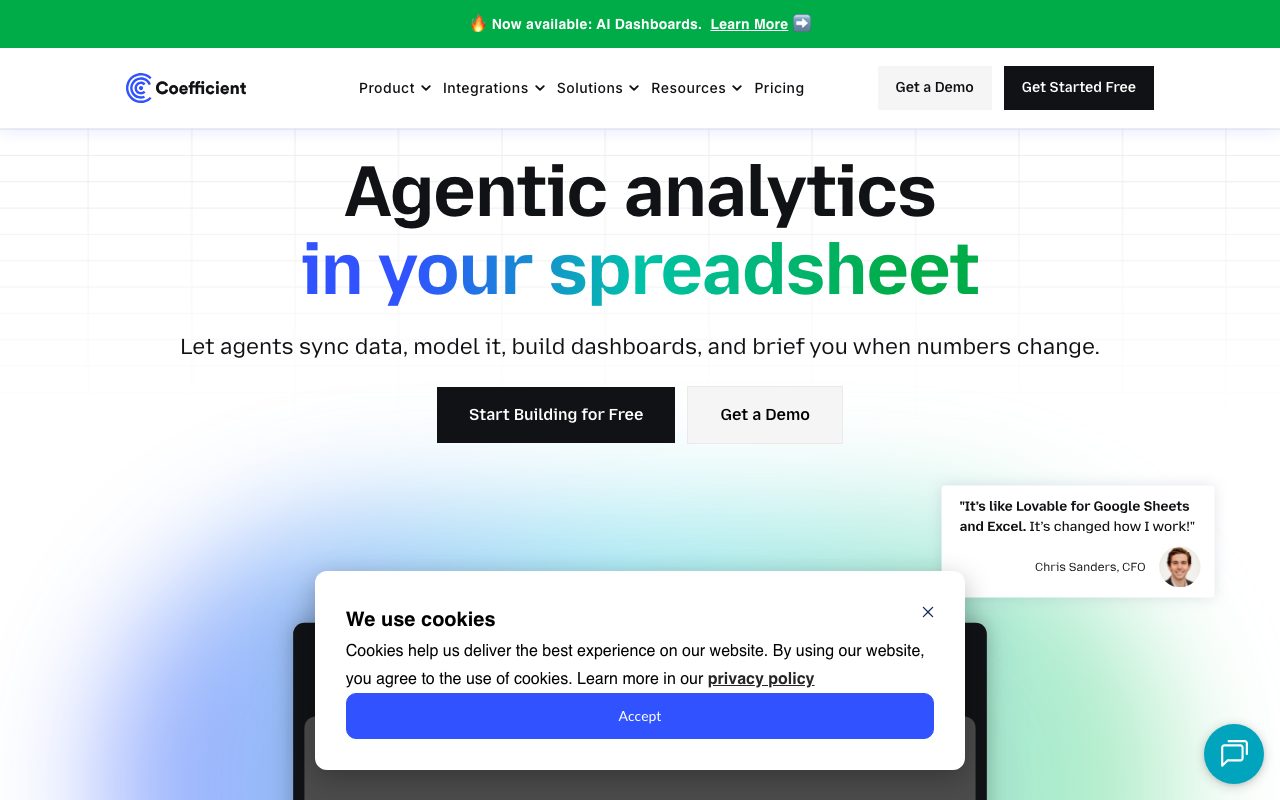
Coefficient is a no-code data connection platform developed by Coefficient Works, Inc. Designed to turn spreadsheets into live analytical apps, it integrates directly with Google Sheets and Microsoft Excel. The platform connects standard spreadsheets to over 150 business systems, including Snowflake, BigQuery, Salesforce, HubSpot, NetSuite, QuickBooks, Stripe, and Looker. Rather than manually exporting CSV files or configuring complex ETL pipelines, users can configure automated imports with granular filters. Imports can be set to update on manual triggers, daily schedules, or hourly intervals. Coefficient also supports two-way syncing, allowing users to edit data directly within their spreadsheet and push updates back to select source systems such as Salesforce and SQL databases. Beyond data ingestion, the platform incorporates agentic AI tools for spreadsheet operations. Its built-in assistants help users clean messy datasets, build formulas, construct pivot tables, and generate SQL queries via plain English prompts. In addition, users can set up condition-based monitoring rules to dispatch notifications directly to Slack or email when specified metric thresholds are breached.
Coefficient brings enterprise warehouse and CRM data directly into standard spreadsheet grids with live scheduled two-way sync, automated Slack alerts, and embedded AI formula generation, bypassing traditional static CSV exports.
Product capabilities
Key features
Live Spreadsheet Connectors
Directly links spreadsheets to over 150 data sources, including Salesforce, HubSpot, Snowflake, PostgreSQL, NetSuite, and QuickBooks.
Automated Scheduled Refreshes
Allows users to schedule automatic data imports and exports on daily or hourly frequencies to keep models and reports current.
Two-Way Data Exports
Enables writing modified spreadsheet rows back into underlying systems, with support for Salesforce and SQL connectors.
Sheets AI Assistant
Translates natural-language requests into formulas, cleans messy data columns, and generates pivot tables or SQL queries automatically.
Data Alerting
Monitors changes in spreadsheet metrics and delivers automated notifications to designated Slack channels or email recipients.
Data Snapshots
Automatically captures historical records of live tables into new spreadsheet tabs to preserve time-series progression.
Workflow
How Coefficient works
- Install the Coefficient extension in Google Sheets or add-in in Microsoft Excel.
- Authenticate and connect data sources such as Salesforce, HubSpot, Stripe, or SQL databases.
- Select records, tables, or custom queries to import directly into specific spreadsheet cells.
- Configure auto-refresh schedules (daily or hourly) or set conditional Slack/email alerts.
- Use AI-powered spreadsheet assistants to summarize, format, and generate models or push edited data back to sources.
Practical fit
Who should use Coefficient?
Automated Financial Month-End Reporting
Finance teams sync live ledger data from QuickBooks and NetSuite into Excel or Sheets, eliminating manual reconciliation steps.
Sales Pipeline & KPI Tracking
RevOps professionals import live opportunities and account records from Salesforce and HubSpot to monitor real-time deal stage velocity.
Marketing Attribution & Ad Spend
Growth teams pull cross-channel data from Google Analytics 4, Facebook Ads, and LinkedIn Ads to calculate consolidated ROAS metrics.
Metric Anomaly Monitoring
Operators set automated conditional alerts to notify team channels whenever a tracked business metric deviates outside predetermined thresholds.
Editorial assessment
Pros and limitations
Where it is strong
- Native operation directly inside Google Sheets and Microsoft Excel interfaces
- Broad catalog of pre-built connectors spanning CRMs, payment processors, and cloud databases
- Support for scheduled automated data refreshes and automated historical snapshots
- Two-way sync capabilities that allow push updates back into supported source platforms
Where to be careful
- Premium data sources like Snowflake, BigQuery, and NetSuite are restricted to Enterprise plans
- Certain features such as Slack alerts and GPT Copilot are noted as coming soon on Excel desktop
Commercial context
Coefficient pricing
Pricing snapshot at the review date reflects monthly rates, with an available 17% discount on annual billing. Free tier offers standard connectors with row limits; enterprise sources and higher refresh schedules require paid plans. Verify current terms on the official pricing page.
| Plan | Price | What it includes |
|---|---|---|
| Free | $0 / month / user free tier (single user limit applies for free setup) | |
| Starter | $49 / month | |
| Pro | $99 / user/month | |
| Enterprise | Custom / custom |
Pricing, limits, taxes, model access, and regional availability can change. Verify the purchase-critical details on the official pricing page linked under Sources.
Transparent ranking
Why Coefficient scores 70.6
Each factor is scored on a 100-point scale, then combined using the public ToolsRank weights. Engagement and momentum stay at a neutral baseline until measured signals exist, so no tool can gain or lose position from numbers nobody recorded.
Compatibility
Languages, platforms, and integrations
Languages
- English
Platforms
- Google Sheets
- Microsoft Excel
- Web
Integrations & surfaces
- Google Sheets
- Microsoft Excel
- Salesforce
- HubSpot
- Snowflake
- Looker
- Tableau
- PostgreSQL
- MySQL
- NetSuite
- QuickBooks
- Slack
Community
Reviews and questions
No approved member reviews yet. Editorial factors above are the only rating on this page.
Reviews and questions come from Google-signed members and are checked by an editor before they appear.
Frequently asked
Coefficient FAQ
How is Coefficient installed in Google Sheets and Excel?+
For Google Sheets, users install the add-on via Google Workspace Marketplace and launch it under the Extensions menu. For Microsoft Excel, it is added via Microsoft AppSource and runs as a dedicated ribbon tab on Excel for Web and Excel Desktop.
What functionality is included in the Free plan?+
The Free plan provides access to up to 3 standard data sources, 5,000 row imports per run, manual refreshes up to 50 times per month, 100 row exports, 30 alerts per month, and on-sheet AI formula functions.
Which data sources are classified as Premium?+
According to Coefficient's documentation, premium data sources include Snowflake, Tableau, Looker, BigQuery, Databricks, SQL Server, NetSuite, and Sage Intacct, which require an Enterprise plan.
Can unlicensed teammates view spreadsheets powered by Coefficient?+
Yes. Teammates without a paid license can view data in shared spreadsheets. However, editing import configurations or scheduling automated data refreshes requires an active license.