Direct answer
What is Count?
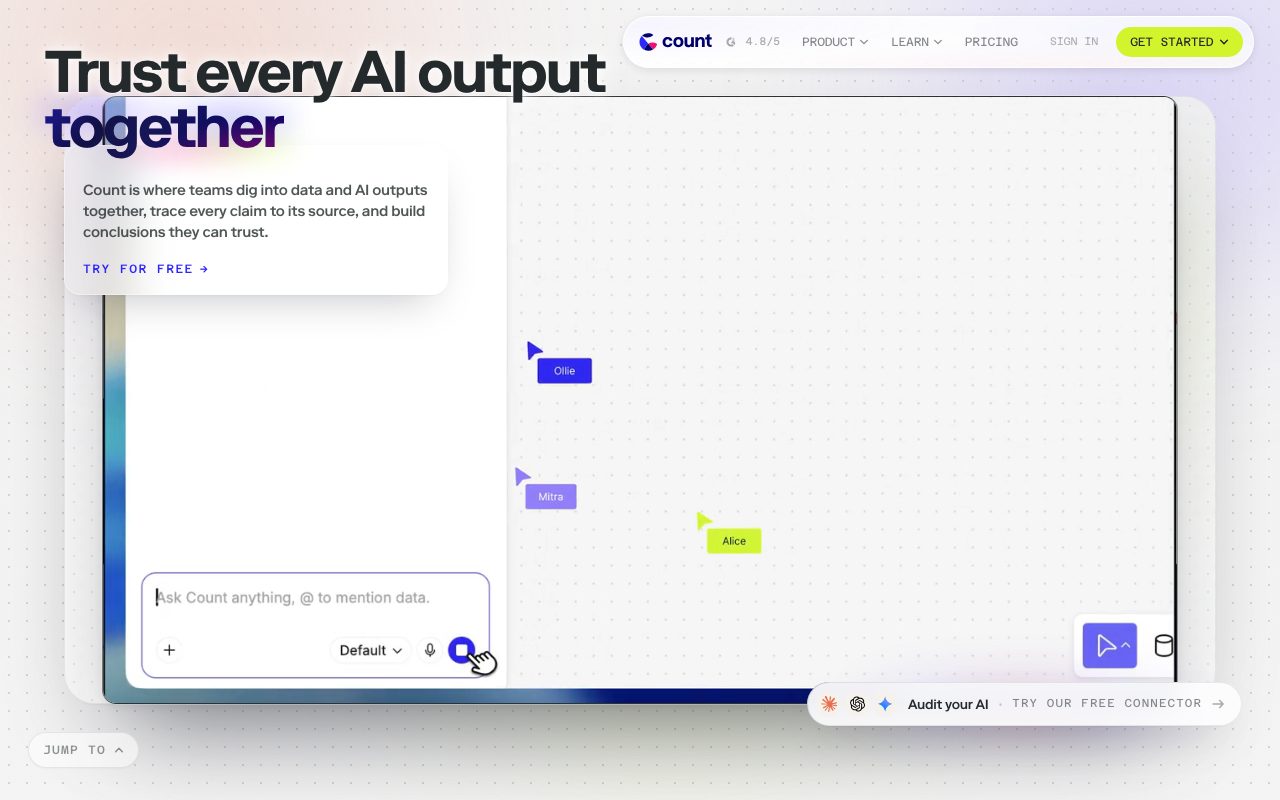
Count is an infinite canvas data platform combining SQL, Python, and no-code visuals with real-time multiplayer collaboration and an embedded AI agent.
Count provides an infinite canvas environment designed to accelerate the journey from data queries to operational decisions. Built around DuckDB technology to offload day-to-day database queries, the workspace lets analysts construct analyses using SQL, Python, and drag-and-drop visualizations side by side. Cross-functional team members can join as collaborators using digital whiteboarding tools such as sticky notes, screenshots, and comments without incurring per-seat viewer charges. The platform also embeds the Count AI Agent to automate analysis workflows, supports semantic metric definitions via Count Metrics, and features direct integrations with data warehouses, Google Sheets, and Model-Context Protocol (MCP).
Unlike traditional BI dashboards or standalone notebooks, Count organizes analysis on an infinite multiplayer canvas with integrated DuckDB compute and free viewer seats.
Product capabilities
Key features
Infinite Canvas & Reports
Exploratory workspace allowing users to build SQL queries, Python scripts, visual charts, and presentation-ready reports on a shared interactive board.
Count AI Agent
Built-in agent that helps write queries and perform analytical workflows directly inside canvas cells under fair usage guidelines.
DuckDB Compute Layer
In-memory caching and compute engine designed to offload up to 80% of daily analytical queries from warehouse databases.
Multiplayer Collaboration
Real-time co-working supporting sticky notes, annotations, comments, and unlimited viewer access without per-viewer licensing fees.
Count Metrics Semantic Layer
Centralized, reusable metric definitions to ensure consistency across visualizations and workspace queries.
MCP & API Connectivity
Model-Context Protocol support and RESTful APIs for programmatic workspace, canvas, and query interactions.
Workflow
How Count works
- Connect warehouse data sources, upload CSV files, or link Google Sheets to your workspace.
- Query data directly using SQL, Python, or the Count AI Agent in individual cells across the infinite canvas.
- Build modular charts and visualizations linked together on the visual workspace.
- Invite collaborators to annotate with sticky notes or publish clean presentation reports for executive review.
Practical fit
Who should use Count?
Collaborative Exploratory Analysis
Analysts and stakeholders investigate product or operational questions live on a canvas using SQL, Python, and sticky notes.
Multi-Step Warehouse Querying
Connecting directly to data warehouses to chain queries and transform datasets into visual summaries without overburdening warehouse compute.
Interactive Metric Dashboards
Publishing governed metric reports with Count Metrics and scheduled query caching for team-wide review.
Editorial assessment
Pros and limitations
Where it is strong
- Collaborator and viewer seats are included across all pricing plans without additional cost.
- Combines code-based (SQL/Python) and no-code approaches on an unconstrained whiteboard canvas.
- Employs DuckDB locally in the compute layer to minimize recurring warehouse query fees.
- Certified for SOC 2 and compliant with GDPR, with HIPAA compliance available on Enterprise plans.
Where to be careful
- Free plan is restricted to CSV database connections and 3 canvases.
- The Scale tier requires a minimum commitment of 15 editor seats.
- Database connections on the Pro tier are limited to two sources.
Commercial context
Count pricing
At the review date (September 2026), Count offers a Free tier with 3 editor seats, paid tiers at $49 and $69 per editor per month, and custom Enterprise agreements. Viewer and collaborator seats are free across all tiers. Verify current details on the official pricing page.
| Plan | Price | What it includes |
|---|---|---|
| Free | $0 / month (billed monthly or free indefinitely under current terms) | |
| Pro | $49 / editor / month | |
| Scale | $69 / editor / month (minimum 15 editor seats) | |
| Enterprise | Custom / annual / custom contract |
Pricing, limits, taxes, model access, and regional availability can change. Verify the purchase-critical details on the official pricing page linked under Sources.
Transparent ranking
Why Count scores 72.6
Each factor is scored on a 100-point scale, then combined using the public ToolsRank weights. Engagement and momentum stay at a neutral baseline until measured signals exist, so no tool can gain or lose position from numbers nobody recorded.
Compatibility
Languages, platforms, and integrations
Languages
- English
Platforms
- Web
Integrations & surfaces
- Google Sheets
- Google Workspace
- Microsoft Teams
- Slack
- Okta
- Stripe
Community
Reviews and questions
No approved member reviews yet. Editorial factors above are the only rating on this page.
Reviews and questions come from Google-signed members and are checked by an editor before they appear.
Frequently asked
Count FAQ
Does Count charge for dashboard viewers?+
No. According to the vendor, Count includes viewer and collaborator seats in every tier without base fees or separate viewer seat licenses.
How does Count limit database compute costs?+
Count incorporates DuckDB technology into its compute layer, which the vendor states offloads approximately 80 percent of routine queries from the underlying data warehouse.
Is customer data used to train AI models?+
No. The vendor explicitly states on its pricing and privacy pages that customer data is never used to train AI models.
What database connections are available on the Free plan?+
The Free plan supports CSV database connections only, alongside Google Sheets imports and three editor seats.