Direct answer
What is Descript?
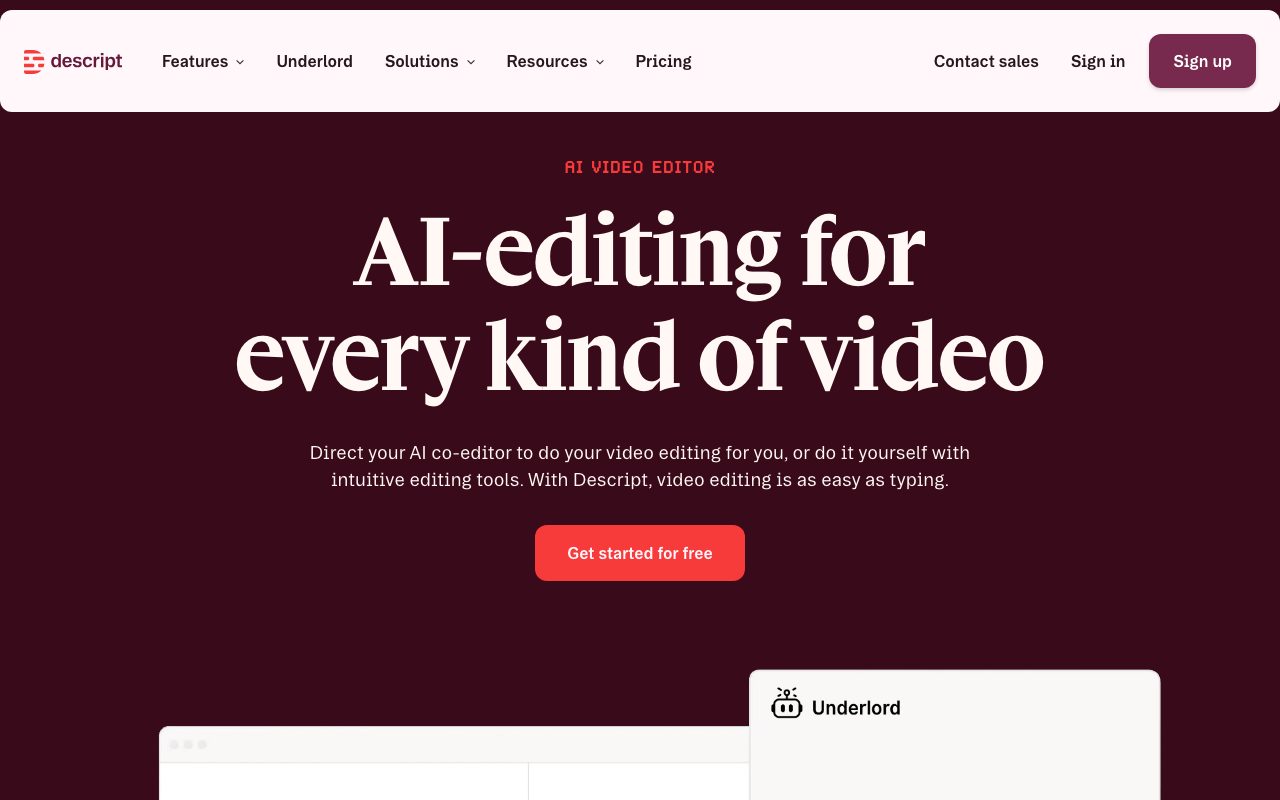
Descript turns recordings into editable transcripts so cutting words cuts media, and adds AI voice cloning, eye contact correction, studio sound, and automatic clip creation.
Descript's document-style editor makes video and audio editing feel like word processing: delete filler words, rearrange sections by moving text, and fix mistakes with a cloned voice. AI features improve audio, remove backgrounds, and generate social clips, and collaboration works like shared documents.
Transcript-based editing that makes professional-quality video and podcast production approachable for non-editors.
Product capabilities
Key features
Transcript editing
Edit media by editing text, including filler removal.
AI voice and overdub
Fix mistakes and generate narration with cloned voices.
Studio sound and eye contact
Clean audio and correct gaze automatically.
Clips and publishing
Create social clips and publish to platforms.
Practical fit
Who should use Descript?
Podcast production
Edit episodes in a fraction of the time.
Tutorial videos
Record screens and tidy narration quickly.
Social repurposing
Cut long recordings into shareable clips.
Editorial assessment
Pros and limitations
Where it is strong
- Intuitive text-based editing
- Strong AI cleanup features
- Collaboration
- Free plan
Where to be careful
- Hour limits on lower plans
- Not suited to complex effects work
- Desktop app performance on large projects
Commercial context
Descript pricing
A free plan includes limited transcription and export hours; Hobbyist, Creator, and Business plans add hours, AI features, and 4K exports at the review date. Verify current terms on the official pricing page.
Pricing, limits, taxes, model access, and regional availability can change. Verify the purchase-critical details on the official pricing page linked under Sources.
Transparent ranking
Why Descript scores 75.8
Each factor is scored on a 100-point scale, then combined using the public ToolsRank weights. Engagement and momentum stay at a neutral baseline until measured signals exist, so no tool can gain or lose position from numbers nobody recorded.
Compatibility
Languages, platforms, and integrations
Languages
- Transcription in 20+ languages
Platforms
- macOS
- Windows
- Web
Integrations & surfaces
- YouTube
- Spotify and podcast hosts
- Zoom
- Riverside
- Blubrry
Community
Reviews and questions
No approved member reviews yet. Editorial factors above are the only rating on this page.
Reviews and questions come from Google-signed members and are checked by an editor before they appear.
Frequently asked
Descript FAQ
What is Descript best for?+
Descript is best for editing podcasts, tutorials, and talking-head videos by editing the transcript, with AI cleanup and clip creation.
Is Descript free?+
A free plan with limited hours exists; paid plans add hours and AI features at the review date. Check the official pricing page.
How does ToolsRank score Descript?+
ToolsRank combines editorial quality, practical utility, trust and transparency, freshness, engagement quality, and momentum. Paid placement never changes the organic score.