
Direct answer
What is OpusClip?
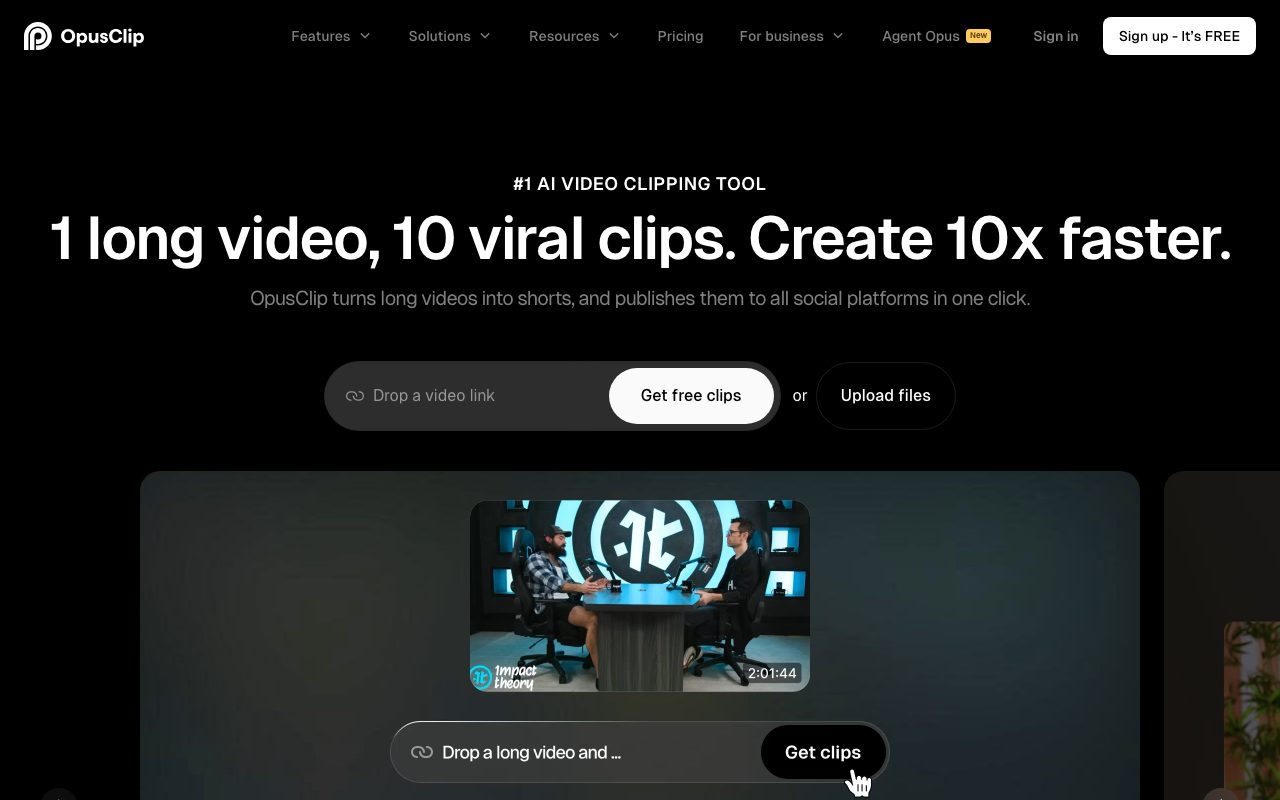
OpusClip analyses long-form video, extracts the most engaging moments, reframes them vertically with animated captions, and can schedule posts to social platforms.
Paste a video link or upload a file and OpusClip selects clip candidates with a virality score, applies captions and B-roll, keeps speakers in frame, and lets you tweak results in an editor. Brand templates and scheduling help teams publish consistently.
Automated highlight selection with a virality score and polished vertical reframing, built specifically for repurposing.
Product capabilities
Key features
AI clip selection
Find engaging moments with a virality score.
Captions and reframing
Animated captions and speaker-aware vertical framing.
Editor and templates
Adjust clips and apply brand styles.
Scheduling
Post directly to social platforms.
Practical fit
Who should use OpusClip?
Podcast promotion
Publish daily clips from weekly episodes.
Webinar repurposing
Extract highlights for social campaigns.
Agency workflows
Produce clips for multiple clients efficiently.
Editorial assessment
Pros and limitations
Where it is strong
- Large time savings
- Good captions and reframing
- Scheduling built in
- Free plan
Where to be careful
- Selection can miss context
- Watermarks on free plan
- Minutes limits on lower tiers
Commercial context
OpusClip pricing
A free plan processes limited minutes with watermarks; Starter, Pro, and Business plans add minutes, brand templates, and scheduling at the review date. Confirm current terms on the official pricing page.
Pricing, limits, taxes, model access, and regional availability can change. Verify the purchase-critical details on the official pricing page linked under Sources.
Transparent ranking
Why OpusClip scores 71
Each factor is scored on a 100-point scale, then combined using the public ToolsRank weights. Engagement and momentum stay at a neutral baseline until measured signals exist, so no tool can gain or lose position from numbers nobody recorded.
Compatibility
Languages, platforms, and integrations
Languages
- 20+ languages for captions
Platforms
- Web
- iOS
- Android
Integrations & surfaces
- YouTube
- TikTok
- Zoom
- Google Drive
Community
Reviews and questions
No approved member reviews yet. Editorial factors above are the only rating on this page.
Reviews and questions come from Google-signed members and are checked by an editor before they appear.
Frequently asked
OpusClip FAQ
What is OpusClip best for?+
OpusClip is best for turning long videos into captioned, vertically reframed short clips with AI highlight selection and scheduling.
Is OpusClip free?+
A free plan with limited watermarked minutes exists; paid plans add minutes and features at the review date. Check the official pricing page.
How does ToolsRank score OpusClip?+
ToolsRank combines editorial quality, practical utility, trust and transparency, freshness, engagement quality, and momentum. Paid placement never changes the organic score.


