Direct answer
What is Evernote?
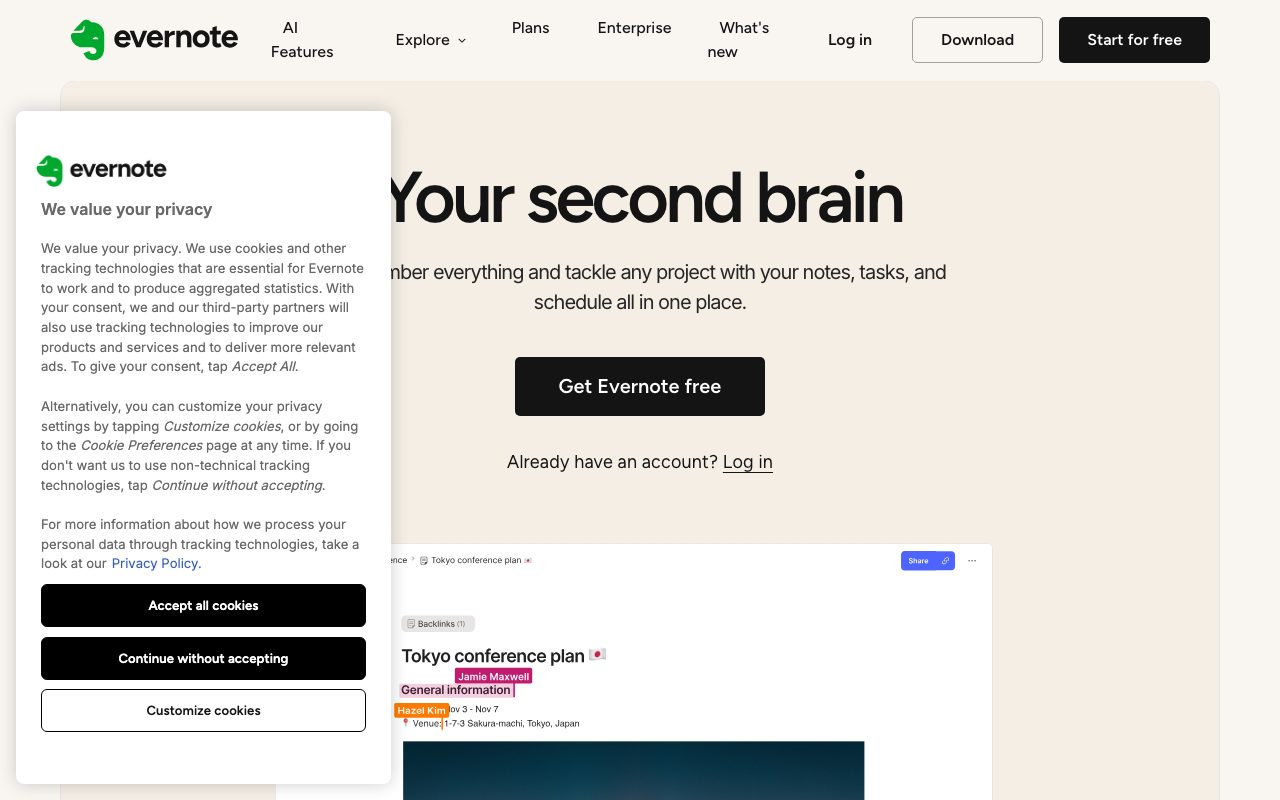
Evernote is a cross-platform note-taking and productivity workspace that organizes notes, tasks, and schedules, enhanced with OpenAI-powered search, meeting transcription, and conversational note assistance.
Evernote is a long-standing personal notes and organization application developed under Bending Spoons. Version 11 introduces integrated artificial intelligence features developed in collaboration with OpenAI, bringing conversational assistance, semantic search, and automatic meeting notes directly into the workspace. The platform allows users to capture information across multiple formats: web clippings via browser extensions, scanned documents and handwritten notes, audio recordings, images, receipts, and structured text notes organized into notebooks and spaces. Integrated task lists and calendar synchronization connect action items directly to corresponding notes. Built-in AI tooling includes an AI Assistant chat panel for generating content, tagging notes, and retrieving information from notes and the web; Semantic Search for locating notes by concept or description rather than exact boolean terms; and AI Meeting Notes for recording, transcribing, and generating summaries of conversations. Evernote enforces strict data protection rules, guaranteeing that user data is not used to train AI models by Evernote or third parties, and providing toggles to turn individual AI features on or off.
Evernote pairs deep capture capabilities—such as full-page web clipping, optical recognition for scans and photos, and offline note access—with native OpenAI-driven semantic retrieval, meeting transcription, and integrated task tracking.
Product capabilities
Key features
AI Assistant
A dedicated chat companion powered by OpenAI models that allows users to ask questions across their notes, search the web, draft new content, organize notes, and apply tags.
Semantic Search
Natural language search that identifies relevant notes and attachments from concepts or descriptions without requiring exact keywords or boolean queries.
AI Meeting Notes
Audio recording, transcription, and automated summary generator designed to capture meeting discussions and extract action items.
Web Clipper Extension
Browser extension for Chrome, Firefox, and Safari that captures full web pages, articles, and images while stripping out advertisements.
Document Scanning & OCR
Digitization of physical papers, ID cards, insurance documents, receipts, and handwritten notes, making the contained text searchable.
Tasks & Calendar Integration
Embedded to-do lists and calendar event links within notes to assign actions, track deadlines, and maintain context across schedules.
Spaces & Real-Time Collaboration
Shared team areas with live collaborative editing, commenting, and note sharing accessible even to recipients without an Evernote account.
Privacy & AI Model Controls
Individual feature toggles in settings, with a formal commitment that customer notes are never used to train third-party or proprietary AI models.
Workflow
How Evernote works
- Capture notes, web articles, PDFs, images, or audio recordings across desktop, mobile, and browser extensions.
- Organize content into Notebooks and team Spaces, or rely on tags and AI semantic indexing.
- Interact with the AI Assistant to rewrite text, summarize documents, or query saved notes in plain language.
- Track deadlines and follow-ups through integrated tasks and calendar event connections.
Practical fit
Who should use Evernote?
Research and Web Capture
Clip web articles, research papers, and online references using the Web Clipper, then find related sources using Semantic Search.
Meeting Documentation
Record discussions, automatically generate meeting transcripts and key takeaways, and assign immediate follow-up tasks.
Personal Second Brain
Consolidate daily journal entries, scanned physical receipts, project plans, and schedules across mobile, desktop, and web with offline sync.
Team Project Coordination
Organize deliverables into Spaces, share live project notebooks, and link Slack conversations and Gmail messages to specific notes.
Editorial assessment
Pros and limitations
Where it is strong
- Privacy-first AI implementation where user data is explicitly not used to train AI models
- Semantic search finds notes and attachments using plain conversational descriptions
- Robust web clipping and mobile document scanning with offline access
- OpenAI-powered AI Assistant embedded directly alongside notes and tasks
Where to be careful
- Monthly and per-chat limits apply to the AI Assistant feature
- Specific subscription costs are not transparently disclosed on the main feature pages
Commercial context
Evernote pricing
At the review date (2026-09-08), Evernote provides free registration alongside paid and Enterprise tiers. Specific pricing figures and plan tiers are not published on the reviewed landing pages and should be verified on the official pricing page.
Pricing, limits, taxes, model access, and regional availability can change. Verify the purchase-critical details on the official pricing page linked under Sources.
Transparent ranking
Why Evernote scores 75.7
Each factor is scored on a 100-point scale, then combined using the public ToolsRank weights. Engagement and momentum stay at a neutral baseline until measured signals exist, so no tool can gain or lose position from numbers nobody recorded.
Compatibility
Languages, platforms, and integrations
Languages
- English
Platforms
- Mac
- Windows
- iOS
- Android
- Web
Integrations & surfaces
- Slack
- Gmail
- Google Calendar
- Chrome
- Firefox
- Safari
Community
Reviews and questions
No approved member reviews yet. Editorial factors above are the only rating on this page.
Reviews and questions come from Google-signed members and are checked by an editor before they appear.
Frequently asked
Evernote FAQ
Who has access to the AI features in Evernote?+
According to the official documentation, AI Assistant, AI Meeting Notes, and Semantic Search are available to all Evernote users, though monthly and per-chat usage limits apply to the AI Assistant.
Can I disable AI features in Evernote?+
Yes. Users can individually enable or disable specific AI features at any time in the AI features section of their account settings.
Is my note data used to train AI models?+
No. Evernote states that customer data is never used to train AI models, neither by Evernote nor by any third-party provider such as OpenAI.
Can Evernote be used offline?+
Yes. Evernote provides offline access on supported desktop and mobile apps, allowing notes to remain accessible even without an active internet or mobile data connection.