
Direct answer
What is Formula Bot?
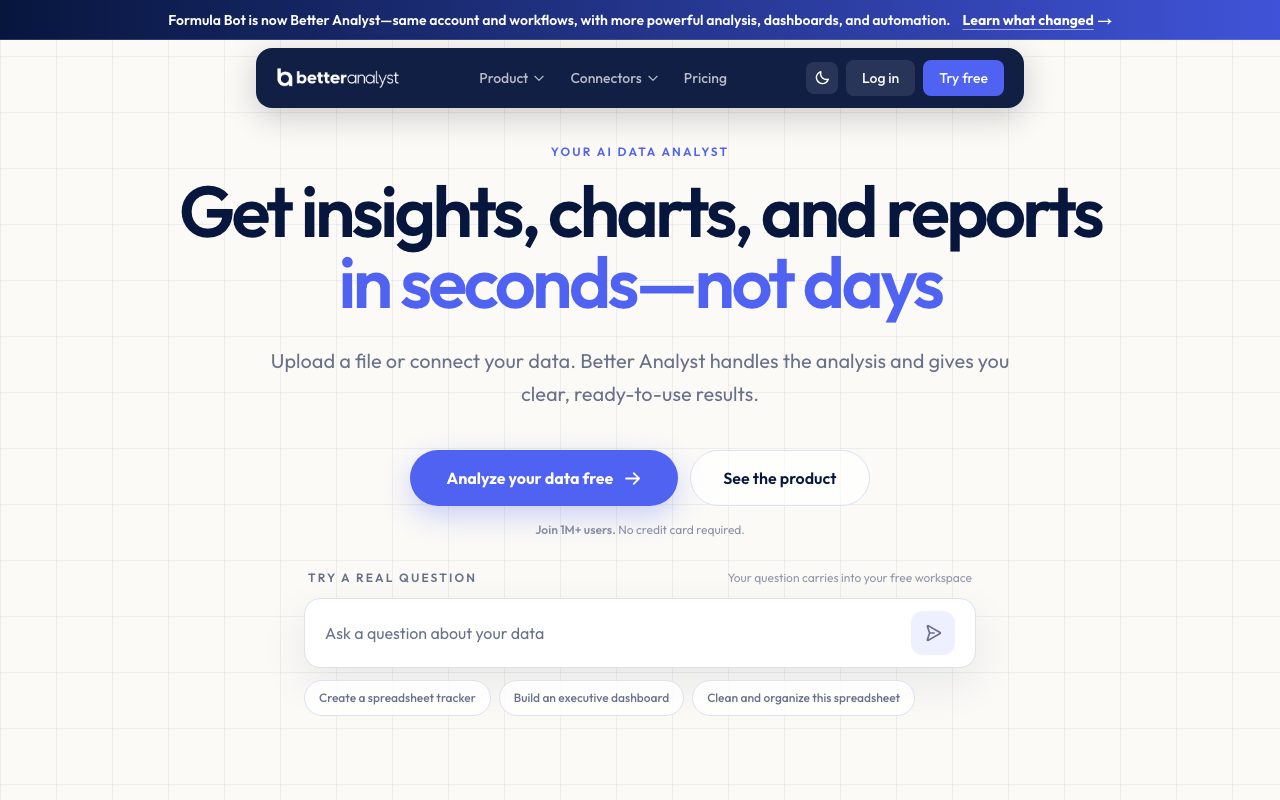
Formula Bot (rebranded as Better Analyst) turns natural language prompts into spreadsheet formulas, automated data visualizations, SQL queries, and full BI dashboards.
Originally launched as an Excel and Google Sheets formula generator, Formula Bot has expanded under the name Better Analyst into a conversational data analysis workspace. Users can upload spreadsheets (CSV, Excel) or connect directly to external databases and cloud platforms, including Snowflake, BigQuery, PostgreSQL, MySQL, Google Analytics, and Airtable. Through a chat-driven interface, it allows users to prepare messy datasets, execute statistical queries, generate sentiment analyses, and create interactive charts and executive dashboards without manual coding. Each data session operates in an isolated AWS sandbox environment using models from OpenAI, Anthropic, and Google. The platform offers full code transparency, displaying the underlying Python, SQL, or R code behind every insight. In addition to ad-hoc chat queries, it provides scheduled tasks for automated reporting, custom AI agents, PDF-to-Excel extraction, VBA/Apps Script generation, and embeddable iframe analytics with row-level security.
Formula Bot bridges spreadsheet assistance with full data analytics by generating formulas, VBA, and SQL alongside complete sandboxed Python analysis, automated dashboards, and direct data warehouse connectors.
Product capabilities
Key features
Formula & Code Generation
Generates complex Excel formulas, Google Sheets formulas, VBA scripts, Google Apps Script, SQL queries, and regular expressions from plain text prompts.
Conversational Data Analysis
Upload CSV or Excel files and query datasets using natural language to perform filtering, aggregation, and statistical transformations.
Interactive AI Dashboards
Generates interactive executive and operational dashboards from connected data or uploaded files with scheduled automatic refreshes.
Code Transparency
Displays the exact underlying Python, SQL, or R code executed in the secure sandbox for every prompt, allowing verification and reuse.
Multi-Source Connectors
Directly connects cloud storage, databases, and business tools including Google BigQuery, Snowflake, PostgreSQL, MySQL, Supabase, Airtable, and Google Analytics.
Scheduled Tasks & Automation
Enables recurring analysis workflows that run on automated daily, weekly, or monthly schedules and deliver updated reports to an inbox.
Document Data Extraction
Converts PDFs and bank statements into formatted Excel spreadsheets automatically.
Enterprise Security Controls
Enforces AES-256 encryption at rest, TLS in transit, dedicated sandbox execution, TOTP multi-factor authentication, and database row-level security.
Practical fit
Who should use Formula Bot?
Formula Creation & Debugging
Generate nested Excel or Google Sheets formulas and troubleshoot spreadsheet calculation errors using conversational prompts.
Automated Sales Reporting
Connect a SQL database or Google Sheet to automatically generate monthly profit breakdowns, chart trends, and deliver scheduled reports.
Customer Review Sentiment Analysis
Classify large batches of unstructured survey or feedback responses into positive, neutral, and negative categories with keyword extraction.
PDF Financial Extraction
Extract tabular data from PDF statements and invoices directly into structured Excel worksheets.
Editorial assessment
Pros and limitations
Where it is strong
- Supports direct connectors to major SQL databases, warehouses, and Google marketing services.
- Provides full code transparency with inspectable Python, SQL, and R snippets.
- Free plan available with no credit card required to start.
- Strict no-training policy on customer data through enterprise agreements with LLM vendors.
Where to be careful
- Free plan automatically and permanently deletes inactive files and chats after 60 days.
- Monthly message caps and execution timeouts apply on entry-level paid tiers.
- White-label embedding and per-user row-level security are restricted to higher-tier plans.
Commercial context
Formula Bot pricing
As of September 2026, Formula Bot (operating as Better Analyst) offers a free forever plan alongside paid tiers: Starter at $20/month, Max at $40/user/month, and Business at $80/user/month, with promotional introductory rates and annual discounts. Verify current rates on the official site.
Pricing, limits, taxes, model access, and regional availability can change. Verify the purchase-critical details on the official pricing page linked under Sources.
Transparent ranking
Why Formula Bot scores 71.7
Each factor is scored on a 100-point scale, then combined using the public ToolsRank weights. Engagement and momentum stay at a neutral baseline until measured signals exist, so no tool can gain or lose position from numbers nobody recorded.
Compatibility
Languages, platforms, and integrations
Languages
- en
- es
Integrations & surfaces
- Google Sheets
- Microsoft Excel
- Google BigQuery
- Snowflake
- PostgreSQL
- MySQL
- Supabase
- Microsoft SQL Server
- Airtable
- Tableau
- Power BI
- Google Analytics
Community
Reviews and questions
No approved member reviews yet. Editorial factors above are the only rating on this page.
Reviews and questions come from Google-signed members and are checked by an editor before they appear.
Frequently asked
Formula Bot FAQ
What is the difference between Formula Bot and Better Analyst?+
Formula Bot was rebranded as Better Analyst to reflect its evolution from an Excel and Google Sheets formula generator into a comprehensive AI data analysis, dashboarding, and workflow automation platform.
Is user data used to train AI models?+
No. The vendor states that customer data is never used to train internal or third-party AI models, backed by agreements with providers such as OpenAI, Anthropic, and Google.
How are uploaded files and database connections secured?+
Data is encrypted in transit using TLS and at rest using AES-256 in AWS infrastructure. Data execution takes place in isolated sandbox environments, with optional row-level security available for database connections.
What happens to data on the free plan?+
On the free plan, chat histories and uploaded files that remain inactive for more than 60 days are permanently and irreversibly deleted from the servers.
Can Formula Bot extract data from PDF files?+
Yes. The platform includes tools to convert PDFs and bank statements directly into structured Excel spreadsheets using AI actions.