
Direct answer
What is Front?
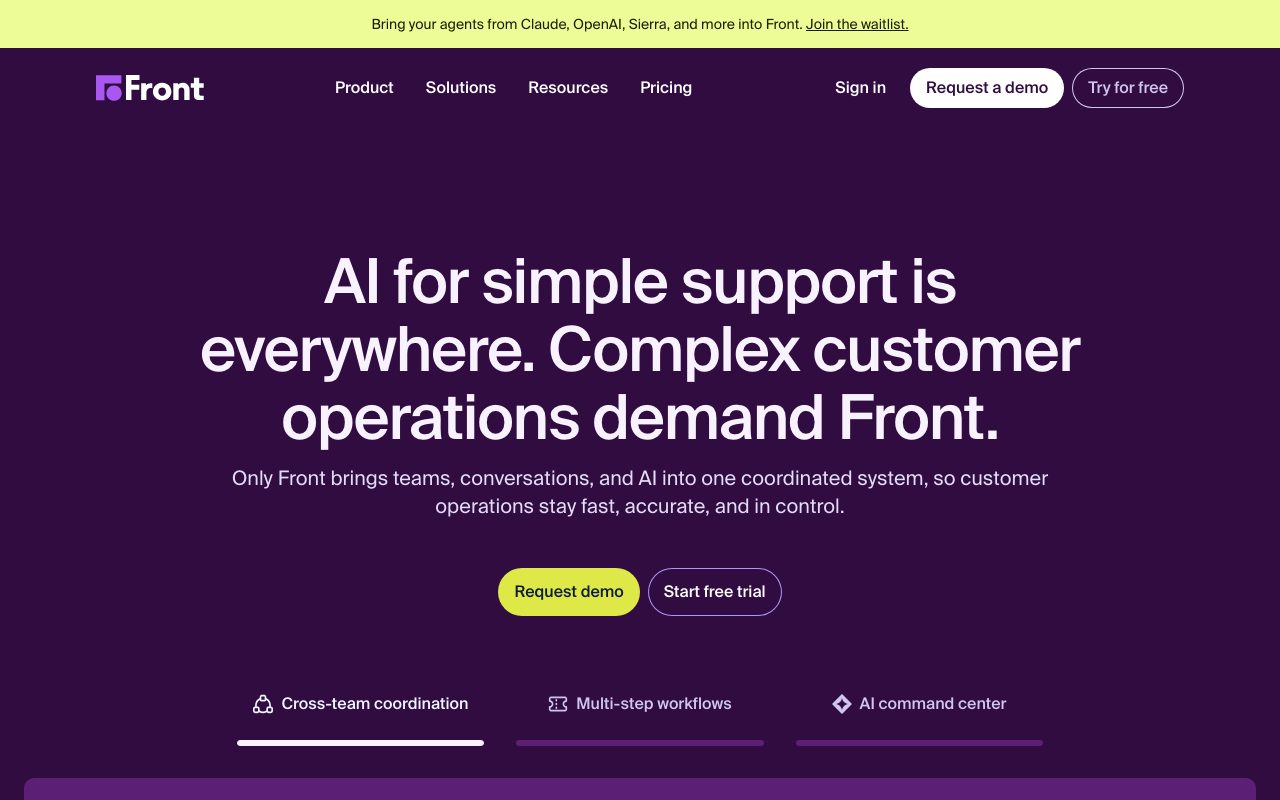
Front is a customer operations and shared inbox platform that combines multi-channel ticketing with AI copilot drafting, automated conversational quality assurance, and cross-team collaboration.
Front replaces disjointed email clients and siloed help desks with an integrated platform built around shared inboxes, internal commenting, and omnichannel communication. Teams can unify emails, SMS, live chat, Slack, and social channels into coordinated workspaces with granular routing and tagging rules. The system incorporates Front AI to assist agents and automate repetitive operations. Native AI capabilities include conversation summarization, draft generation, and language translation directly inside the composer. For automated service, Front Autopilot resolves multi-step inquiries, while Front Copilot provides real-time contextual suggestions. In addition, the platform includes Smart QA to automatically generate performance scorecards across conversations and Smart CSAT to infer customer sentiment without relying on post-interaction surveys. Front emphasizes cross-department coordination. Rather than forwarding threads or switching to separate chat apps, teammates use internal comments, shared drafts, and assignments within the conversation view. Enterprise accounts gain access to single sign-on, SCIM user provisioning, multi-language knowledge bases, and custom role permissions.
Unlike standalone help desks that isolate tickets into rigid queue systems, Front combines shared email inboxes with internal team commenting, multi-channel messaging, and automated AI quality scoring in a single workspace.
Product capabilities
Key features
Collaborative Shared Inboxes
Manage shared email addresses, SMS lines, and live chat with internal mentions, shared drafts, and assigned ownership without forwarding emails.
Front AI Copilot
Assists agents directly in the thread by suggesting answers, drafting replies, polishing tone, and determining the next operational steps.
Front AI Autopilot
Resolves multi-step customer inquiries across channels, handling complex workflows beyond basic FAQ auto-responses.
Smart QA and Smart CSAT
Automatically scores agent performance against AI quality scorecards and infers customer satisfaction ratings without requiring external survey responses.
Workflow Automation Rules
Automates routing, tagging, assignments, and escalations using standard rules on lower tiers and unlimited smart rules on Enterprise.
Knowledge Base & Customer Portal
Hosts public or internal help documentation and customizable support portals with dynamic ticket intake forms.
Omnichannel Ingestion
Unifies communication from Gmail, Office 365, Front Chat, SMS, WhatsApp Business, Slack, X, and voice providers into uniform views.
Workflow
How Front works
- Connect company communication channels including email inboxes, chat widgets, SMS lines, and messaging tools into Front.
- Organize inbound conversations using shared inboxes, custom tags, and rule-based assignment triggers.
- Collaborate internally using inline thread comments, shared drafts, and user mentions without forwarding messages to external tools.
- Deploy Front AI features like Copilot, Summarize, and Autopilot to draft contextual replies and resolve multi-step inquiries.
- Monitor team efficiency, quality scorecards, and customer satisfaction automatically using Smart QA and Smart CSAT.
Practical fit
Who should use Front?
Multi-Department Ticket Resolution
Support reps loop in logistics, billing, or engineering via internal comments directly on the customer thread to solve issues collaboratively.
Automated Quality Assurance
Support leadership uses Smart QA to automatically audit conversation compliance and agent helpfulness across all closed conversations.
Shared Client Account Management
Account managers and customer success reps share visibility over inbound client emails to maintain context during handoffs and onboarding.
Frontline Inbound Sales Routing
Sales teams distribute incoming inquiry emails automatically to active agents based on team availability and tags.
Editorial assessment
Pros and limitations
Where it is strong
- Native internal commenting and draft sharing directly on live customer threads.
- Built-in Smart CSAT eliminates reliance on low-response post-ticket surveys.
- Broad connectivity with over 160 integrations across email, messaging, CRM, and voice.
- Comprehensive enterprise compliance including SOC 2 Type II, ISO 27001, and regional data hosting in the US or EU.
Where to be careful
- The Starter plan is restricted to a single communication channel type.
- Autopilot, Copilot, Smart QA, and Smart CSAT require extra per-seat or per-conversation fees on Starter and Professional plans.
- Native WhatsApp integration requires third-party Meta usage costs plus a 20 percent administrative surcharge.
Commercial context
Front pricing
Pricing reflects annual billing at the September 2026 review date. Front offers Starter ($25/seat/mo), Professional ($65/seat/mo), and Enterprise ($105/seat/mo) tiers alongside pay-as-you-go and per-seat AI add-ons. Verify current rates on the official pricing page.
| Plan | Price | What it includes |
|---|---|---|
| Starter | $25 / seat/month (billed annually, up to 10 seats capped at 10 channels/license; single channel type only; basic analytics and up to 10 rules; AI add-ons available separately) | |
| Professional | $65 / seat/month (billed annually, up to 50 seats capped at 30 channels/license; omnichannel support, macros, up to 20 rules, SSO/SCIM, and up to 5 workspaces) | |
| Enterprise | $105 / seat/month (billed annually, 50 channels/license; includes AI Copilot, Smart QA, and Smart CSAT, unlimited rules, smart rules, custom roles, and unlimited workspaces) |
Pricing, limits, taxes, model access, and regional availability can change. Verify the purchase-critical details on the official pricing page linked under Sources.
Transparent ranking
Why Front scores 75.9
Each factor is scored on a 100-point scale, then combined using the public ToolsRank weights. Engagement and momentum stay at a neutral baseline until measured signals exist, so no tool can gain or lose position from numbers nobody recorded.
Compatibility
Languages, platforms, and integrations
Languages
- English
Platforms
- Web
- Mobile app
Integrations & surfaces
- Office 365
- Gmail
- Slack
- Twilio
- Dialpad
- Aircall
- Drift
- Intercom
- WhatsApp Business
- HackerOne
Community
Reviews and questions
No approved member reviews yet. Editorial factors above are the only rating on this page.
Reviews and questions come from Google-signed members and are checked by an editor before they appear.
Frequently asked
Front FAQ
Does Front offer a free trial, and is a credit card required?+
Front provides a 14-day free trial that includes the features of the Professional plan. No credit card is required to begin, use, or complete the trial.
Which third-party AI models power Front AI?+
Front states that it uses the text generation APIs from OpenAI, Azure OpenAI, and Amazon AWS. Front maintains agreements ensuring these providers do not use customer data to train foundation models.
How are communication channels restricted across Front tiers?+
The Starter plan supports only a single channel type (such as Email, Front Chat, or SMS) up to 10 channels per license. Professional allows omnichannel connectivity with up to 30 channels per license, while Enterprise supports up to 50 channels per license.
How does Smart CSAT work without sending customer surveys?+
Front Smart CSAT uses AI auto-review to infer and score customer sentiment and satisfaction directly from conversation text, providing reporting without requiring customers to fill out manual survey forms.
Can seats across different plans be mixed within one company account?+
No. Front plans are assigned at the organization level, meaning all users must be provisioned under the same plan tier.