
Direct answer
What is Jules?
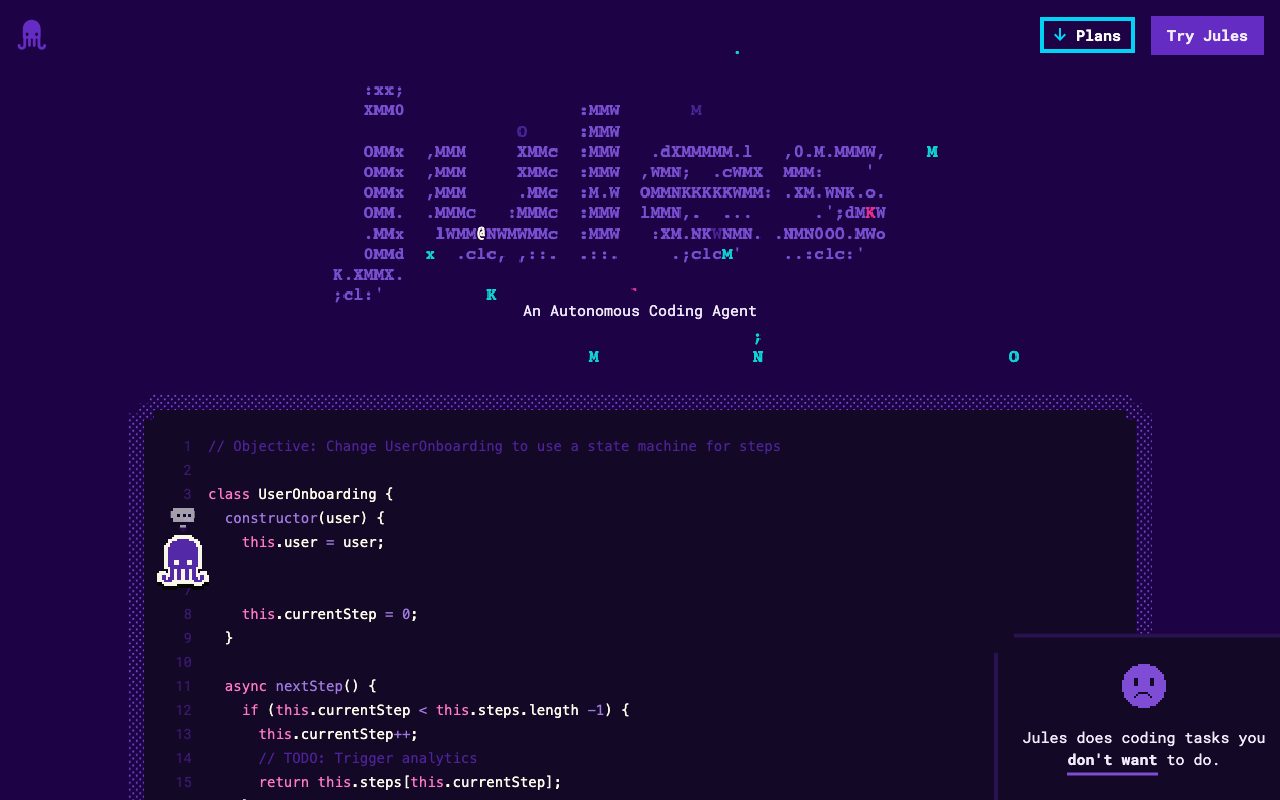
Jules is an autonomous coding agent by Google that clones GitHub repositories into isolated cloud VMs, generates execution plans, edits code using Gemini models, and submits pull requests.
Jules is an autonomous coding agent developed by Google designed to take over time-consuming engineering maintenance and implementation tasks. Developers trigger Jules either via the web interface by selecting a repository and branch with a detailed prompt, or directly within GitHub by applying a 'jules' label to an issue. Once assigned, Jules clones the selected repository into an isolated Cloud virtual machine. It analyzes the workspace and formulates an implementation plan powered by Google's Gemini models (such as Gemini 2.5 Pro on the entry tier and Gemini 3 Pro on Pro and Ultra tiers). After planning, the agent applies edits across the codebase, presents side-by-side diffs for developer review, and automatically opens a pull request on GitHub ready for merging and publication.
Jules operates as an asynchronous background agent running in its own Cloud VM rather than just an IDE completion tool, executing multi-file edits and automatically opening complete GitHub pull requests.
Product capabilities
Key features
GitHub Issue Integration
Assign tasks to the agent directly inside GitHub by attaching the 'jules' label to any issue.
Isolated Cloud VM Execution
Clones the target repository and branch into an isolated Cloud VM to plan and execute code modifications.
Gemini Model Reasoning
Formulates multi-file execution plans using Gemini models, including Gemini 2.5 Pro and Gemini 3 Pro.
Interactive Diff Review
Inspect visual diffs of all proposed code modifications before approving changes.
Automated Pull Request Generation
Packages approved modifications into a clean GitHub pull request ready for peer review and merging.
Parallel Task Concurrency
Run between 3 and 60 concurrent tasks depending on the plan tier to execute multiple coding jobs simultaneously.
Workflow
How Jules works
- Select your GitHub repository and branch, or apply the 'jules' label to an issue in GitHub.
- Jules fetches the repository, clones it into a dedicated Cloud VM, and generates an execution plan using Gemini.
- Inspect the diff of the proposed edits and approve the changes.
- Jules automatically generates a pull request on GitHub for final review and merging.
Practical fit
Who should use Jules?
Dependency and Version Bumping
Upgrade project framework dependencies (e.g., bumping Next.js) and restructure files to match new framework standards.
Automated Bug Fixing
Assign documented bugs to Jules using GitHub issue labels so the agent can reproduce, patch, and open a PR.
Test Suite Expansion
Prompt the agent to draft unit or integration tests across specific repository modules in the background.
Feature Building
Generate initial scaffoldings or implementations for new features from detailed prompts and branch specifications.
Editorial assessment
Pros and limitations
Where it is strong
- Native GitHub workflow support via issue labels and automated pull requests
- Runs asynchronously in a Cloud VM without blocking local development environments
- Clear step-by-step diff inspection before committing code changes
- Generous task concurrency scaling up to 60 parallel tasks on higher tiers
Where to be careful
- Strictly dependent on GitHub; alternatives like GitLab or Bitbucket are not mentioned
- Exact pricing details for Pro and Ultra plans are omitted from the main page
Commercial context
Jules pricing
At the review date (2026-09-08), Google presents three tiers for Jules (Jules, Jules in Pro, and Jules in Ultra) differentiated by daily task limits, concurrency, and Gemini model access. Exact dollar prices are not stated on the official page; check the official site for current plan pricing and access terms.
| Plan | Price | What it includes |
|---|---|---|
| Jules | Free / Base / day (usage capped daily limits, exact price unstated on page) | |
| Jules in Pro | Unstated on page / day (usage capped daily limits, exact price unstated on page) | |
| Jules in Ultra | Unstated on page / day (usage capped daily limits, exact price unstated on page) |
Pricing, limits, taxes, model access, and regional availability can change. Verify the purchase-critical details on the official pricing page linked under Sources.
Transparent ranking
Why Jules scores 71
Each factor is scored on a 100-point scale, then combined using the public ToolsRank weights. Engagement and momentum stay at a neutral baseline until measured signals exist, so no tool can gain or lose position from numbers nobody recorded.
Compatibility
Languages, platforms, and integrations
Languages
- English
Platforms
- Web
Integrations & surfaces
- GitHub
Community
Reviews and questions
No approved member reviews yet. Editorial factors above are the only rating on this page.
Reviews and questions come from Google-signed members and are checked by an editor before they appear.
Frequently asked
Jules FAQ
How does Jules interact with my GitHub repository?+
You connect your GitHub repository and branch, then either provide a prompt through the Jules interface or apply the 'jules' label to an issue directly in GitHub. Jules then clones the code into a Cloud VM, performs edits, and opens a pull request.
Which models power Jules?+
According to the official site, the entry tier uses Gemini 2.5 Pro, while the Pro and Ultra tiers provide access starting with Gemini 3 Pro.
Can I review code before it is merged?+
Yes. Jules provides a code diff of proposed edits for developer review. Once approved, Jules creates a GitHub pull request that you review and merge according to your normal repository workflow.
How many tasks can I run each day?+
The entry Jules plan supports 15 tasks per day with 3 concurrent tasks. The Pro plan provides 100 tasks per day with 15 concurrent tasks, and the Ultra plan supports 300 tasks per day with up to 60 concurrent tasks.


