
Direct answer
What is LM Studio?
LM Studio runs open-source language models entirely on your local machine using llama.cpp and Apple MLX runtimes. It includes chat, an agentic harness called Bionic, offline document processing, and a local OpenAI-compatible REST server.
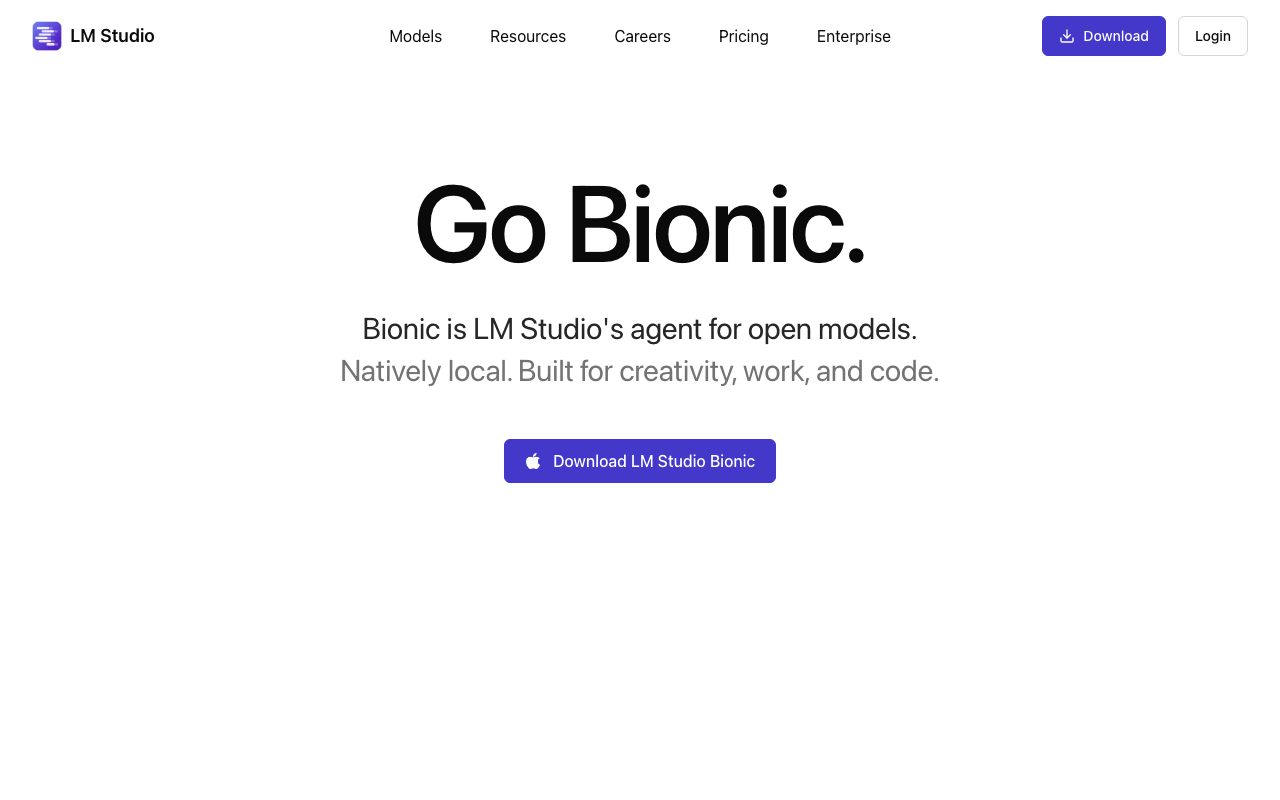
LM Studio is a desktop platform developed by Element Labs, Inc. that enables users to discover, download, and execute open-weight AI models directly on their personal hardware. Built around native execution runtimes like llama.cpp (for cross-platform GGUF models) and Apple MLX (for Apple Silicon Macs), it provides full offline capability without transmitting data to external servers. The suite includes LM Studio Bionic, an agentic workflow harness designed for document generation, editing, automation, and coding. Bionic incorporates local real-time voice transcription and Zero Data Retention (ZDR) web search. Users can execute tasks on local hardware, connect external devices over LM Link, or route heavier workloads to frontier open models in LM Studio Secure Cloud. For developers, LM Studio functions as a local backend. It features an OpenAI-compatible REST API, model configuration management via model.yaml, Model Context Protocol (MCP) server support, and a headless daemon called llmster for server and CI environments. Dedicated SDKs for Python (lmstudio-python) and TypeScript (lmstudio-js), along with the lms CLI, let teams automate model loading, text generation, and local agent development.
LM Studio pairs native local execution via llama.cpp and Apple MLX with a local OpenAI-compatible server, Model Context Protocol (MCP) support, and the Bionic agentic workspace, allowing private, completely offline model inference.
Product capabilities
Key features
Native Local Model Runtimes
Runs GGUF models via llama.cpp across Mac, Windows, and Linux, and natively supports Apple MLX on Apple Silicon Macs.
Bionic Agent Harness
Executes coding tasks, automations, and file-based editing projects with automatic saving and optional local or cloud model routing.
Offline Document Interaction
Enables local retrieval-augmented generation (RAG) by allowing users to attach documents directly to chats without cloud uploads.
Model Context Protocol (MCP) Client
Connects local models to standardized MCP servers to access external tools, services, and system integrations.
Local OpenAI-Compatible REST API
Serves loaded local models over an OpenAI-compatible endpoint for dropping into existing applications and test environments.
Headless Daemon (llmster) and CLI
Provides the lms command-line interface and llmster headless mode for running model servers in CI or headless server setups.
LM Link Multi-Device Routing
Routes AI execution requests across up to five personal devices and machines on the local network.
Zero Data Retention Cloud Inference
Provides optional pay-as-you-go cloud access to frontier open models with US-based hosting and default Zero Data Retention.
Workflow
How LM Studio works
- Download and install LM Studio or LM Studio Bionic for macOS, Windows, or Linux.
- Search and download open-weight models directly via the built-in Hugging Face browser.
- Select your preferred execution engine, choosing llama.cpp or Apple MLX.
- Interact via the local chat GUI, connect documents for offline RAG, or activate the Bionic agent workspace.
- Start the local OpenAI-compatible REST server to connect third-party developer tools and scripts.
Practical fit
Who should use LM Studio?
Offline Code Generation and Review
Write, debug, and review software using open-source coding models without company source code leaving the workstation.
Local Document Analysis and Q&A
Query proprietary contracts, research papers, and technical specifications locally using offline chat with documents.
Local App Development and Mock APIs
Point OpenAI-dependent application backends to localhost to test prompts and logic without incurring API fees.
Multi-Machine Model Offloading
Use LM Link to route heavy generation tasks from an ultrabook to a higher-powered desktop or local home lab.
Editorial assessment
Pros and limitations
Where it is strong
- Complete local privacy with models running entirely offline on your device
- OpenAI-compatible local REST server makes switching between external APIs and local models straightforward
- Support for both llama.cpp (cross-platform) and native Apple MLX acceleration
- Includes MCP client capability to connect local models to external tooling
Where to be careful
- Performance and model size limits depend entirely on local hardware specifications
- Cloud model options are limited to usage-based open models rather than proprietary frontier models
Commercial context
LM Studio pricing
At the review date (September 2026), local model execution, offline voice transcription, and up to 5 devices on LM Link are free ($0). Cloud model inference runs on prepaid credits billed per million tokens. Additional subscription plans are listed as coming soon. Check the official pricing page for current rates.
| Plan | Price | What it includes |
|---|---|---|
| Free | $0 / perpetual free tier | |
| Cloud Credits (Pay as you go) | Usage-based / per token usage |
Pricing, limits, taxes, model access, and regional availability can change. Verify the purchase-critical details on the official pricing page linked under Sources.
Transparent ranking
Why LM Studio scores 76.3
Each factor is scored on a 100-point scale, then combined using the public ToolsRank weights. Engagement and momentum stay at a neutral baseline until measured signals exist, so no tool can gain or lose position from numbers nobody recorded.
Compatibility
Languages, platforms, and integrations
Languages
- English
Platforms
- macOS
- Windows
- Linux
Integrations & surfaces
- Hugging Face
- Claude Code
- OpenClaw
- Codex
- Model Context Protocol (MCP)
Community
Reviews and questions
No approved member reviews yet. Editorial factors above are the only rating on this page.
Reviews and questions come from Google-signed members and are checked by an editor before they appear.
Frequently asked
LM Studio FAQ
What operating systems are supported by LM Studio?+
LM Studio generally supports Apple Silicon Macs, x64 and ARM64 Windows PCs, and x64 Linux machines.
Can LM Studio run completely without an internet connection?+
Yes. Once model weights are downloaded to your machine, LM Studio, its chat features, document processing, and local voice transcription operate entirely offline.
What is the difference between LM Studio and LM Studio Bionic?+
LM Studio is the core model runner and configuration environment, while LM Studio Bionic is a dedicated agentic desktop application built for project sessions, automations, coding workflows, and document editing.
How does LM Studio handle data privacy when using cloud inference?+
Cloud inference provided by LM Studio runs in US-based infrastructure under a Zero Data Retention (ZDR) policy by default, ensuring that prompt and completion data are not retained.


