
Direct answer
What is Logseq?
Logseq is an open-source, local-first knowledge base and outliner built on plain text Markdown files with bidirectional linking, queries, and privacy control.
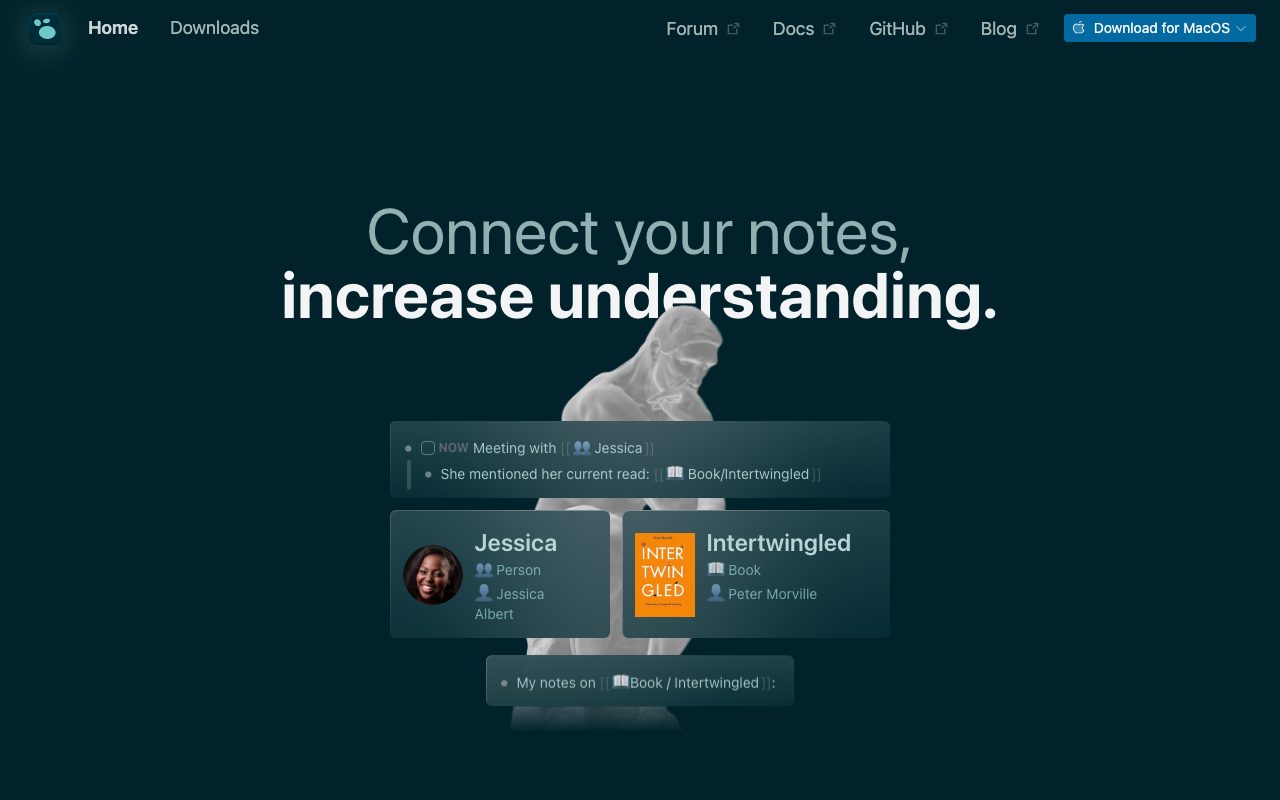
Logseq is a privacy-oriented personal knowledge management tool designed to keep data stored locally on your machine. Rather than locking notes into a proprietary cloud server, the application operates directly on plain Markdown files that can be opened and edited with other tools. At its core, the software functions as a block-based outliner. Every paragraph or thought is treated as an individual block that can be nested, referenced, or linked bidirectionally across pages. Users can track meetings and ongoing projects through built-in task management, execute structured queries across their notes, and access their information quickly using keyboard shortcuts such as Command-K search. In addition to outlining, Logseq provides integrated PDF annotations and spaced-repetition flashcards to aid learning and research workflows. The platform also offers Logseq Sync in beta for end-to-end encrypted synchronization across desktop and mobile devices, supplemented by an active ecosystem of community-developed plugins and themes.
Unlike cloud-dependent note platforms, Logseq keeps your data locally in standard Markdown files, pairing an open-source, block-based outliner with local-first privacy and native PDF annotation.
Product capabilities
Key features
Local-first Markdown Storage
Retains all notes on your local device in standard Markdown format so you permanently own your data without cloud lock-in.
Block References and Indented Outlining
Treats individual thoughts as addressable blocks that can be nested, referenced, and repurposed across different pages.
Linked References and Search
Enables bidirectional linking between pages and concepts, backed by Command-K search and custom query tables.
Task and Daily Journal Management
Provides daily plan journaling and integrated task management to track workflows, meetings, and habits.
PDF Annotations and Flashcards
Allows readers to highlight and annotate PDF files directly, alongside built-in flashcards for memorization.
Logseq Sync (Beta)
Offers optional encrypted file syncing to keep notes updated securely across desktop and mobile platforms.
Plugin and Theme Marketplace
Supports customization through a library of over 150 community plugins and more than 30 visual themes.
Workflow
How Logseq works
- Download Logseq or launch the web app and select a local directory on your device for your notes graph.
- Create daily journal entries or dedicated pages using indented bullet blocks for thoughts, tasks, and ideas.
- Connect concepts with bidirectional brackets and tags to create a connected knowledge graph.
- Optionally turn on encrypted Logseq Sync to replicate your local Markdown files across mobile and desktop devices.
Practical fit
Who should use Logseq?
Academic Research & Literature Notes
Highlighting PDFs, extracting quotes to linked blocks, and connecting authors and concepts across research topics.
Engineering Work & Daily Dev Logs
Keeping daily meeting records, tracking developer tasks, and organizing technical documentation in version-controllable text files.
Study & Spaced Repetition
Creating flashcard blocks within course outlines to review key facts and retain study material.
Editorial assessment
Pros and limitations
Where it is strong
- Complete local data ownership with plain text Markdown files
- Open-source codebase backed by an active community and plugin ecosystem
- Powerful outlining capabilities with bidirectional linking and structured queries
- Integrated study aids including PDF annotation and flashcards
- Desktop versions available for Apple Silicon and Intel macOS, plus iOS, Android, and web
Where to be careful
- Outliner indentation structure may feel restrictive compared to freeform canvas or standard document editors
- Logseq Sync is marked as beta and commercial team sync features are not standard built-ins
- No native real-time collaborative multi-user editing out of the box
Commercial context
Logseq pricing
As of September 2026, the vendor states Logseq is open source and free forever for personal use. Encrypted Logseq Sync is listed in beta without published commercial fees on the official landing page; verify current terms directly.
Pricing, limits, taxes, model access, and regional availability can change. Verify the purchase-critical details on the official pricing page linked under Sources.
Transparent ranking
Why Logseq scores 78.1
Each factor is scored on a 100-point scale, then combined using the public ToolsRank weights. Engagement and momentum stay at a neutral baseline until measured signals exist, so no tool can gain or lose position from numbers nobody recorded.
Compatibility
Languages, platforms, and integrations
Languages
- English
Platforms
- macOS
- iOS
- Android
- Web
Integrations & surfaces
- Markdown
Community
Reviews and questions
No approved member reviews yet. Editorial factors above are the only rating on this page.
Reviews and questions come from Google-signed members and are checked by an editor before they appear.
Frequently asked
Logseq FAQ
Is Logseq free to use?+
Yes. The official website states that Logseq is open source and free forever for personal use.
Where does Logseq store my notes?+
Logseq is local-first. Your notes are stored as plain Markdown files on your local drive, ensuring you maintain permanent ownership and can access them via third-party text editors.
Does Logseq support cloud synchronization?+
Logseq offers Logseq Sync in beta, providing encrypted synchronization to keep your notes updated across desktop and mobile devices.
What platforms are supported?+
Logseq provides desktop downloads for macOS (Apple Silicon and Intel), mobile applications for iOS and Android, and access through a web application.