
Direct answer
What is Lucid?
Lucid is a visual collaboration suite that combines Lucidchart, Lucidspark, and airfocus with AI prompting to generate flowcharts, retrospectives, process maps, and diagrams.
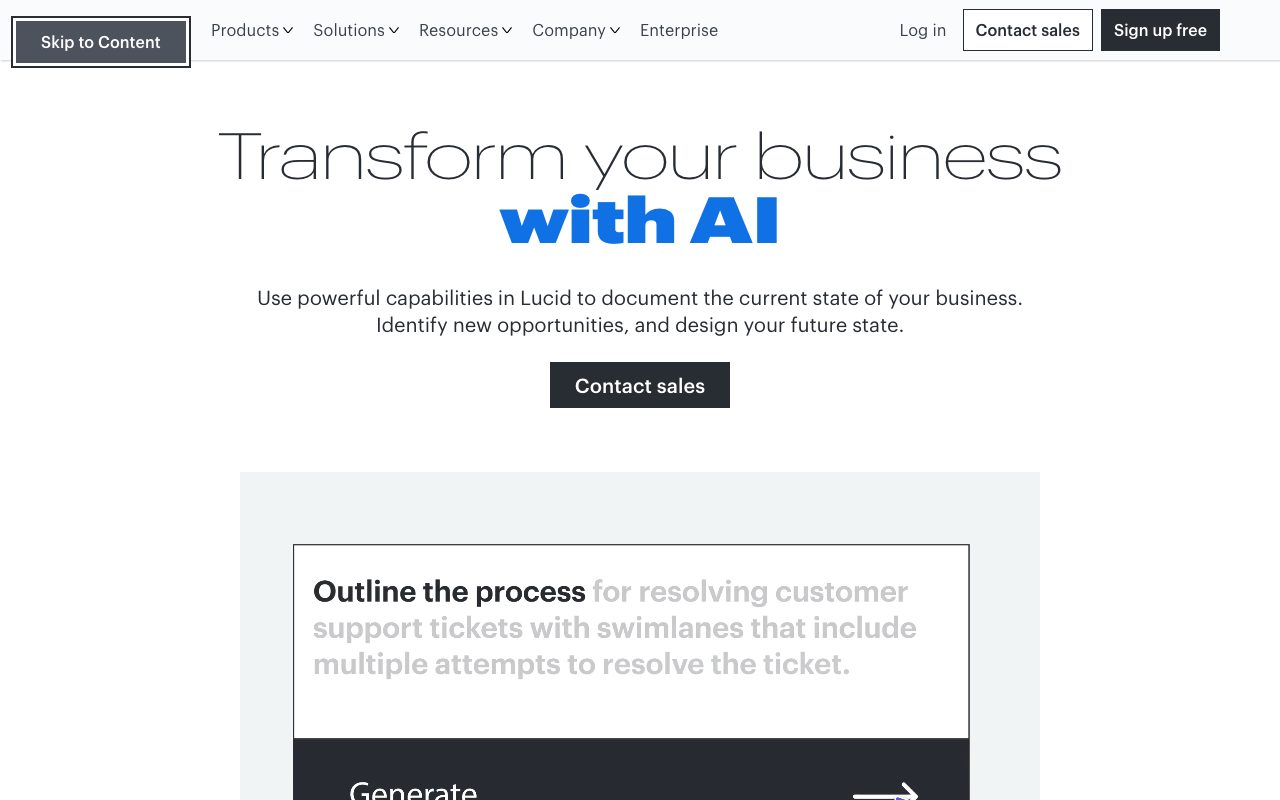
Lucid is an enterprise-oriented visual collaboration platform designed to document existing organizational processes and draft future system architectures. Its core product suite includes Lucidchart for diagramming, Lucidspark for virtual whiteboarding, and airfocus for product roadmapping, accompanied by specialized add-ons like Process Accelerator, Cloud Accelerator, and Enterprise Shield. The platform integrates generative AI capabilities that translate plain-text prompts into visual artifacts. Users can prompt the assistant to generate multi-step flowcharts complete with swimlanes and decision branches, apply conditional formatting with warning icons to represent operational delays or errors, and build structured sprint retrospectives with story-point estimation cards. Lucid also provides Model Context Protocol (MCP) servers that connect Lucid documents to external large language models and developer environments like ChatGPT, Claude, GitHub Copilot, and Cursor.
Lucid combines structured technical diagramming (Lucidchart) and unstructured whiteboarding (Lucidspark) with prompt-driven generation and a dedicated Model Context Protocol (MCP) server that links diagrams directly to AI coding and chat tools.
Product capabilities
Key features
Prompt-to-Diagram Generation
Generates flowcharts, decision paths, and swimlane diagrams automatically from natural-language descriptions.
Conditional Formatting via Prompt
Applies visual rules and alert icons dynamically to diagram steps based on natural-language criteria.
AI-Assisted Retrospective Boards
Populates agile retrospectives with story-point sizing cards, categorized columns, and sticky notes automatically.
Lucid MCP Server
Connects Lucid visual documents to external AI environments including Claude, ChatGPT, GitHub Copilot, and Cursor.
Enterprise Shield Add-on
Provides granular IP allowlisting, idle session limits, and custom Key Management Service (KMS) encryption options.
Extensive Integration Directory
Includes over 100 integrations spanning Slack, Microsoft 365, Google Workspace, Jira, Asana, and AWS.
Practical fit
Who should use Lucid?
Process Mapping and Optimization
Generate multi-owner support ticket resolution workflows with decision diamonds and escalation paths.
System and Infrastructure Architecture
Document cloud topology and software design with data mapping across AWS, Azure, and Google Cloud environments.
Agile Planning and Retrospectives
Create retrospective boards, sprint plans, and estimation exercises quickly using AI prompts.
Agentic AI Context Sharing
Feed system diagrams and business documentation directly into developer copilots and LLM assistants via MCP.
Editorial assessment
Pros and limitations
Where it is strong
- High enterprise security posture with SOC 2 Type II, ISO 27001, ISO 42001, and FedRAMP Moderate authorization
- Model Context Protocol (MCP) support for linking diagrams to LLMs and developer IDEs
- Broad ecosystem with more than 100 native integrations including Atlassian, Google, Microsoft, and AWS
Where to be careful
- Specific subscription rates and tier limits are not detailed on the primary landing or security pages
- Generative AI capabilities are tied to Azure OpenAI and AWS Bedrock infrastructure and can be turned off entirely by administrators
Commercial context
Lucid pricing
At the review date, Lucid offers a free tier as well as paid and Enterprise options, but specific per-seat prices and billing intervals are not stated on the reviewed pages. Users should check the official pricing page for current numbers.
Pricing, limits, taxes, model access, and regional availability can change. Verify the purchase-critical details on the official pricing page linked under Sources.
Transparent ranking
Why Lucid scores 79.5
Each factor is scored on a 100-point scale, then combined using the public ToolsRank weights. Engagement and momentum stay at a neutral baseline until measured signals exist, so no tool can gain or lose position from numbers nobody recorded.
Compatibility
Languages, platforms, and integrations
Languages
- English
- Deutsch
- Español
- Français
- Italiano
- 日本語
Platforms
- Web
Integrations & surfaces
- Slack
- Microsoft Teams
- Jira
- Confluence
- Google Docs
- AWS
- GitHub Copilot
- Cursor
- ChatGPT
- Claude
- Asana
- Zoom
Community
Reviews and questions
No approved member reviews yet. Editorial factors above are the only rating on this page.
Reviews and questions come from Google-signed members and are checked by an editor before they appear.
Frequently asked
Lucid FAQ
What core tools are included under the Lucid brand?+
Lucid includes Lucidchart for intelligent diagramming, Lucidspark for virtual whiteboarding, and airfocus for product management and roadmapping, along with add-on accelerators for cloud and process governance.
Does Lucid train third-party AI models on customer document data?+
No. Lucid explicitly states that customer data is not used to train generative AI models available to third parties. Customer prompts and responses are retained only for a limited duration for error handling and compliance.
What AI infrastructure powers Lucid's generative capabilities?+
According to the official security documentation, Lucid's generative AI features currently run on Microsoft Azure OpenAI Service and are transitioning to Amazon Bedrock.
Can administrators disable Lucid's generative AI features?+
Yes. Generative AI capabilities are optional in Lucid, and account administrators have the option to deactivate these features at any time.
What is the Lucid MCP server?+
The Lucid MCP (Model Context Protocol) server enables teams to connect their Lucid documents directly to supported LLMs and development tools, such as Claude, ChatGPT, VS Code Copilot, and Cursor.


