Direct answer
What is Microsoft Copilot Studio?
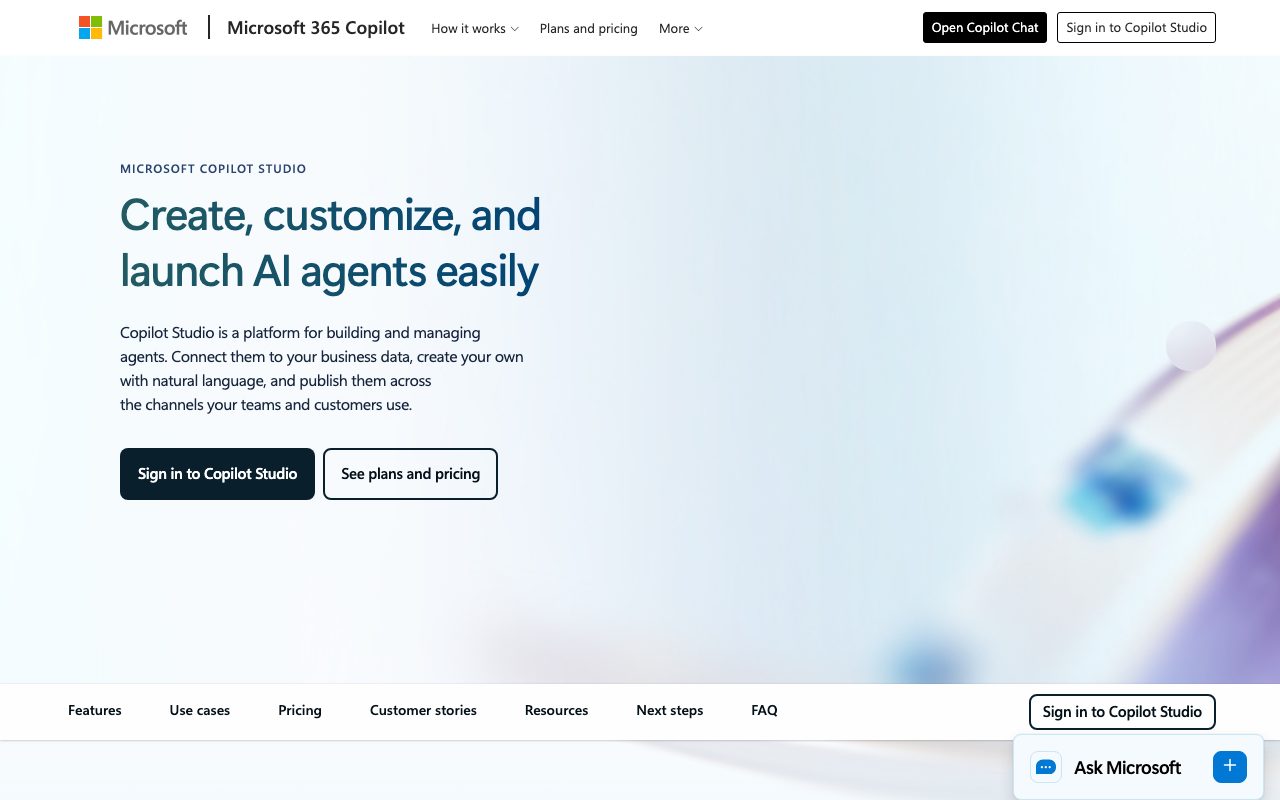
Microsoft Copilot Studio is an enterprise AI platform for designing, managing, and orchestrating autonomous and conversational agents grounded in Microsoft 365 data, Power Platform connectors, and external channels.
Microsoft Copilot Studio (incorporating the former Microsoft Power Virtual Agents) is Microsoft's centralized platform for building, customizing, and governing AI agents. It allows teams to create both conversational chatbots and autonomous agents using natural language prompts or visual workflow builders. Agents built in Copilot Studio can access organizational context via Work IQ—Microsoft's intelligence layer that connects Microsoft 365 content, line-of-business data, and Copilot Memory. In addition, Copilot Studio supports Model Context Protocol (MCP) servers, Azure AI Foundry models, and more than 1,400 prebuilt and custom Power Platform connectors. Models available within the platform include advanced frontier models such as GPT-5 and Anthropic model lineups. Deployment options cater to both internal workforces and external customer engagement. Internal agents deploy directly into Microsoft Teams, SharePoint, and Microsoft 365 Copilot Chat, while standalone agents can be published to public websites, custom mobile applications, interactive voice response (IVR) phone channels, and third-party messaging networks. Enterprise administration is centralized in the Power Platform admin center, Microsoft Purview, and Viva Insights for environment isolation, lifecycle management, security guardrails, and ROI analytics.
Deep native grounding in Microsoft 365 via Work IQ, native deployment directly inside Teams and Copilot Chat, combined with over 1,400 enterprise Power Platform connectors, Dataverse support, and unified governance through the Power Platform admin center.
Product capabilities
Key features
Conversational & Autonomous Agents
Build agents that converse naturally to guide workflows, or configure autonomous agents that plan, learn, dynamic-route, and escalate business tasks independently.
Work IQ Context Grounding
Ground agents in organizational knowledge and work patterns using Work IQ, semantic index datasets, Model Context Protocol (MCP) servers, and over 1,400 connectors.
Multi-Model Lineup
Select from leading AI foundation models, including OpenAI GPT-5 series and Anthropic models, to power agent reasoning and responses.
Interactive Voice Response (IVR)
Design voice and phone-based agents powered by generative AI to handle incoming inquiries and assist contact center operations.
Multi-Agent Orchestration
Coordinate multi-agent systems that route specialized tasks between different Microsoft or partner agents when complex cross-domain workflows arise.
Multi-Channel Deployment
Publish directly to internal Microsoft 365 apps like Teams, SharePoint, and Copilot Chat, or embed into public websites, custom apps, and social messaging channels.
Power Platform Enterprise Governance
Manage agent environments, track spend and ROI, inspect failed steps, control access, and enforce data protection via the Power Platform admin center and Microsoft Purview.
Practical fit
Who should use Microsoft Copilot Studio?
IT Support Automation
Automate ticket intake, categorization, initial triage, and employee communications with internal help-desk agents connected to IT systems.
HR Candidate Screening & Onboarding
Deploy HR assistant agents that screen and rank candidate submissions, summarize qualifications, and answer employee policy queries.
Finance Variance Detection
Run autonomous balance sheet reconciliation agents that identify ledger discrepancies and execute automated correction routines.
Legal Contract Review
Review agreements using agents configured to flag contractual deviations, pinpoint potential risk clauses, and suggest redlines.
Customer Service & Personalized Upsell
Handle customer inquiries across websites or telephony while identifying customer preferences to offer contextual product recommendations.
Editorial assessment
Pros and limitations
Where it is strong
- Native grounding in Microsoft 365 content, metadata, and Copilot Chat interfaces
- Access to over 1,400 external connectors and Model Context Protocol (MCP) servers
- Support for multi-model selection including OpenAI and Anthropic models
- Unified enterprise governance, audit logging, and security via Power Platform admin center and Microsoft Purview
- No-code natural language creation paired with deep low-code extensibility via flows and APIs
Where to be careful
- Standalone usage billing requires an Azure subscription to configure pay-as-you-go meters or pre-purchased credits
- External multi-channel deployments require credit pack purchases rather than being included in standard M365 Copilot seat licenses
- Credit-based pricing calculations can be complex to estimate across varying agent action types
Commercial context
Microsoft Copilot Studio pricing
At the review date, standalone Copilot Studio is sold as tenant-wide credit packs of 25,000 Copilot Credits for $200/pack/month, or as an Azure-linked pay-as-you-go meter. Microsoft 365 Copilot subscribers ($30/user/month paid yearly) get access to build and run internal agents at no additional cost. Verify current terms on the official Microsoft pricing page.
Pricing, limits, taxes, model access, and regional availability can change. Verify the purchase-critical details on the official pricing page linked under Sources.
Transparent ranking
Why Microsoft Copilot Studio scores 77
Each factor is scored on a 100-point scale, then combined using the public ToolsRank weights. Engagement and momentum stay at a neutral baseline until measured signals exist, so no tool can gain or lose position from numbers nobody recorded.
Compatibility
Languages, platforms, and integrations
Languages
- English
- French
- German
- Spanish
- Japanese
- Chinese (simplified and traditional)
Platforms
- Web
- Microsoft Teams
- SharePoint
- iOS
- Android
Integrations & surfaces
- Microsoft Teams
- Microsoft SharePoint
- Microsoft 365 Copilot
- Microsoft Dataverse
- Microsoft Power Platform
- Microsoft Purview
- Azure AI Foundry
- Azure AI Search
Community
Reviews and questions
No approved member reviews yet. Editorial factors above are the only rating on this page.
Reviews and questions come from Google-signed members and are checked by an editor before they appear.
Frequently asked
Microsoft Copilot Studio FAQ
What is Microsoft Copilot Studio?+
Copilot Studio is an end-to-end conversational AI platform for creating custom agents using natural language or a graphical interface. It allows organizations to design, test, govern, and publish agents to internal Microsoft 365 tools as well as external websites, apps, and messaging channels.
What happened to Microsoft Power Virtual Agents?+
Microsoft Power Virtual Agents has been rebranded and folded into Microsoft Copilot Studio. Its previous capabilities are retained alongside generative AI features, agent orchestration, and expanded model choices.
How is Copilot Studio licensed and billed?+
Copilot Studio is available under two primary models: users with a Microsoft 365 Copilot license ($30/user/month paid yearly) can build and run internal agents at no additional cost. To publish agents to external channels or allow non-licensed users access, organizations purchase tenant-wide Copilot Credit packs (25,000 credits for $200/month) or link an Azure subscription to use the pay-as-you-go meter.
What are Copilot Credits?+
Copilot Credits are a usage-based currency consumed when an agent performs tasks, answers questions, generates content, or triggers back-end actions. Both upfront pre-purchase credit packs and pay-as-you-go consumption draw against this meter.
What languages are supported by Copilot Studio?+
Copilot Studio supports Chinese (simplified and traditional), Czech, Danish, Dutch, English, Finnish, French, German, Greek, Hindi, Indonesian, Italian, Japanese, Korean, Norwegian, Polish, Portuguese (Brazilian), Russian, Spanish, Swedish, Thai, and Turkish.