
Direct answer
What is Miro AI?
Miro AI integrates generative assistance, visual AI workflows, and Model Context Protocol (MCP) connectivity directly into Miro's collaborative innovation canvas.
Miro AI brings generative capabilities and automated agents into Miro's shared visual workspace. Rather than working solely inside a text chat interface, Miro AI uses the surrounding context of the entire canvas—including sticky notes, diagrams, shapes, and tables—to power generation and structured problem solving. Key capabilities include generating and clustering sticky notes, creating diagrams and mind maps, building interactive wireframes and prototypes, and converting unstructured board brainstorming sessions into structured Miro Docs, slides, or task breakdowns. Miro AI also features Sidekicks—intelligent agents tailored to specific team roles—and Flows, which allow teams to build and scale repeatable, multi-step visual AI workflows across their workspace. In addition to in-app canvas generation, Miro AI includes a Model Context Protocol (MCP) server. This lets external coding assistants and LLMs such as Claude, Cursor, GitHub Copilot, and Gemini CLI read board context and write back to the board bidirectionally. Miro AI incorporates enterprise governance features such as regional data residency (EU, US, Australia, and Japan on Enterprise), sensitive content blocking, and ISO 42001 compliance standards.
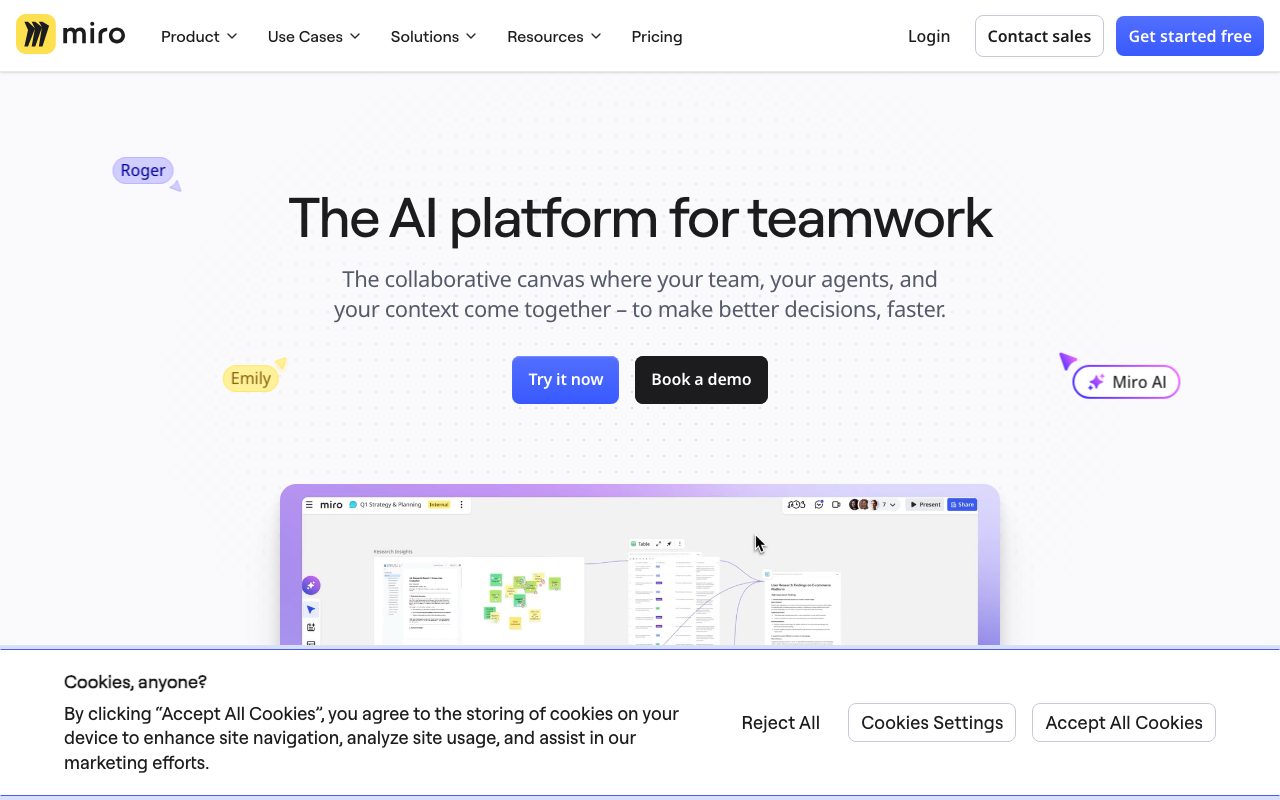
Miro AI treats the entire visual whiteboard canvas as a live prompt, letting teams turn visual brainstorms into clickable prototypes, structured documents, or system diagrams, and connects bidirectionally to external coding environments via an integrated MCP server.
Product capabilities
Key features
Canvas as a Prompt
Uses existing sticky notes, sketches, brainstorms, and frames on the board as contextual input to generate summaries, action plans, and structured content.
Interactive Prototypes and Wireframes
Generates clickable prototypes and UI wireframes directly on the canvas from text prompts, sketches, HTML, code, or board content.
AI Flows and Multi-Step Workflows
Visual, multi-step AI workflows that teams can assemble, run, and templatize together on the canvas to standardize recurring processes.
Sidekicks (AI Agents)
Role-aware AI agents that understand canvas context, ask clarifying questions, and manipulate native Miro objects like frames, timelines, kanbans, and diagrams.
Model Context Protocol (MCP) Server
Enables two-way context flow between Miro and external developer tools like Claude, Cursor, and GitHub Copilot to visualize code or generate architecture diagrams.
Miro Docs AI Integration
Converts board elements into structured text documents, summaries, and research highlights, with in-doc AI editing for clarity, tone adjustment, and translation.
Practical fit
Who should use Miro AI?
Workshop and Research Synthesis
Condense hundreds of workshop sticky notes and customer discovery findings into clear takeaways, action items, and structured documents.
Product Discovery and Prototyping
Convert feature requirement notes and early concept sketches into clickable interactive UI prototypes for fast team feedback.
Technical Architecture Mapping
Generate Mermaid, UML, and cloud architecture diagrams from engineering discussions, syncing context with developer tools using the MCP server.
Planning and Strategy Delivery
Transform visual goal-setting sessions into aligned OKRs, roadmaps, kanban boards, and project timelines.
Editorial assessment
Pros and limitations
Where it is strong
- Contextual intelligence reads spatial layouts, sticky notes, and boards rather than simple text prompts alone.
- Integrated MCP server allows bidirectional data flow with AI coding tools like Cursor, Claude, and Copilot.
- Offers visual workflow chaining (Flows) and role-tailored AI agents (Sidekicks) directly on the workspace.
- Enterprise-grade security controls including ISO 42001 compliance, audit logging, and regional data residency options.
Where to be careful
- AI usage is limited by monthly pooled credits that do not roll over across billing cycles.
- Advanced custom AI workflows, agents, and higher MCP call allotments require the more expensive Business or Enterprise tiers.
- The Free tier restricts AI experimentation to 10 credits per month and 3 editable boards.
Commercial context
Miro AI pricing
At the review date (2026-09-08), Miro provides a Free tier with 10 AI credits per month and 100 MCP calls per day. Paid plans with pooled AI credits include Starter ($8/member/month billed yearly, 25 credits/member) and Business ($20/member/month billed yearly, 50 credits/member). Enterprise requires custom pricing. Always check the official pricing page for updates.
Pricing, limits, taxes, model access, and regional availability can change. Verify the purchase-critical details on the official pricing page linked under Sources.
Transparent ranking
Why Miro AI scores 76.1
Each factor is scored on a 100-point scale, then combined using the public ToolsRank weights. Engagement and momentum stay at a neutral baseline until measured signals exist, so no tool can gain or lose position from numbers nobody recorded.
Compatibility
Languages, platforms, and integrations
Languages
- English
Integrations & surfaces
- Jira
- Slack
- Asana
- Linear
- ClickUp
- Azure DevOps
- Google Workspace
- Microsoft 365
- Cursor
- Claude
- GitHub Copilot
- Granola
Community
Reviews and questions
No approved member reviews yet. Editorial factors above are the only rating on this page.
Reviews and questions come from Google-signed members and are checked by an editor before they appear.
Frequently asked
Miro AI FAQ
What are Miro AI credits and how do they work?+
AI credits power Miro's AI suite, including content generation, synthesis, AI workflows, and agents. Credits vary by plan and are pooled org-wide, being consumed per AI action. Unused credits reset monthly and do not roll over to subsequent months.
Can I use Miro AI on the Free plan?+
Yes. The Free plan includes 10 monthly AI credits to try basic diagram, table, and summary generation, along with 100 daily MCP server calls, across up to 3 editable boards.
What is the Miro MCP server?+
The Model Context Protocol (MCP) server allows external AI tools—such as Claude, Cursor, GitHub Copilot, and Gemini CLI—to connect directly to Miro. It enables context to flow bidirectionally, allowing external tools to generate code from boards or visualize diagrams onto the canvas.
What security certifications does Miro AI hold?+
Miro provides ISO 42001 readiness/certification for artificial intelligence management, ISO/IEC 27001, SOC 2 Type II, SOC 3, TISAX, and GDPR compliance, alongside Enterprise Guard features for prompt blocking and data residency.


