Direct answer
What is Murf AI?
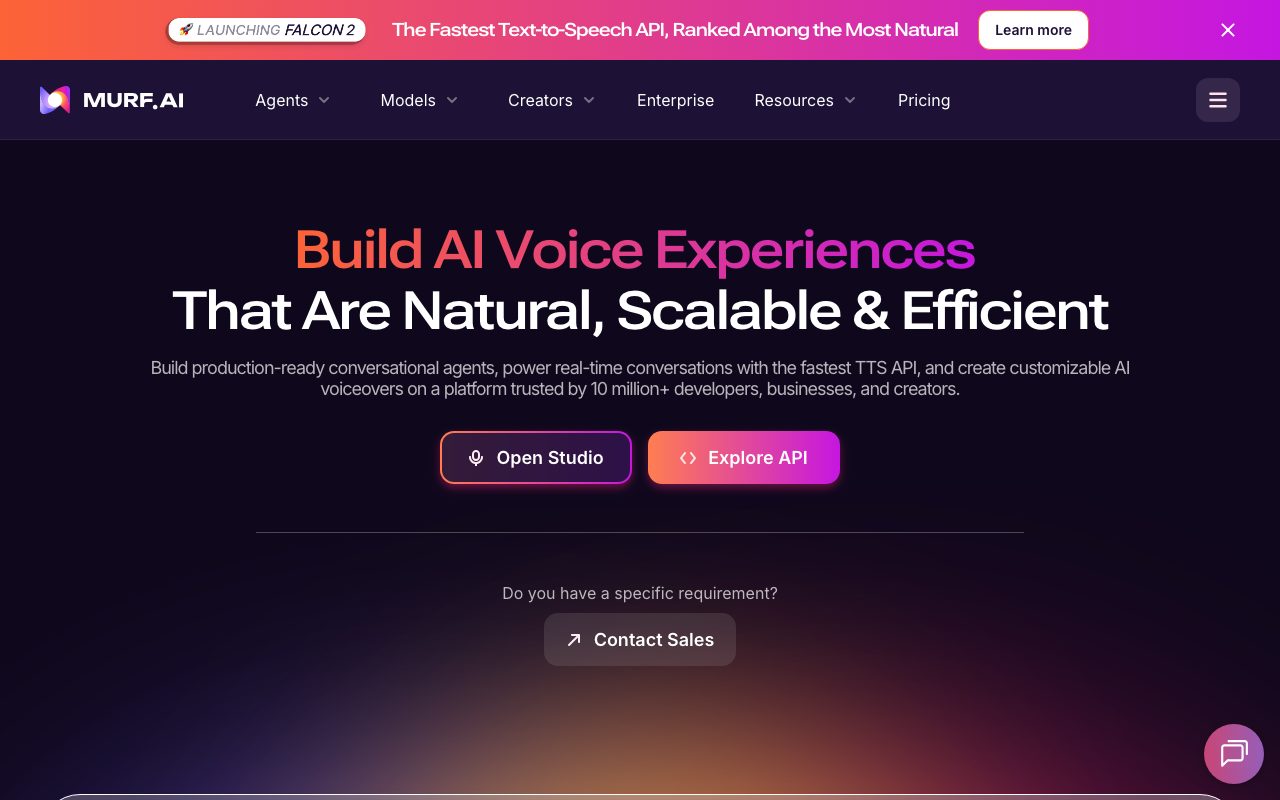
Murf converts scripts into natural voiceovers across many languages and voices, with fine control over pitch, pauses, and emphasis, and syncs audio with video and slides in its studio.
Murf's studio pairs text-to-speech with a timeline for aligning narration to video, images, and music. Users tune pronunciation, emphasis, and speed, clone voices on eligible plans, and dub content into other languages. It targets business content such as courses, explainers, and ads.
A production-oriented voiceover studio with granular speech controls and business-friendly licensing.
Product capabilities
Key features
Voice library
Hundreds of voices across languages and styles.
Speech controls
Pitch, pauses, emphasis, and pronunciation editing.
Studio timeline
Sync narration with video, slides, and music.
Dubbing and cloning
Translate audio and clone voices on eligible plans.
Practical fit
Who should use Murf AI?
Course narration
Produce consistent voiceovers for training modules.
Explainer videos
Narrate product demos without hiring talent.
Localised ads
Dub campaigns into multiple languages.
Editorial assessment
Pros and limitations
Where it is strong
- Granular speech control
- Studio workflow
- Commercial licensing
- Integrations for slides and design tools
Where to be careful
- Trial does not allow downloads
- Realism trails top voice labs
- Hour limits on plans
Commercial context
Murf AI pricing
A free trial provides limited generation without downloads; Creator, Business, and Enterprise plans add voice generation hours, commercial rights, and collaboration at the review date. Verify current terms on the official pricing page.
Pricing, limits, taxes, model access, and regional availability can change. Verify the purchase-critical details on the official pricing page linked under Sources.
Transparent ranking
Why Murf AI scores 68.8
Each factor is scored on a 100-point scale, then combined using the public ToolsRank weights. Engagement and momentum stay at a neutral baseline until measured signals exist, so no tool can gain or lose position from numbers nobody recorded.
Compatibility
Languages, platforms, and integrations
Languages
- 20+ languages
Platforms
- Web
- Google Slides add-on
- Canva app
- API
Integrations & surfaces
- Google Slides
- Canva
- API
- Video editors via export
Community
Reviews and questions
No approved member reviews yet. Editorial factors above are the only rating on this page.
Reviews and questions come from Google-signed members and are checked by an editor before they appear.
Frequently asked
Murf AI FAQ
What is Murf AI best for?+
Murf AI is best for producing controllable, licensed voiceovers for courses, explainers, and marketing videos in a studio workflow.
Is Murf AI free?+
A free trial allows limited generation without downloads; paid plans add hours and rights at the review date. Check the official pricing page.
How does ToolsRank score Murf AI?+
ToolsRank combines editorial quality, practical utility, trust and transparency, freshness, engagement quality, and momentum. Paid placement never changes the organic score.