
Direct answer
What is Speechify?
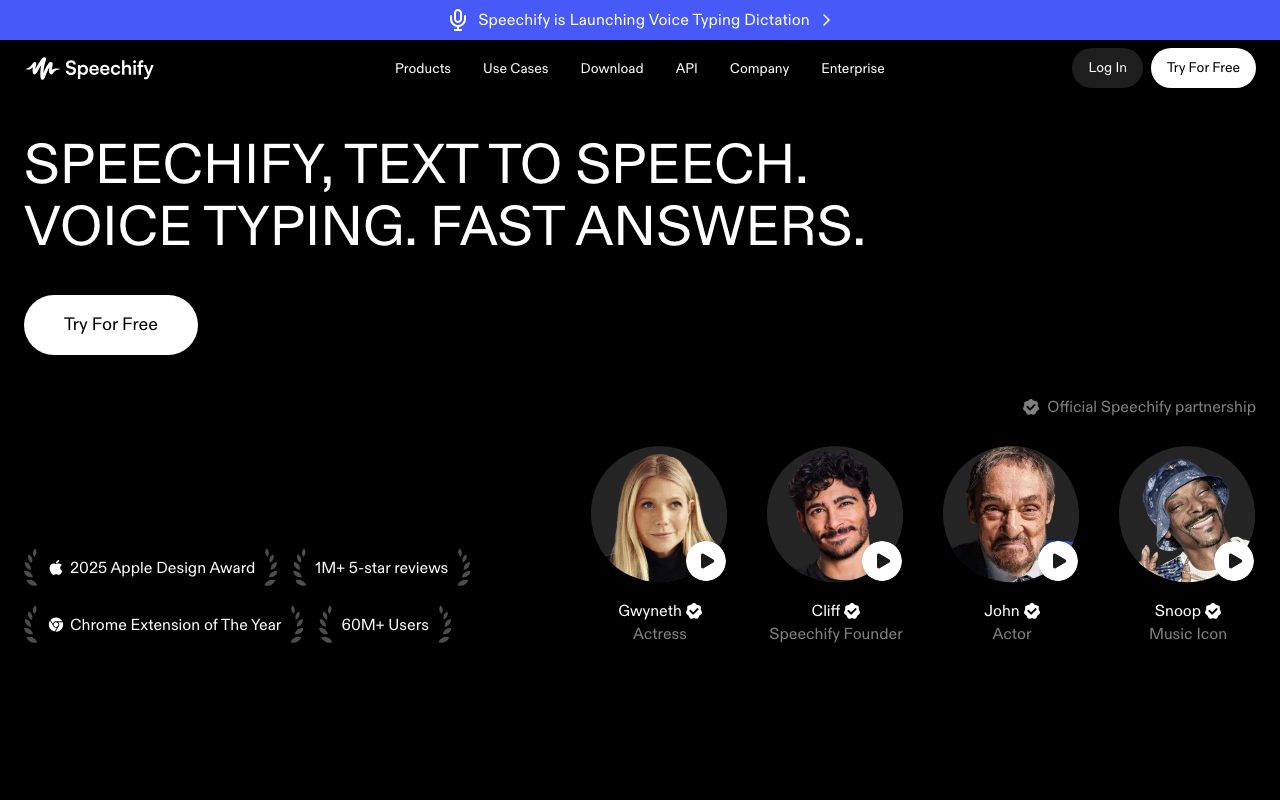
Speechify reads documents, web pages, and books aloud in natural voices, and its Studio and API extend the same voice models to voiceovers, cloning, and dubbing.
Speechify began as a reading tool for people with dyslexia and grew into a broad text-to-speech product: listen to PDFs, articles, and emails at adjustable speeds on any device, with celebrity and premium voices. Speechify Studio adds voiceover generation, voice cloning, AI dubbing, and avatars for creators, while the API exposes low-latency speech synthesis to developers.
A consumer-scale reading app paired with creator and developer voice tools, strong on accessibility and cross-device listening.
Product capabilities
Key features
Read anything aloud
PDFs, web pages, books, and email across apps and extensions.
Premium voices and speeds
Natural voices with adjustable playback up to very fast speeds.
Studio
Voiceovers, voice cloning, dubbing, and avatar videos for creators.
API
Text-to-speech endpoints for products.
Practical fit
Who should use Speechify?
Studying and reading
Listen to course materials and articles on the go.
Accessibility
Support readers with dyslexia or visual impairment.
Creator voiceovers
Narrate videos and dub content into other languages.
Editorial assessment
Pros and limitations
Where it is strong
- Excellent reading experience
- Broad device coverage
- Free tier
- Creator tools bundled
Where to be careful
- Premium voices require subscription
- Studio priced separately
- Voice realism trails top labs in some cases
Commercial context
Speechify pricing
The reader app is free with standard voices and limits; Premium adds premium voices and speeds, Studio adds voiceover, cloning, and dubbing for creators, and the API is priced by usage at the review date. Verify current terms on the official pricing page.
Pricing, limits, taxes, model access, and regional availability can change. Verify the purchase-critical details on the official pricing page linked under Sources.
Transparent ranking
Why Speechify scores 74
Each factor is scored on a 100-point scale, then combined using the public ToolsRank weights. Engagement and momentum stay at a neutral baseline until measured signals exist, so no tool can gain or lose position from numbers nobody recorded.
Compatibility
Languages, platforms, and integrations
Languages
- 60+ languages for reading and dubbing
Platforms
- Web
- iOS
- Android
- macOS
- Chrome extension
- API
Integrations & surfaces
- Chrome extension
- iOS and Android apps
- macOS app
- Google Docs
- API
Community
Reviews and questions
No approved member reviews yet. Editorial factors above are the only rating on this page.
Reviews and questions come from Google-signed members and are checked by an editor before they appear.
Frequently asked
Speechify FAQ
What is Speechify best for?+
Speechify is best for listening to documents, articles, and books in natural voices across devices, with creator voiceover and dubbing tools in Studio.
Is Speechify free?+
The reader is free with standard voices and limits; Premium, Studio, and API usage are paid at the review date. Check the official pricing page.
How does ToolsRank score Speechify?+
ToolsRank combines editorial quality, practical utility, trust and transparency, freshness, engagement quality, and momentum. Paid placement never changes the organic score.


