Direct answer
What is mymind?
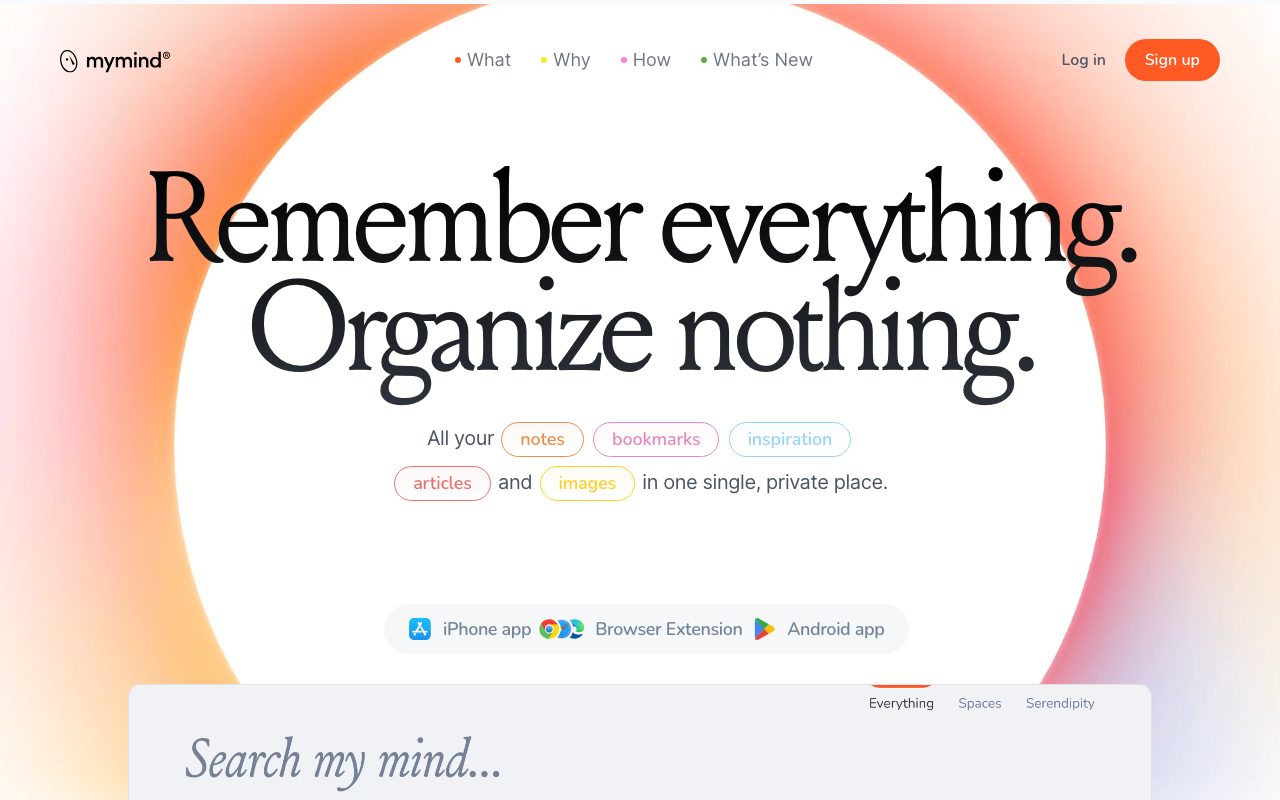
mymind is a private AI note-taking and bookmarking tool that automatically categorises, tags, and organises web clips, images, text highlights, and thoughts without requiring manual folder management.
mymind functions as a digital extension of personal memory, structured to eliminate filing, tagging, and folder hierarchies. Users save web links, quotes, product ideas, images, notes, and full-length articles using browser extensions and mobile apps. An underlying AI engine analyses each saved item to detect context, colour palettes, brands, item types (such as books, recipes, or articles), and text through OCR, storing everything in a unified searchable grid. Unlike traditional knowledge tools focused on collaboration, mymind explicitly avoids team sharing, social feeds, vanity metrics, tracking, and advertisements. It prioritises quiet, individual cognition with features such as distraction-free article reading, bidirectional linking between notes, and a focused text mode. Dynamic organisation happens through Smart Spaces, which group saved items automatically according to predefined parameters, while associative search enables querying by colour, keyword, date, or brand. To prevent information overload and forgotten entries, the application includes a Serendipity view that resurfaces older memories at a deliberate pace, and a Top of Mind area for pinning ongoing priorities. With desktop, browser, and mobile support, it synchronises items silently across client environments.
mymind strictly rejects folders, public feeds, and collaboration, relying entirely on visual and semantic AI indexing—including colour matching and link classification—to keep personal capture fast and completely private.
Product capabilities
Key features
Smart Bookmarking & Classification
Automatically identifies whether a saved URL is an article, recipe, book, or product, formatting the item cleanly without manual tagging.
Associative & Visual Search
Enables retrieval across notes and clips by keyword, detected colours, brands, image text, and dates.
Distraction-Free Reading
Extracts saved articles into a streamlined view, stripping pop-ups, ads, and page clutter.
Smart Spaces
Generates dynamic collections that automatically gather matching clips and notes based on user criteria.
Bidirectional Linking
Connects research notes and saved insights interactively to trace relationships across personal ideas.
Serendipity & Top of Mind
Surfaces forgotten archival items through a paced review mode while pinning active priorities to the main dashboard.
Focus Mode & Fast Capture
Provides quick note entry on mobile or desktop, with a distraction-free writing environment to expand ideas.
Practical fit
Who should use mymind?
Visual Moodboarding & Reference Archiving
Designers collect visual references and image assets that can later be searched by colour, brand, or content without folder structures.
Article Reading & Thought Capture
Writers and researchers strip clutter from web essays, highlight excerpts, and connect notes via bidirectional links.
Private Idea Staging
Solo professionals pin shifting priorities to Top of Mind while keeping an uncensored archive away from public social feeds.
Editorial assessment
Pros and limitations
Where it is strong
- Eliminates manual tagging and folder maintenance through automated AI indexing
- Associative search covers text recognition (OCR), detected brands, and visual colours
- Absolute focus on privacy with no ads, tracking, social feeds, or shared collaboration pressure
- Distraction-free article reader built directly into the interface
- Available across major desktop browsers and mobile operating systems
Where to be careful
- Contains no collaboration or sharing features by design, making it unusable for team repositories
- Specific subscription pricing and plan limits are not transparently detailed on the main homepage
- Lack of rigid folder trees may disorient users who prefer manual hierarchical filing systems
Commercial context
mymind pricing
At the review date, the vendor offers a free signup option alongside dedicated pricing tiers referenced on its site, but specific tier prices and storage caps are not published on the reviewed homepage and should be verified on the official pricing page.
Pricing, limits, taxes, model access, and regional availability can change. Verify the purchase-critical details on the official pricing page linked under Sources.
Transparent ranking
Why mymind scores 73.2
Each factor is scored on a 100-point scale, then combined using the public ToolsRank weights. Engagement and momentum stay at a neutral baseline until measured signals exist, so no tool can gain or lose position from numbers nobody recorded.
Compatibility
Languages, platforms, and integrations
Languages
- English
Platforms
- Web
- iOS
- Android
- macOS
- Chrome Extension
- Safari Extension
- Edge Extension
Integrations & surfaces
- Google Chrome
- Apple Safari
- Microsoft Edge
- iOS
- Android
- macOS
Community
Reviews and questions
No approved member reviews yet. Editorial factors above are the only rating on this page.
Reviews and questions come from Google-signed members and are checked by an editor before they appear.
Frequently asked
mymind FAQ
Does mymind allow sharing notes or collaborating with teams?+
No. By design and manifesto, mymind explicitly excludes social features, team collaboration, public vanity metrics, and sharing mechanisms. It is built strictly as a personal, private utility.
How does mymind organize saved bookmarks and images without folders?+
The platform uses AI text recognition, contextual classification, and visual analysis to automatically identify item types (like books, recipes, and products), tags, and colour palettes. Items can be retrieved via associative search or grouped automatically into Smart Spaces.
What platforms and browsers are supported?+
mymind provides browser extensions for Chrome, Safari, and Edge, alongside dedicated applications for iOS, Android, and macOS.
Can I read saved web articles without website ads?+
Yes. mymind includes a dedicated reader mode that strips out pop-ups, promotional ads, and surrounding web clutter, saving clean versions of full articles for distraction-free reading.